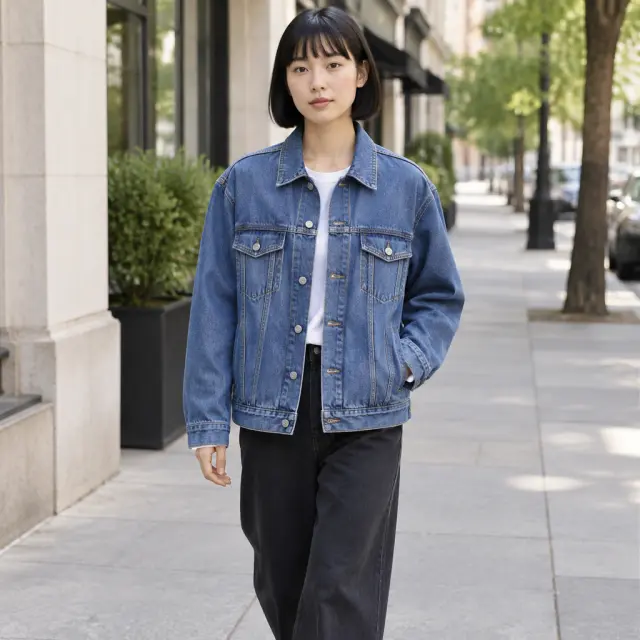
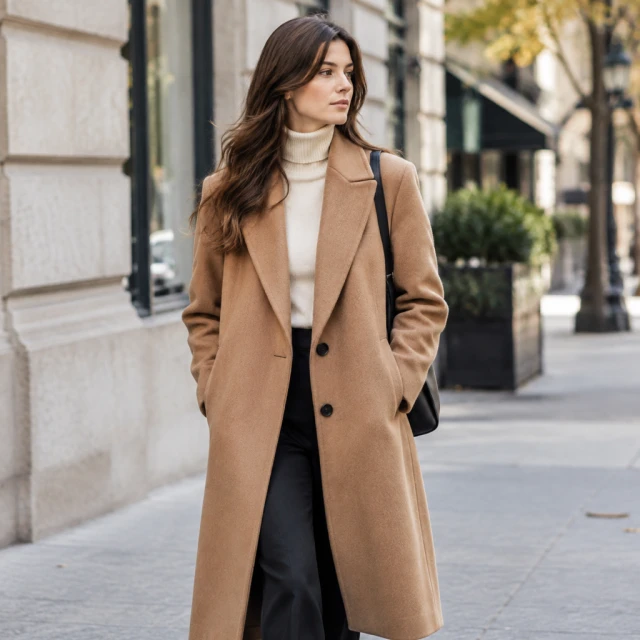
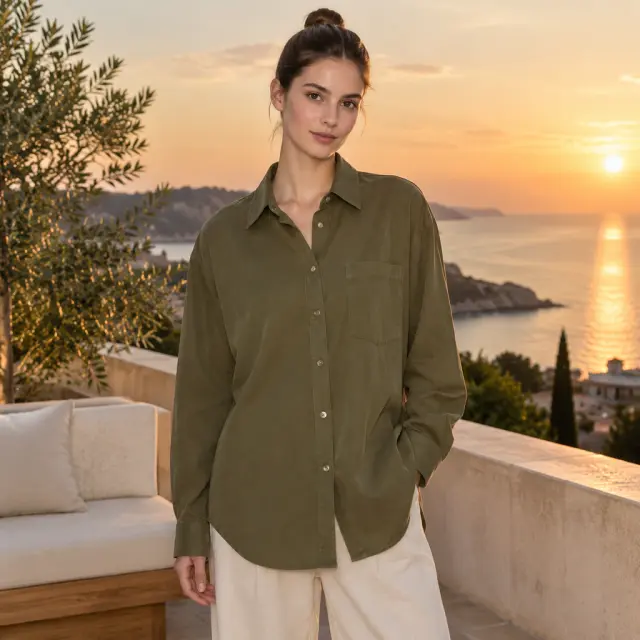
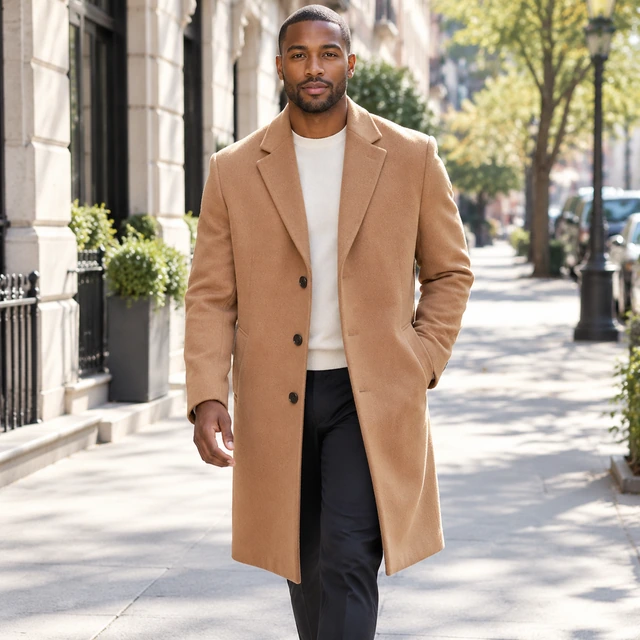
Worn Photos Without a Fitting

Show Products on Lifelike AI Fashion Models

Skip the styling, the studio, and shipping samples around. Place your catalog on realistic virtual models in minutes.

Drop your product photo hereJPG, PNG or WebP · any clear photo works
Photo Your clothing itemLook Casual everyday clothesSize Square (1:1)
Show my item on a person →See the cost before you start

Plans from $24.50 a month. You see the credit cost before every job, and if a job fails its credits go back to your balance.

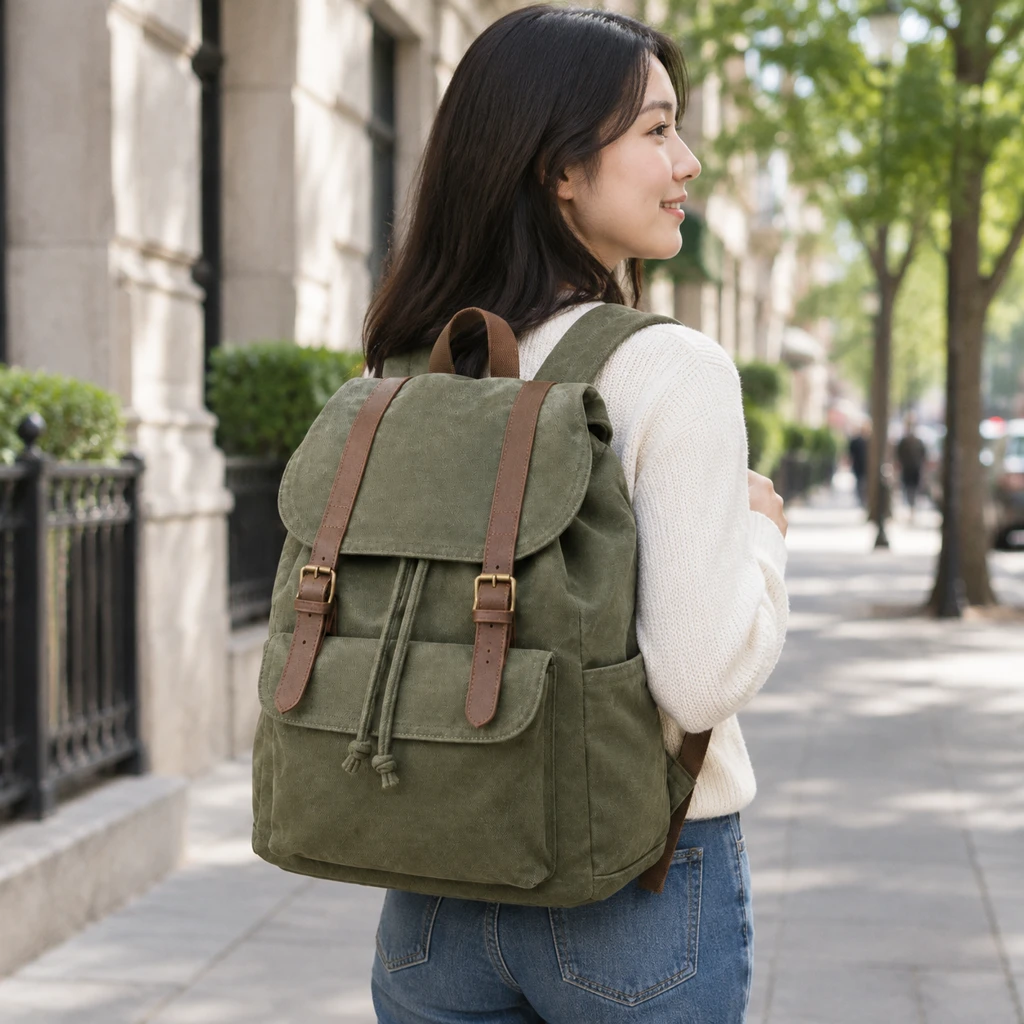
Adult wearing a canvas backpack on a city walk, candid pose and full pack visible.Result
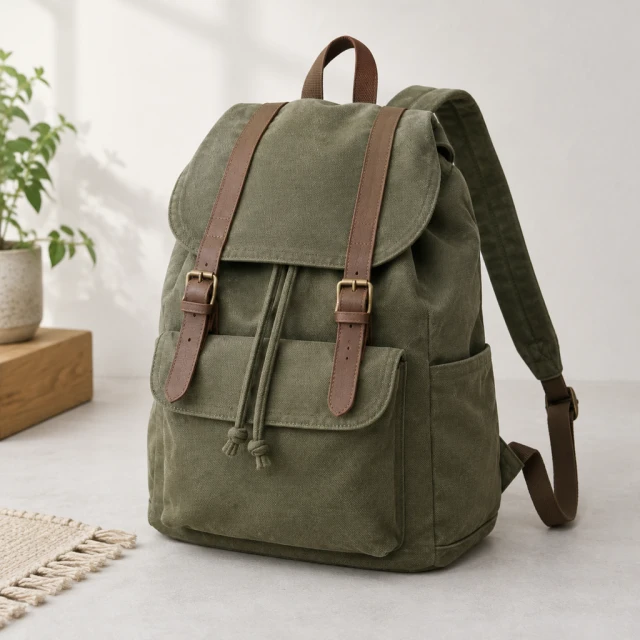
Your productCanvas backpack alone on a pale studio surface, full outline and straps visible.
Why use it

Picture Every Product on an AI Fashion Model

See the outfit worn before a casting or a studio day slows the drop.

Launch New Collections Without the Studio

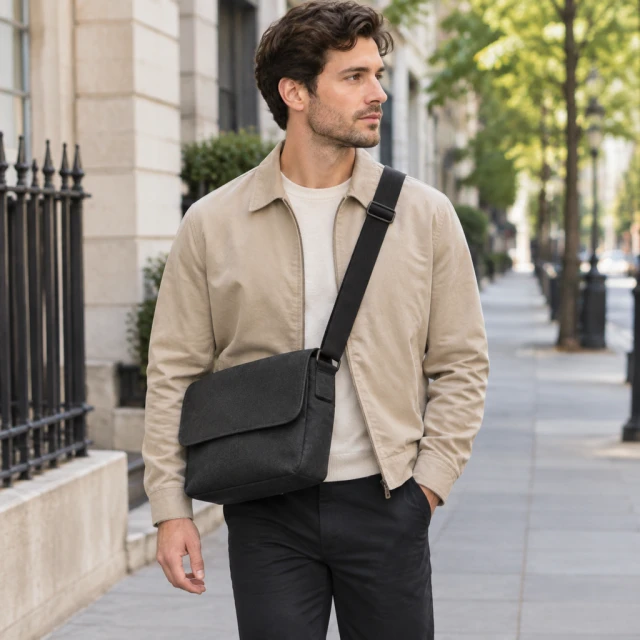
Getting the model, the photographer, and the stylist into one day slows every drop, and one late hour can hold the whole launch. Upload several product photos and see the outfit on a realistic virtual model right away. You skip the casting and the studio booking. Preview the set and refresh the listing in minutes so you can sell sooner.

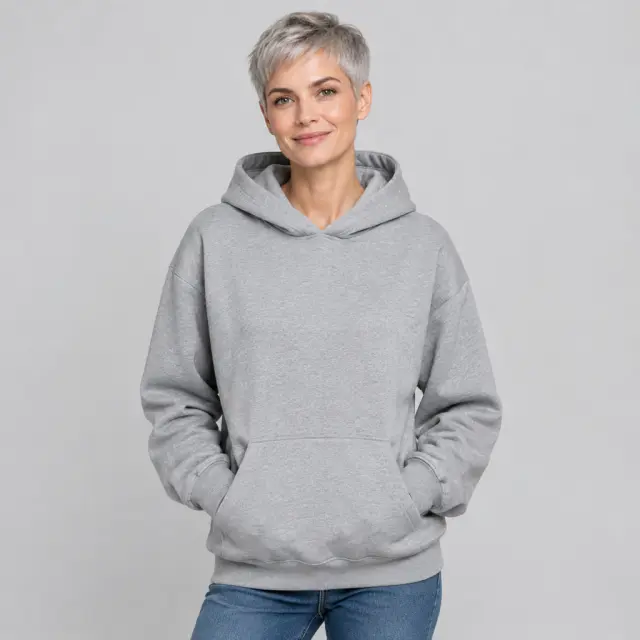
An adult woman with short silver hair wears a plain heather-gray hoodie in a studio.

Keep Product Photos Consistent on Every Channel

Light and pose shift every time you book a new shoot, so the catalog stops looking like one brand. Tops, jewelry, eyewear, and the rest of the line can share one model and one setting. Shoppers then recognize the line on your site, in the marketplace, and in the lookbook. Save that model and reuse it on the next collection.

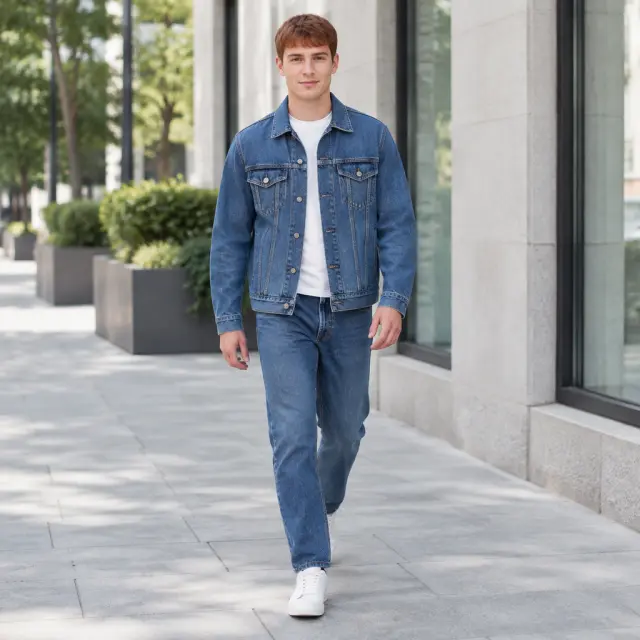
An adult man with short auburn hair wears a plain denim jacket on a sidewalk.

Boost Conversions With Realistic Virtual Models

Shoppers look closer when they can picture the piece on a body. Show how it sits, how the fabric falls, and how the cut reads. Pair the worn photo with a flat lay, or with a hanger shot that has nobody in it. Pick models of different ages and body types, then download a sharp file for the page.

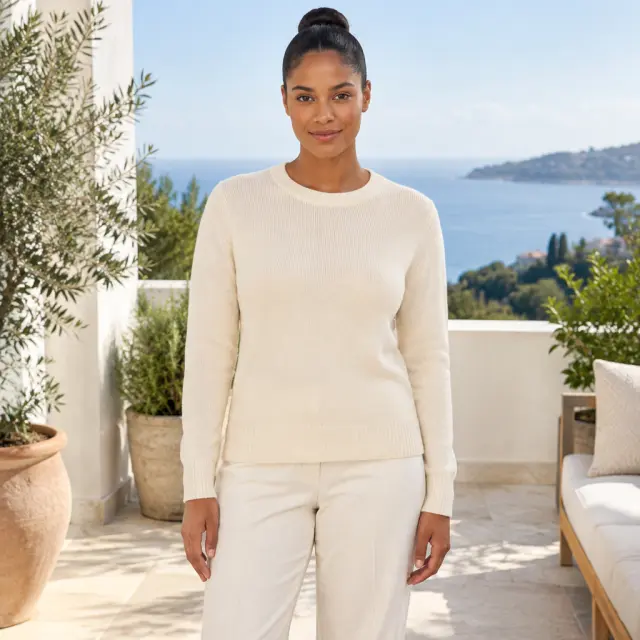
An adult woman with a tight bun wears a plain cream knit top on a bright terrace.
Why sellers use it

Scale the Catalog With Virtual Models

One saved model can cover the next color, the next channel, and the next drop.

Save the Model and Reuse It

The face and the pose that fit the line stay saved. The next piece starts from that model, so you are not casting again.

Jewelry and Eyewear on a Model

A thin chain or a pair of glasses reads more clearly on a person. Use the jewelry page for that tight frame, and keep the clasp in view.

One Look on the Site and the Marketplace

Publish the worn photo on your own page first. When that file also goes to an Amazon listing, point the Shopify collection at the same photo so the shop still looks like one brand.

Hold the Pose and the Light

Pick the pose and the setting once. The next color inherits both, so the catalog does not shift every time you add a shade.

What you can count on

What Sellers Notice After the Worn Photo

The change shows up in the listing, the photo bill, and how much of the catalog looks ready.

Shoppers Can Picture the Piece

A worn photo helps a shopper see the product on a body, which is what turns a glance into a closer look.

A Smaller Photography Bill

You skip model day rates, studio rental, and a round of retouching. Each worn photo is 24 credits, and that charge is shown before it runs.

More of the Catalog Can Sell

Hero pieces used to get the only shoot. The rest of the line can get a worn photo too, so more styles look ready to buy.

One Look the Buyer Recognizes

A buyer moving from one style to the next still feels they are in your shop. The saved setting and the same model do that.

For the Longer Catalog

Worn Photos for a Longer Catalog

Flat photos already in the folder can become worn views once the list outgrows a fitting day.

Flat Lay Next to the Worn View

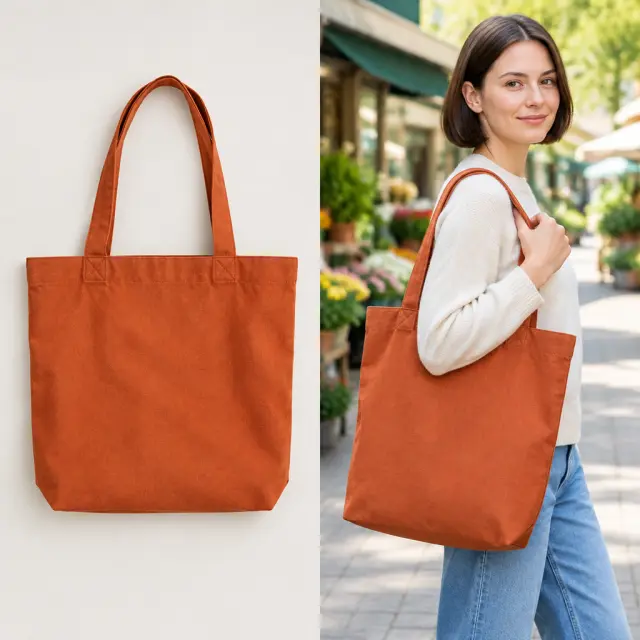
Shoppers can compare the piece laid flat, on an empty hanger, or on a shoulder. The next color can reuse that same pairing.

A rust-orange tote is laid flat, and an adult carries the same tote on one shoulder.

One Model Across the Whole Drop

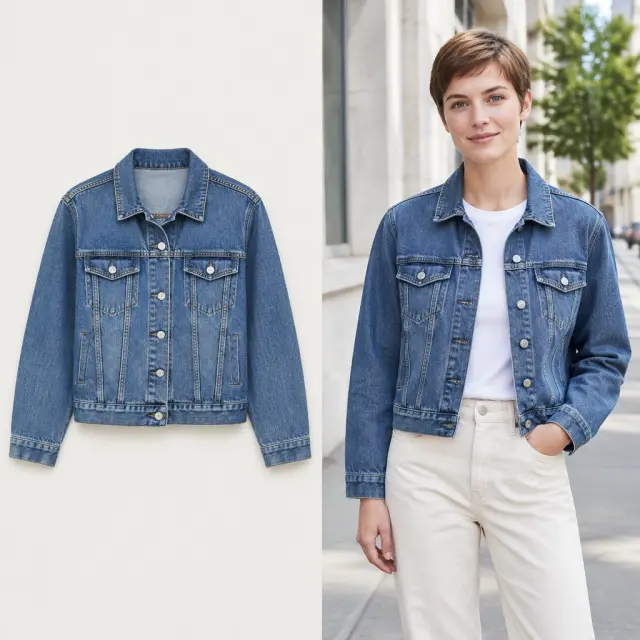
Styles in the same drop share one model. The collar and the color stay recognizable from one product page to the next.

The same denim jacket is laid flat and worn by an adult.

A New Model for the Next Drop

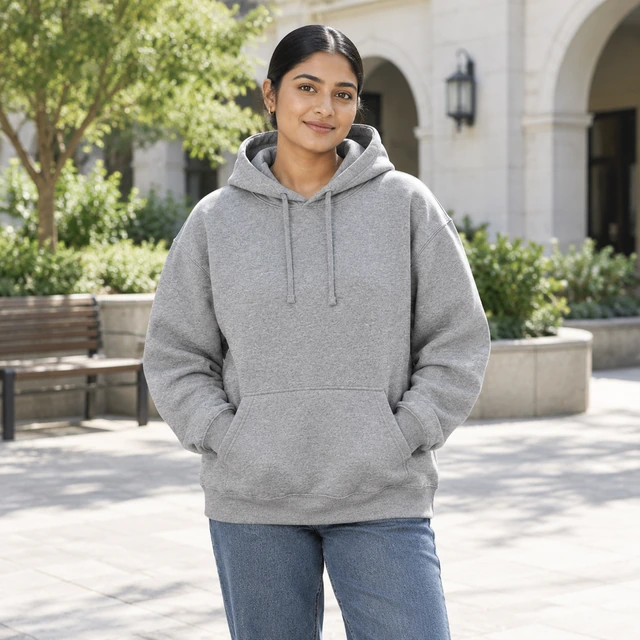
The next collection can wear a new model or a new setting, and you do not need a new garment photo. A plain backdrop can come from that same file.

An adult woman with a tight low bun wears a heather-gray hoodie in a bright courtyard.
How it works

How to Make AI Fashion Model Photos in 3 Simple Steps

A flat photo, or a photo of someone already wearing the piece, is enough.

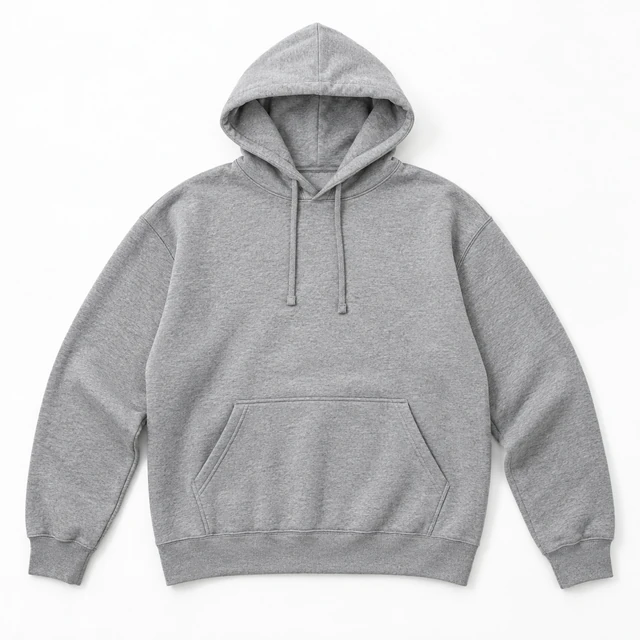
Heather-gray pullover hoodie laid flat on a pale background, with hood, drawstrings and front pocket visible.
Your Clothing PhotoKeep the complete hoodie, hood, drawstrings and pocket visible.
Step 01

Upload a Clothing Product Photo

Pick the product photo you want on a virtual model. A flat lay works, and so does a photo of someone wearing it.

City streetStudioTerrace
Cost24 credits
Show my item on a person →
Step 02

Choose a Generated Model

Pick a model that fits the brand, then pick the pose and the background you want on the listing.

Adult man with short hair wearing a heather-gray pullover hoodie on a tree-lined sidewalk, facing camera.
Step 03

Download the Worn Photo

Choose a tall, wide, or square frame. In a few seconds the download shows your product on the model you picked.

Where it runs

Your Complete Set of Photo Tools

Make and edit product photos for every channel, from a single file to the full catalog.

FAQ

Frequently Asked Questions

Can I use this for the store and the lookbook?

Yes. Use matching model photos across product pages and lookbooks. Change the background and lighting to keep the collection consistent.

What image sizes can I download?

Choose tall, square, or wide photos for your store and ads. Available sizes include 9:16, 1:1, 4:3, 16:9, and 3:4.

How close is a virtual model to a studio photo?

Virtual model photos can look like studio images with natural poses and light. Check fabric, fit, and small details against the real item before publishing.

How does a virtual model photo get made for clothing?

Upload a clear garment photo and choose a virtual model. The tool places your clothing on a lifelike person with natural lighting, without a studio shoot.

What if a small print looks different?

Check each finished photo against the garment before posting. If a print or seam looks wrong, change the image and make another version.

Can I put my own products on a virtual model?

Yes. Upload the clothing or accessory you sell and choose a virtual model to wear it. You can make catalog photos in minutes.

Can I publish these photos on my store and in ads?

Yes. Use watermark-free model photos on product pages and in paid ads. Keep a clear product photo alongside them when shoppers need to inspect details.

Can I make virtual model photos through an API?

Yes. You can send garment photos from your store software through the API. This helps create model photos for a large catalog.

How can virtual models help my fashion shop?

They put your clothing on lifelike models without a shoot. Make consistent photos for product pages, lookbooks, and ads in minutes.

Can I create model photos for an entire collection?

Yes. Create on-model photos for each item or color in your collection. One photo costs 24 credits, so you can plan the cost before starting.

Related Pages

More Tools for Product Visuals

Clean backdrops, new scenes, and worn views for the listing and the ad.