 AIVIDEOSUGC
AI Video Ads Generator: Creator-Style Clips for Your Shop
This AI video ads generator builds a short ad from a product photo or a listing. You get a script, a presenter, and a voice, and you read the line before it goes out.
What Is the AI Video Ads Generator?
It makes a short ad for you: a script, an AI presenter, a voice, and the edit. Start from a product, a short note, or a link. No filming, no editing app, and no crew.
Publish it on Instagram, Facebook, or TikTok. Each ad is made to run in the shape a paid placement expects.
See a Finished Ad Before You Make Yours
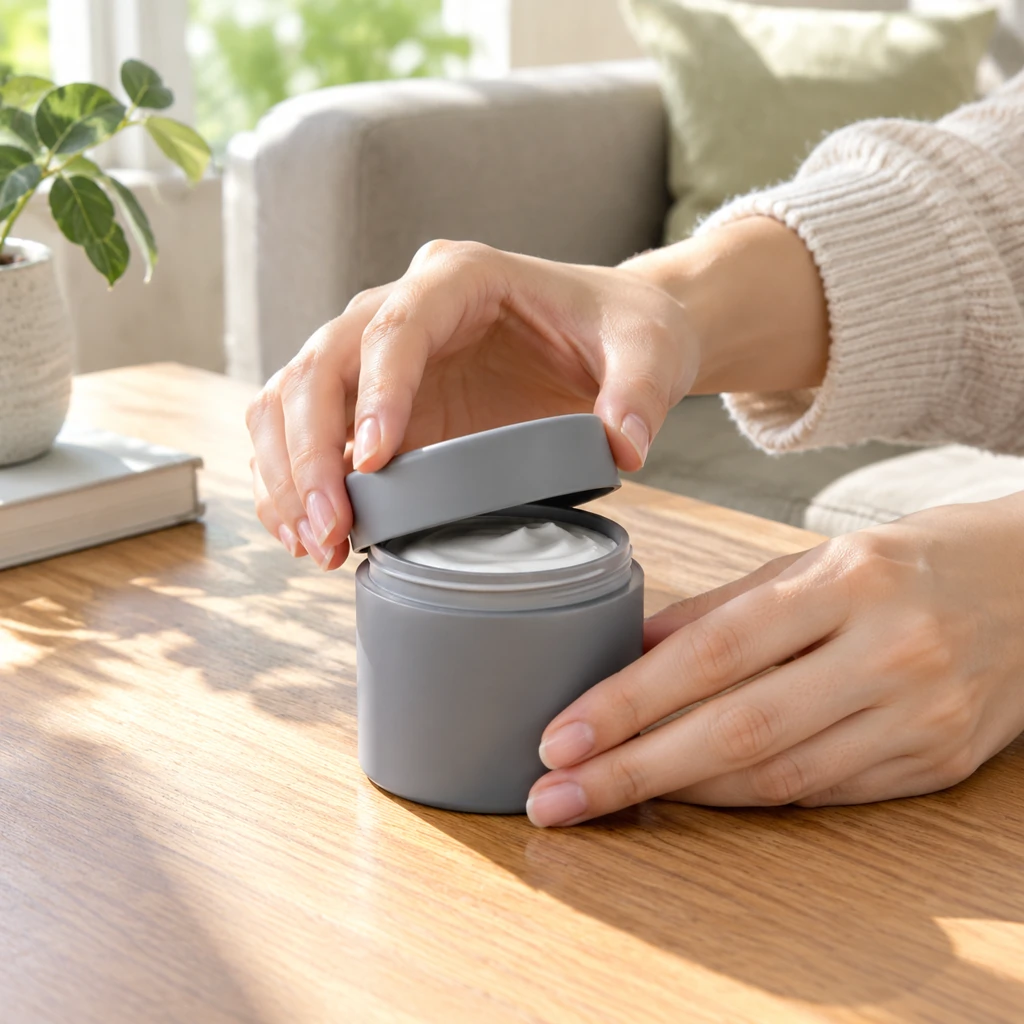
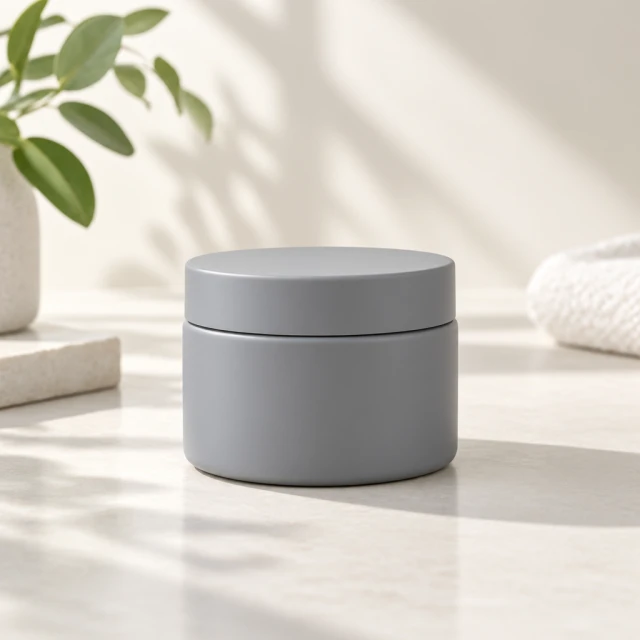
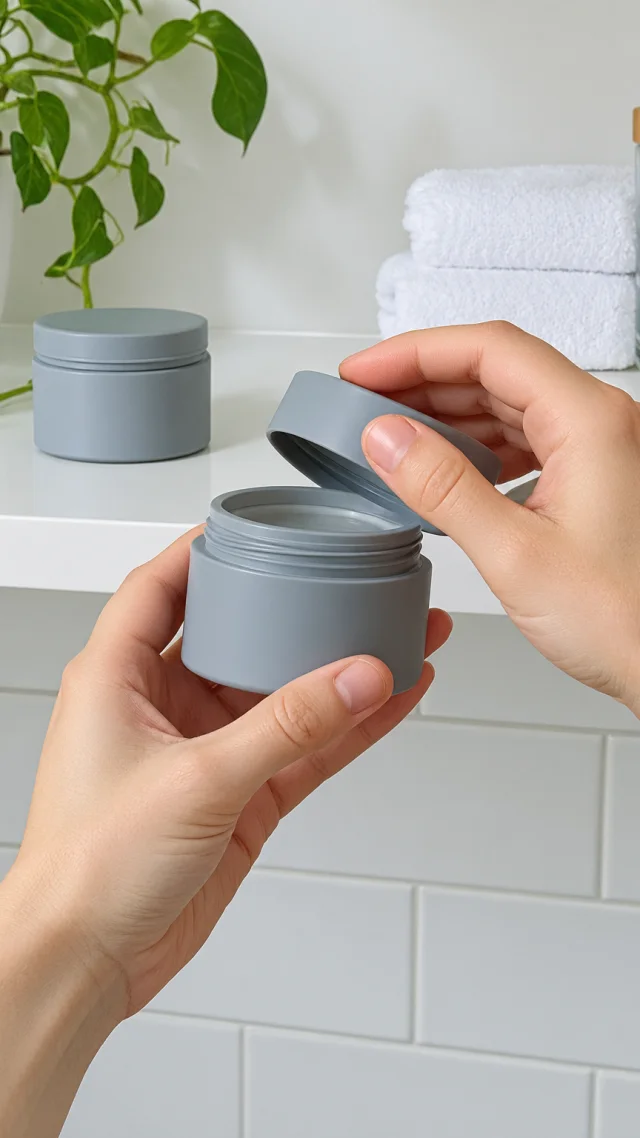
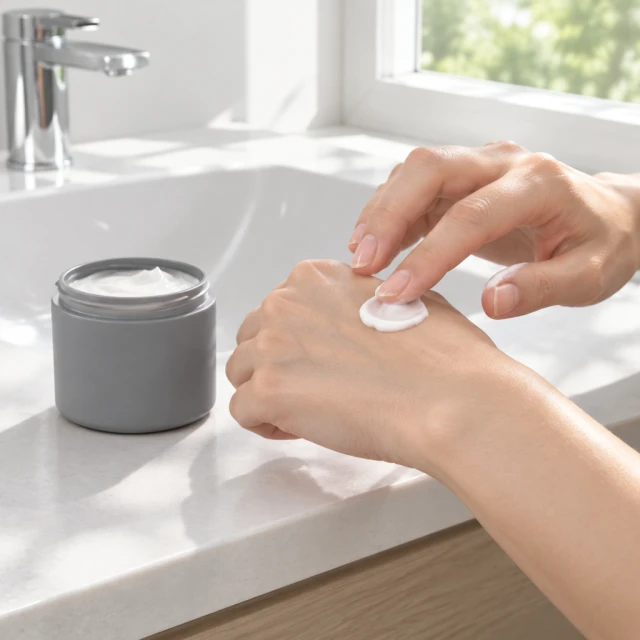
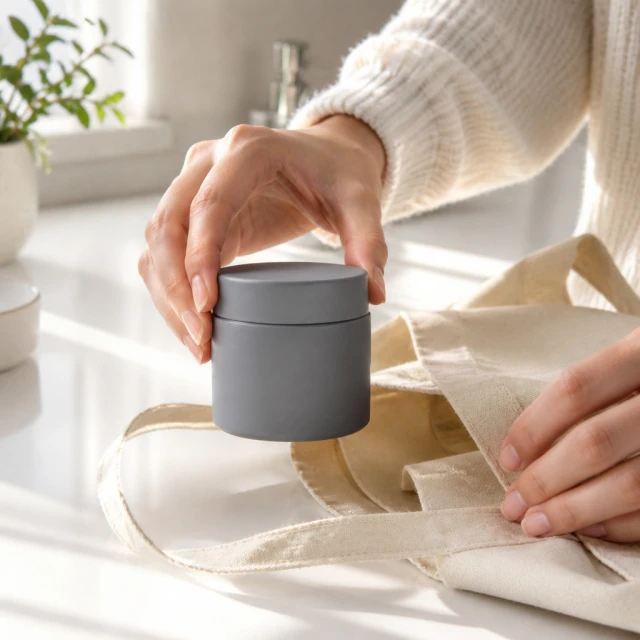
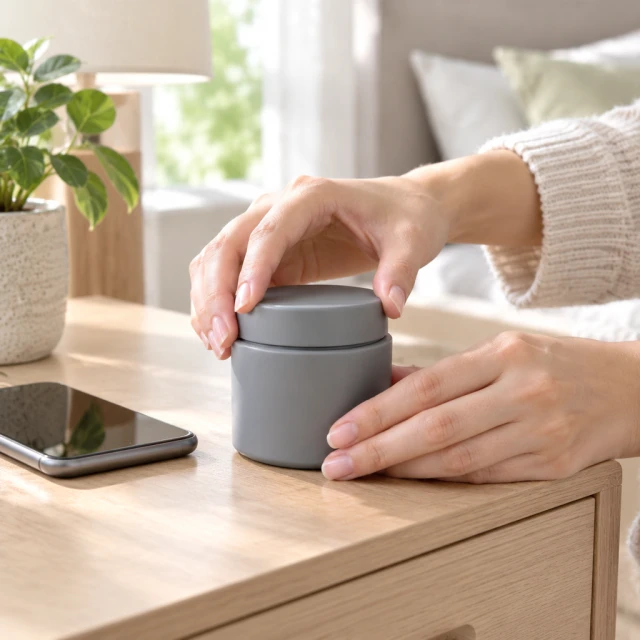
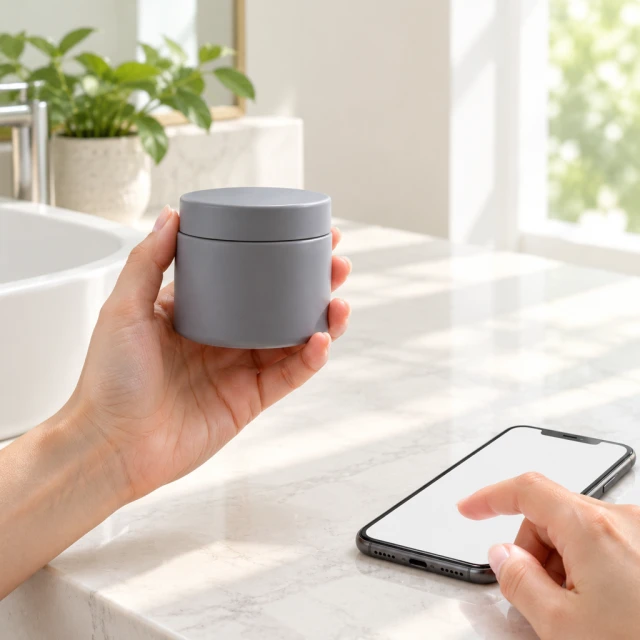
Look at a finished ad before you make your own. The jar in these photos shows a hand, a lid, and a shelf.
Make yours tall for a story, square for a feed, or wide when the placement asks. Your real product should stay in the opening frame.
Why Use This AI Video Ads Generator
Scripted From What You Sell. The line comes from your product or your note, so the hook is about what you actually sell.
Ready for a Paid Placement. The file comes back in the shape a paid feed expects. You do not prep a raw clip before launch.
More Than One Style. You can get another presenter, another hook, or another tone, and keep the one that fits.
How to Make Video Ads With AI in 3 Simple Steps
Upload Your Product Photo. Paste a listing or name the first action, such as a hand lifting a lid.
Share Your Video Idea. You get a clip back with someone speaking. The line can show how the product is used.
Download and Post. Save the file and put it in the ad account you already use. Use the tall file for a story and the square for a feed.
Paste the listing in URL to video, or choose the face in the actor library. A second opening is another job from the same photo.
What You Gain From AI Video Ads
Speed. You get a full ad, with a script, a presenter, a voice, and the edit, in minutes. You do not email a brief or book a shoot.
A Plan Instead of a Day Rate. See the plans on the pricing page. Starter is $24.50 a month for 200 credits, Pro is $35 for 300, and Premium is $63 for 600.
More Versions From One Photo. Change the hook, the script, the presenter, or the shape, and test them without booking another shoot.
A Fresh Opening. When shoppers have seen one opening too often, make a new presenter, a new hook, or a new shape.
On Brand Each Time. You pick the script, the tone, the presenter, and the look. The ad follows that brief.
Rights to Run the Ad. A finished clip on a paid plan can go into paid placements, and it has no watermark.
More Ways to Post the Ad
You make short videos and photos in the video toolkit, then post them.
You put the ad on the product page with Shopify.
You post it tall for Reels or square for the feed with Instagram ads.
If your store software should request a clip for each product, use the contact page to ask for that connection.
You describe the ad and let AI video ads finish a file you can post.
You start from a look you already like in the template gallery, and swap in your product.
AIVideosUGC vs a Filming Day
Speed. You start from a photo or a listing and get a clip in minutes. Booking a crew takes days.
Cost. Those jobs draw from the credits on your plan. You are not collecting a new quote for each opening.
More Versions. Another hook is another clip from the same photo, not another day on a set.
You Keep the Wording. You set the script, the tone, and the presenter. You can export again after a change.
Rights. A paid-plan file can run as an ad, with no watermark. You are not waiting on a creator to clear it.
The Next Product. When the next photo is ready, start the same way and get another clip.
How Shops Use These Ads
A skincare shop starts from the product photo, makes a tall clip of one action, and posts it where that product already sells.
A listing manager keeps the product in a hand from the first second to the last, then checks it against the real item.
The person who packs orders makes the spoken ad from a daylight photo on the shelf.
A shop owner approves a still of the real product before anyone asks for a clip.
What Should the Clip Start With?
Open with the product already in a hand, the way it comes out of the bag.
Show one action, such as a lid twist or a lift onto the counter. Ten seconds has room for that moment and a short look at the room.
How Long Should the Ad Be?
Use 6 or 10 seconds for one action, 15 when the product has to be used, and 30 for a fuller showing. Pick 9:16 so the clip fills the phone.
Six seconds is 24 credits. Ten seconds is 40, fifteen is 60, and thirty is 120. You see the number before you start.
Use 1:1 for a square post, 16:9 for a wide screen, and 3:4 or 4:3 when the placement asks. For a clip of the product in use, start with product videos.
What Comes With the File?
The file includes the spoken line, captions, and music you can run in an ad. Read the captions before you publish, and fix a wrong word first.
Put the words in the upper middle of a tall video, clear of the buttons at the bottom and the right edge. Use a face from the actor library and a logo you own. The Content Policy says what can be uploaded.
Can I Present the Avatar as Someone Who Bought It?
No. The face is generated, so the line stays on the product and how it is used.
The face is not a buyer. Make another version when you want a new room or a new first action, then post that test.
Make the Ad From Your Photo
Read the spoken line, then post the clip in the length you picked.
The download has no watermark, so you can run the clip as an ad.