 AIVIDEOSUGC
Skip Studios and Retouching
Skip the studio day, the freelancer, and the retouch queue. The post still looks ready for the feed.
Make social media posts that earn a second look. Clear visuals, ready in minutes from a photo on your phone, with no studio and no shoot.
Plans from $24.50 a month. You see the credit cost before every job, and if a job fails its credits go back to your balance.
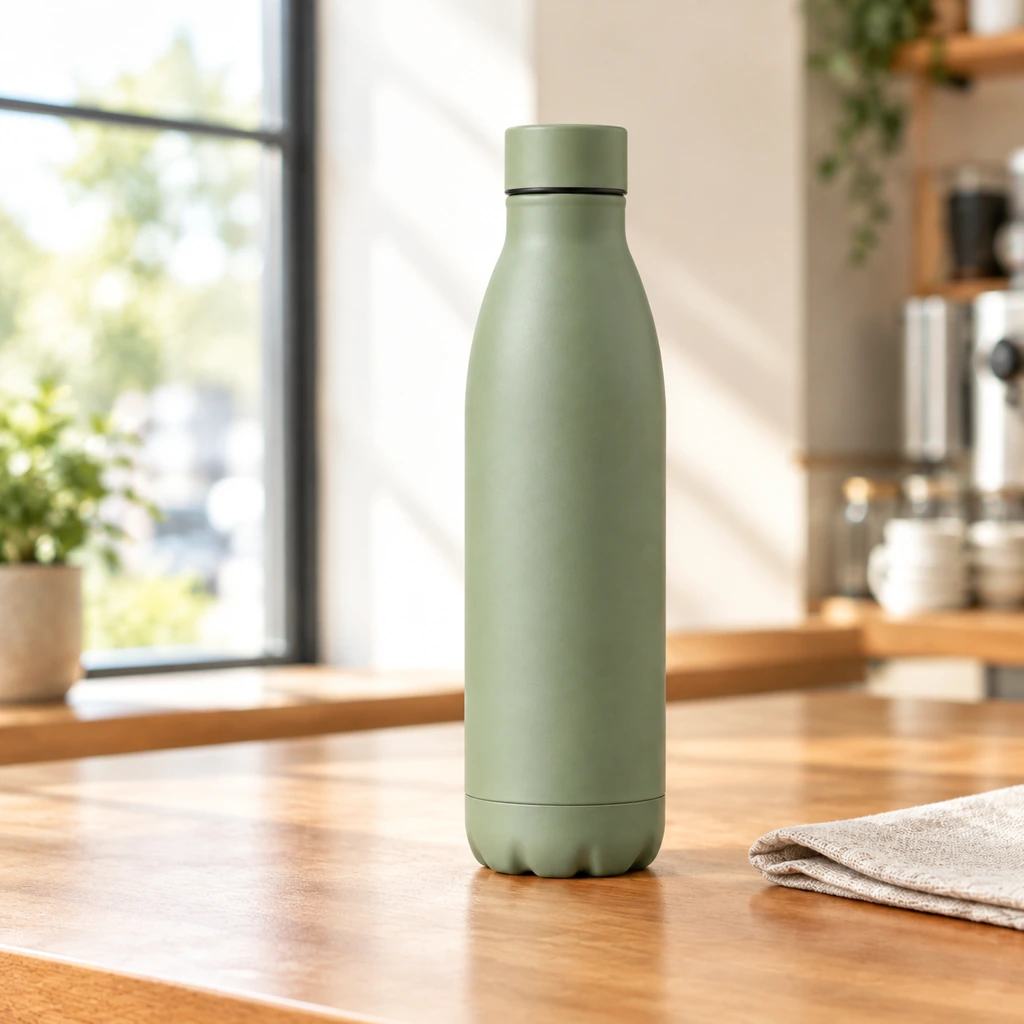 Result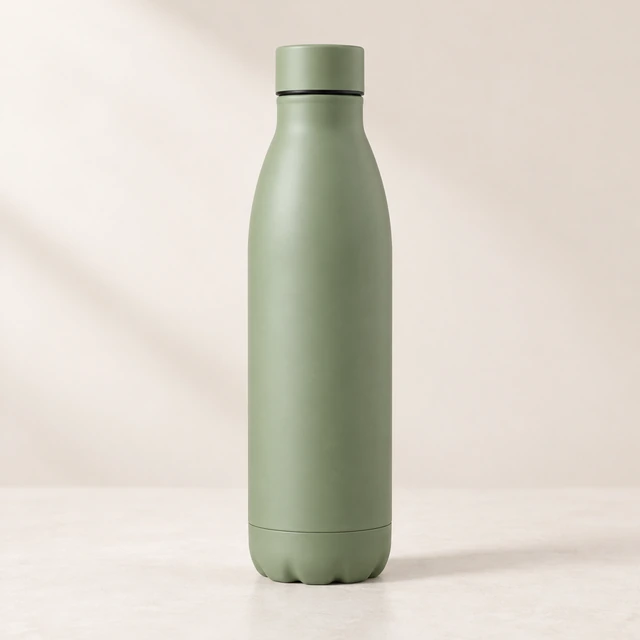
The product stays clear, and you still have room for the line you add later.
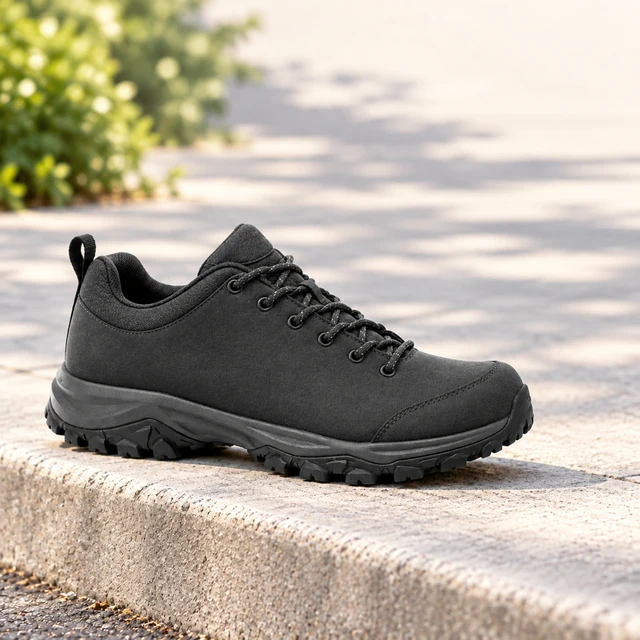
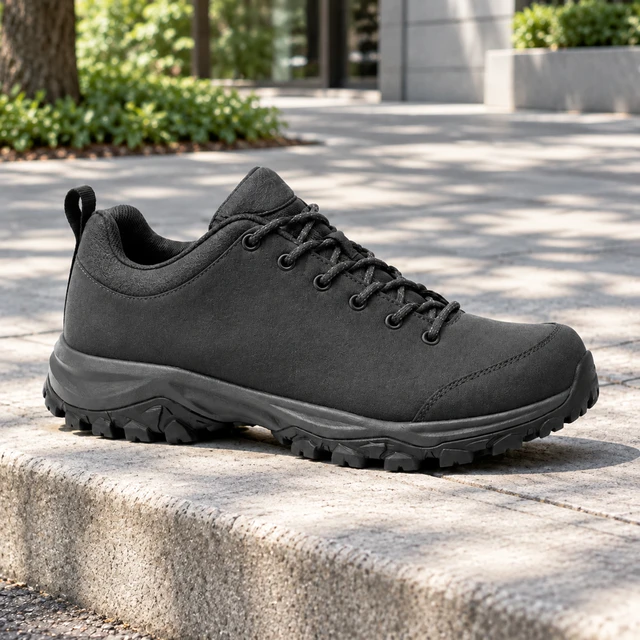 Charcoal hiking shoe city curb
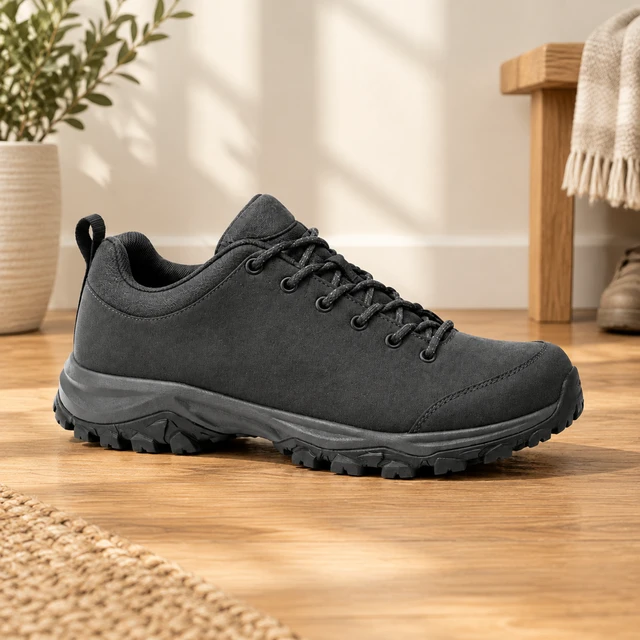 Charcoal hiking shoe front hall
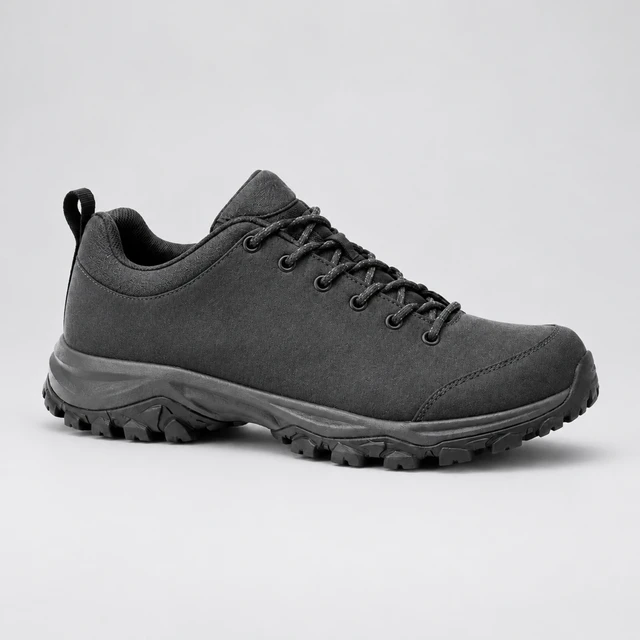 Charcoal hiking shoe studio
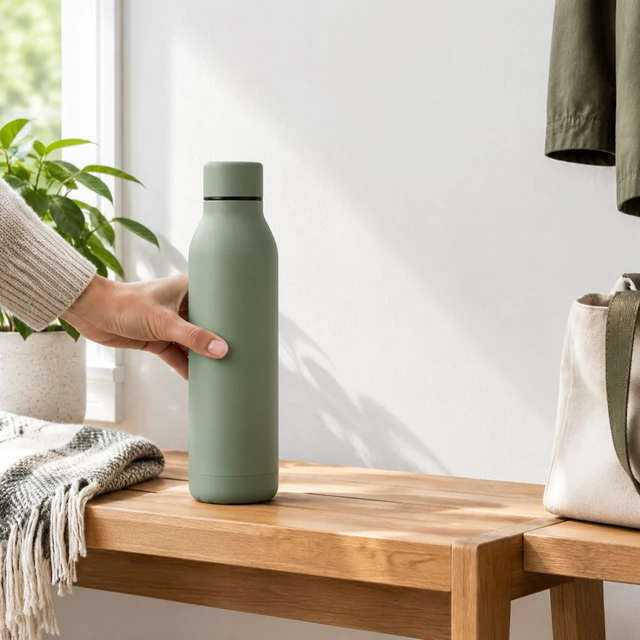 Sage bottle front hall
 Cream mug desk
 Canvas tote sidewalk
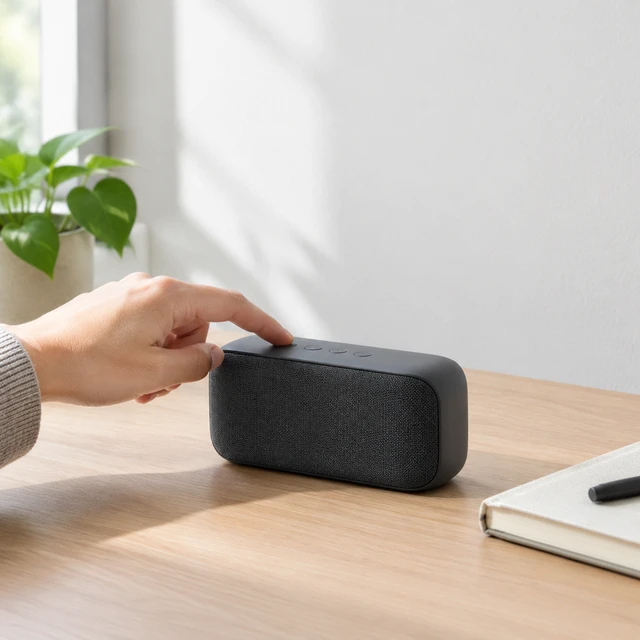 Graphite speaker desk
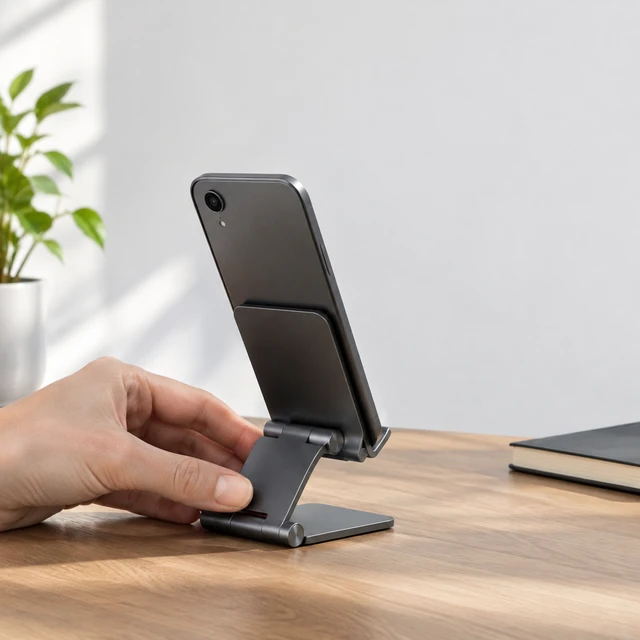 Folding phone stand
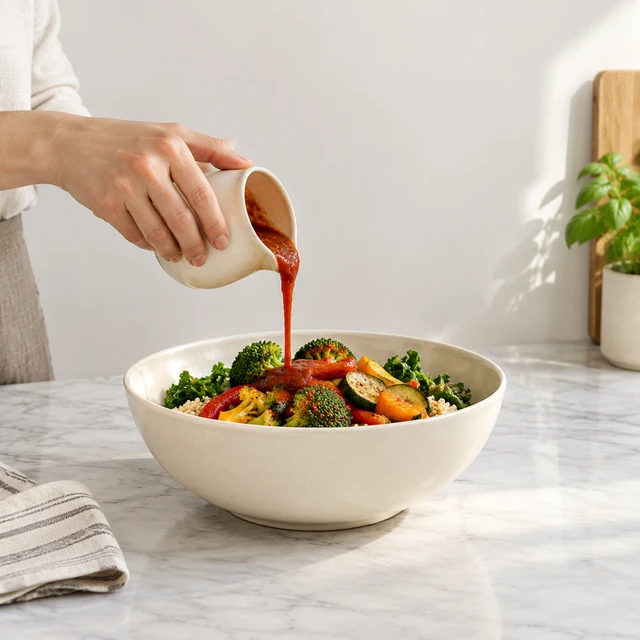 Cream bowl sauce demo
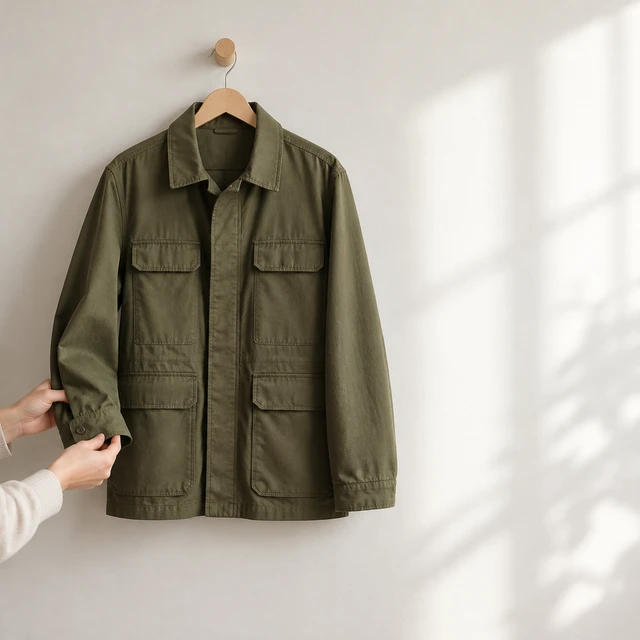 Olive jacket cuff
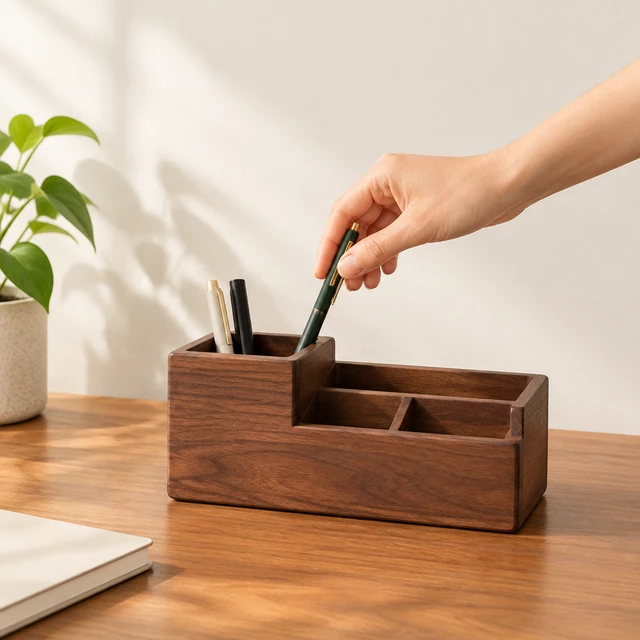 Walnut organizer desk
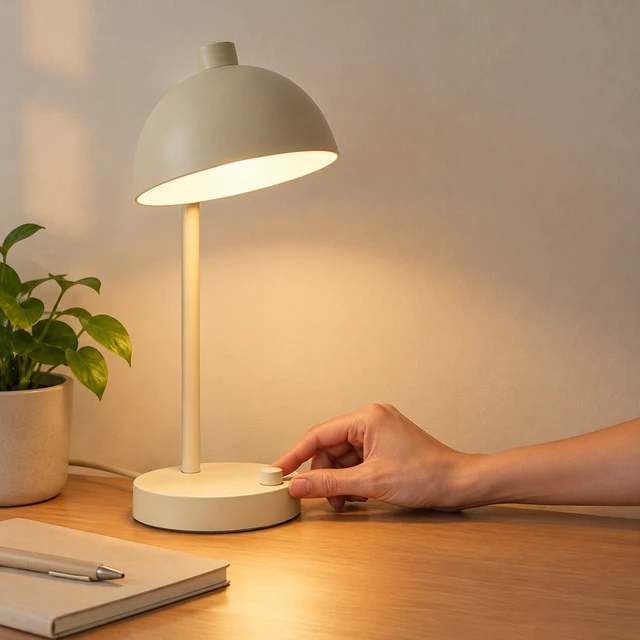 Cream lamp desk
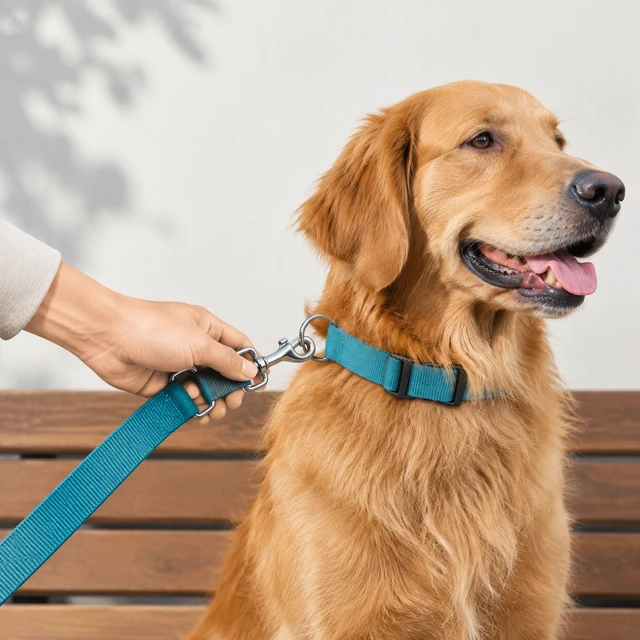 Teal leash dog
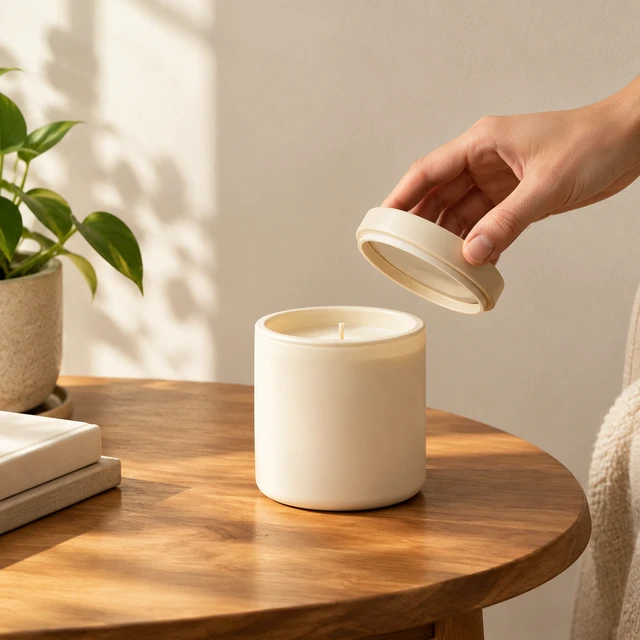 Cream candle jar
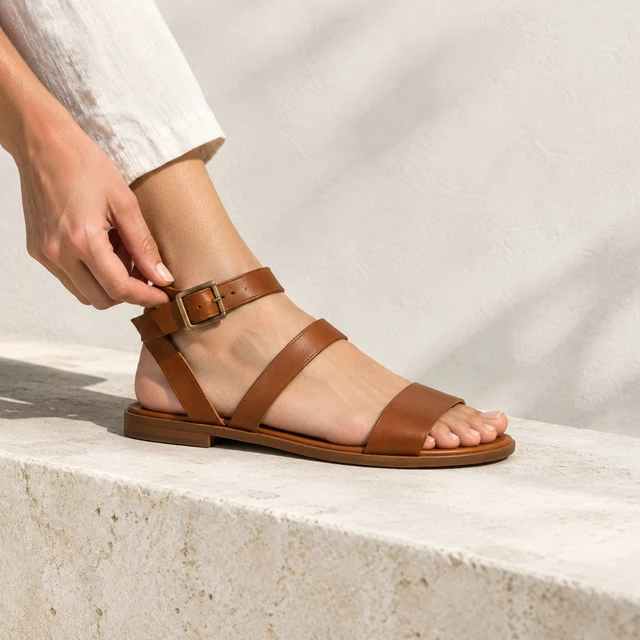 Leather sandal strap
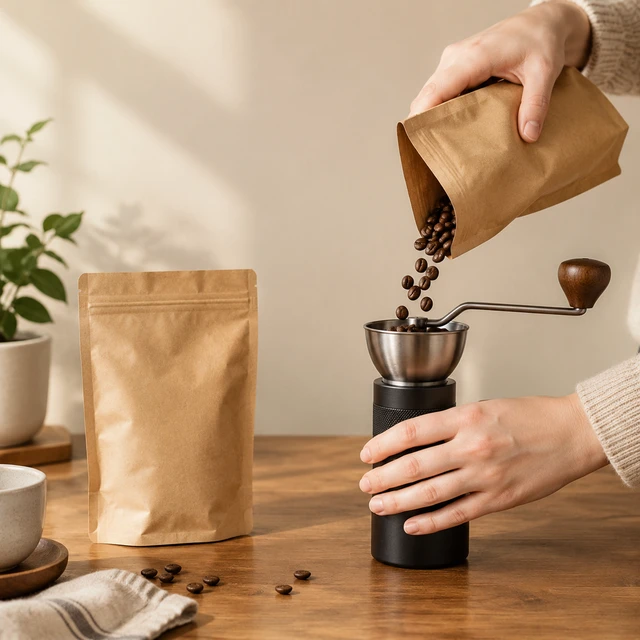 Kraft coffee pour
Skip the studio day, the freelancer, and the retouch queue. The post still looks ready for the feed.
A clear product is easier to buy than a dark crop. Shoppers see the item, so it is less likely to sit unsold.
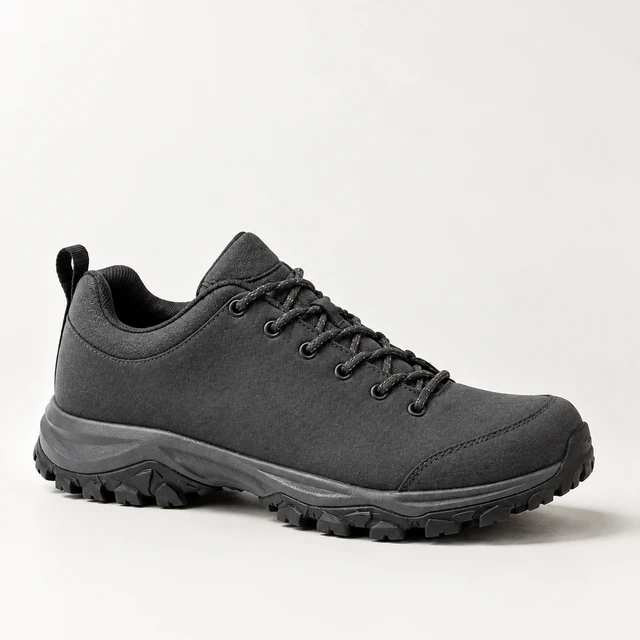
A real setting makes the product feel worth buying with something else. Shoppers can picture it in use.
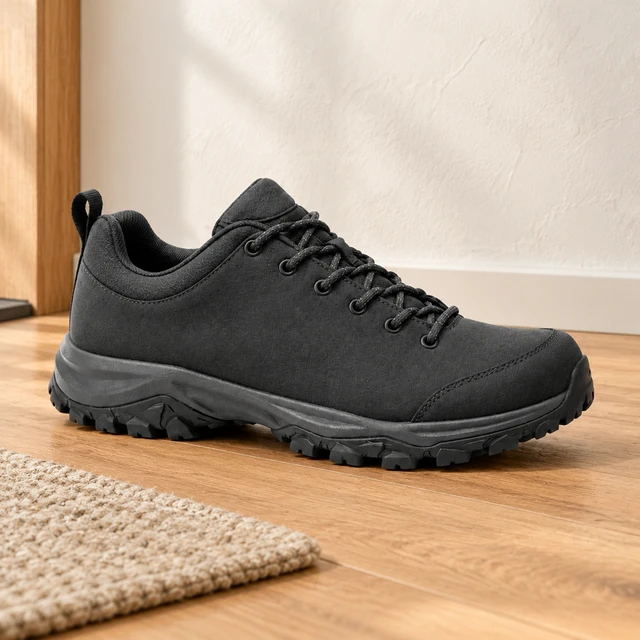
Finish the visual in minutes, so you are not waiting on a shoot. Post it while the offer is still the one you planned.
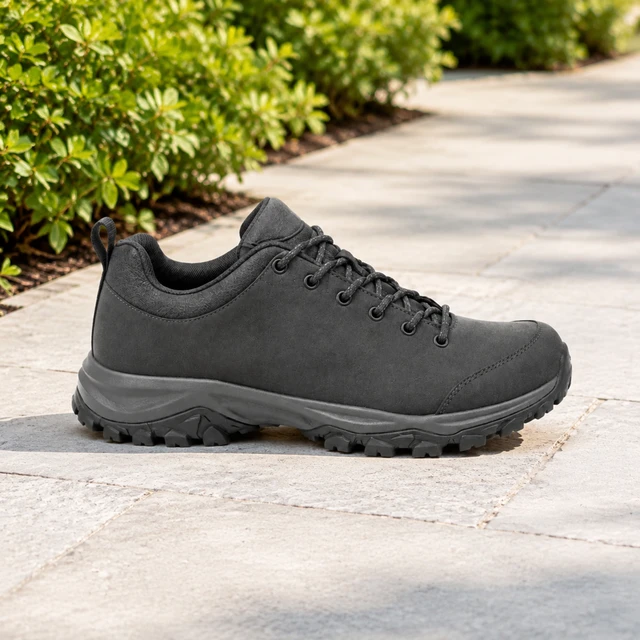
Place a plain bottle in a work bag so the ad shows a commute, not the product alone.
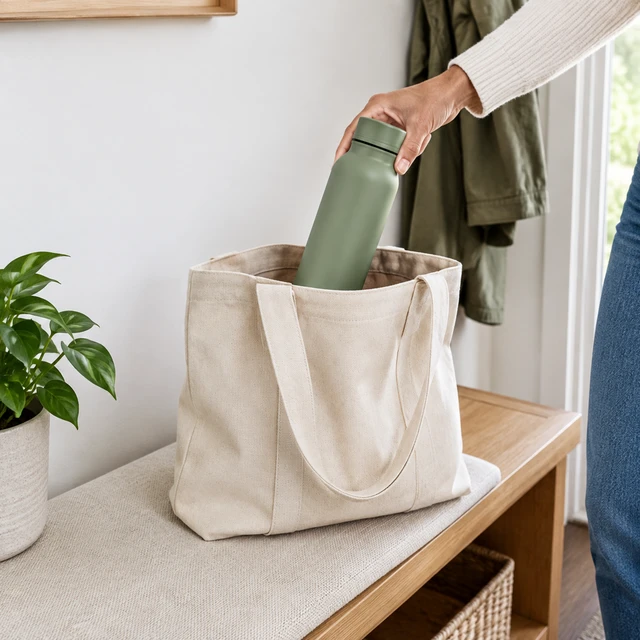
A sidewalk moment shows how the bag is used. Keep the product large enough to recognize when the photo is small.

A desk scene keeps the product easy to see and leaves a calm spot for your offer. Add the price after download.

Put the same bottle on a gym bench, or move it to a holiday table when the next post is seasonal.
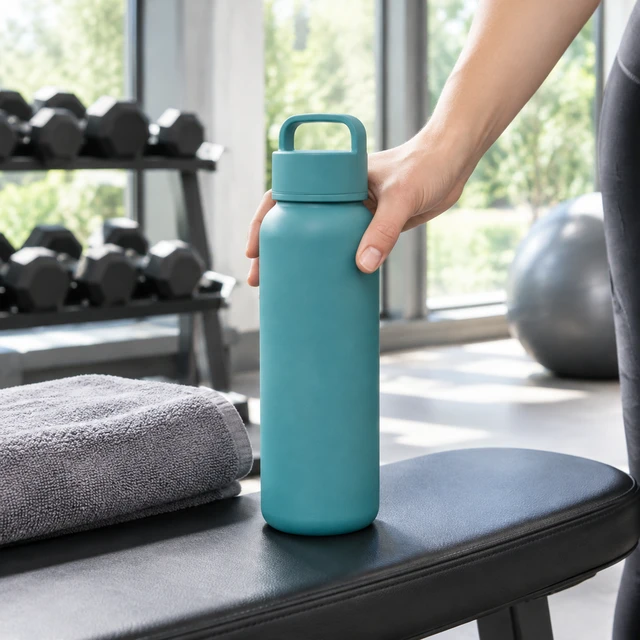
Brighten the shot, add your line, and export the square here.
Raise the light on a dark product so the label is readable in the square you post.
The square can hold a short line or a small sticker, so the offer sits where shoppers see it.
The retouch, the scene, and the square export all happen here. The file does not bounce between apps.
You can finish a square without a designer on staff. Start from the cutout and stop when the product looks right.
The clutter around the product can come off. The item is then free for a clean scene.
A soft shadow sits the product on the surface, so it stops looking like it floats.
A short word can sit in the open space beside the product and still read at phone size.
A holiday frame already has the border and the empty spot. Drop your product in instead of building a border from nothing.
Your note only has to name the setting. The product in your upload is the part that stays.
Name the room, the street, or the season, and get a background that fits the product you uploaded.
The uploaded item is placed into the setting you described. It is not redrawn as a different product.
If the piece should be worn, put it on an AI actor and keep that photo next to the flat one.
Bring a photo you already have. Leave with a square you can post.
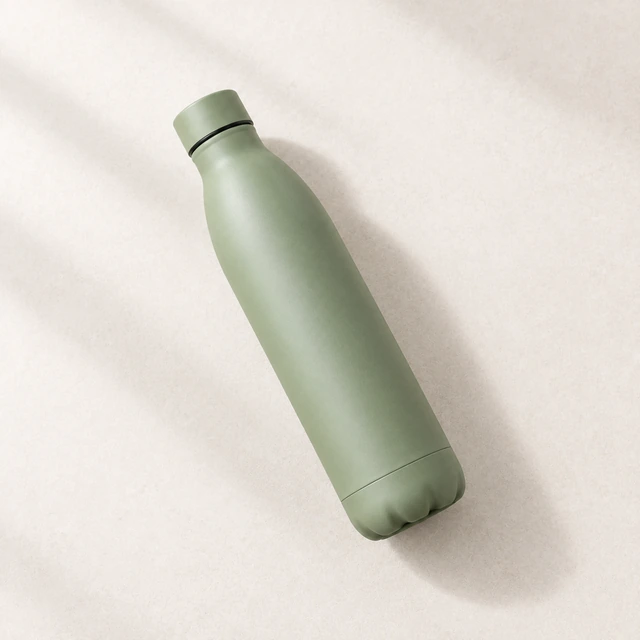
Upload a clear photo of the product. The old background comes off, and that same item stays in the square.
Pick a scene or a ready layout. The product stays recognizable, with room for the line you add later.
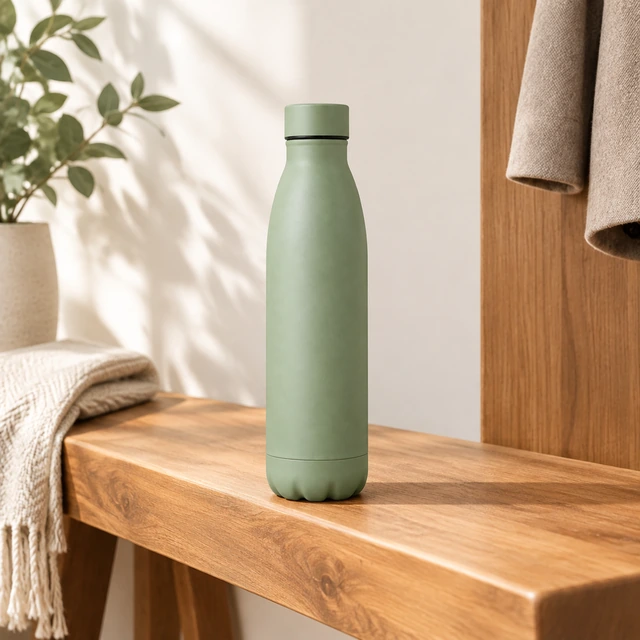
Download the square, add your offer, and post it. You do not need a second app to finish the file.
The person who writes the offer and the person who finishes the photo can share one file.
Send the square to the teammate who writes offers. They can edit it on a laptop while the original stays on your phone.
Keep marks, colors, and layouts in one shared library. The next post can pick up that same set.
The offer writer can leave a note on the square. The change lands in the file before anyone downloads it.
Each seller turns one product photo into a square and skips the studio booking.

They turn a packing-table photo of the charcoal hiking shoe into a square post. They publish it while the offer is still the one they planned, with no studio booking.
Shoe seller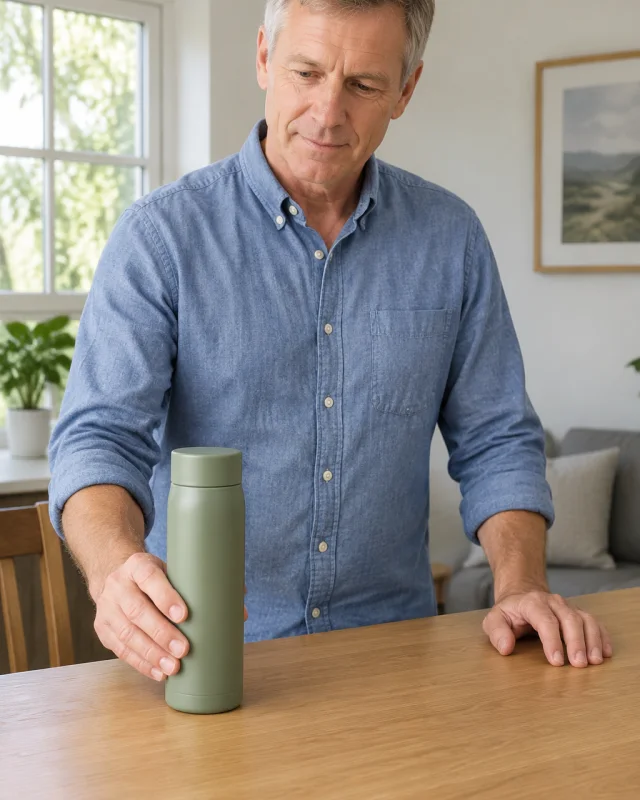
They place the cream canvas tote in a square with room for a line they type later. The product stays the tote they uploaded.
Tote seller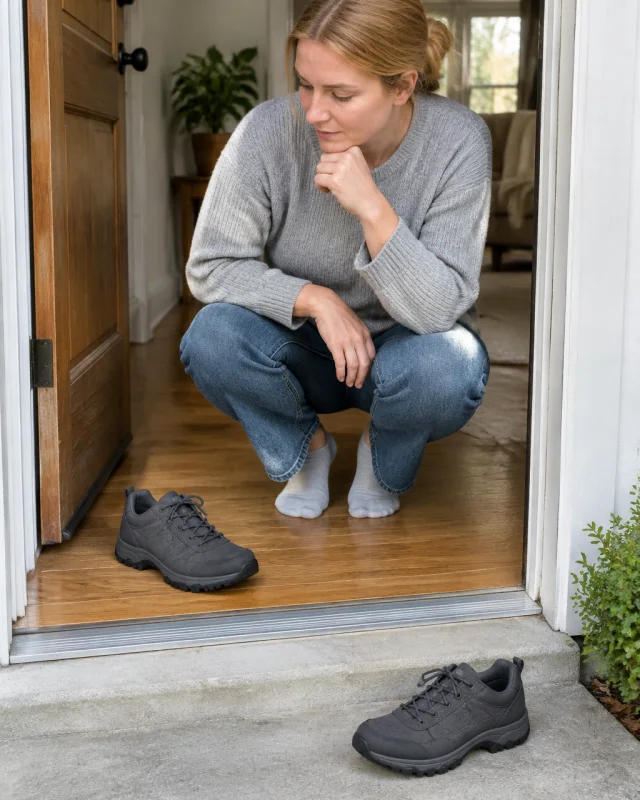
They try the cream mug in two quiet scenes, then keep the square that shows the mug clearly. They do not hire a photographer the night before.
One-product shop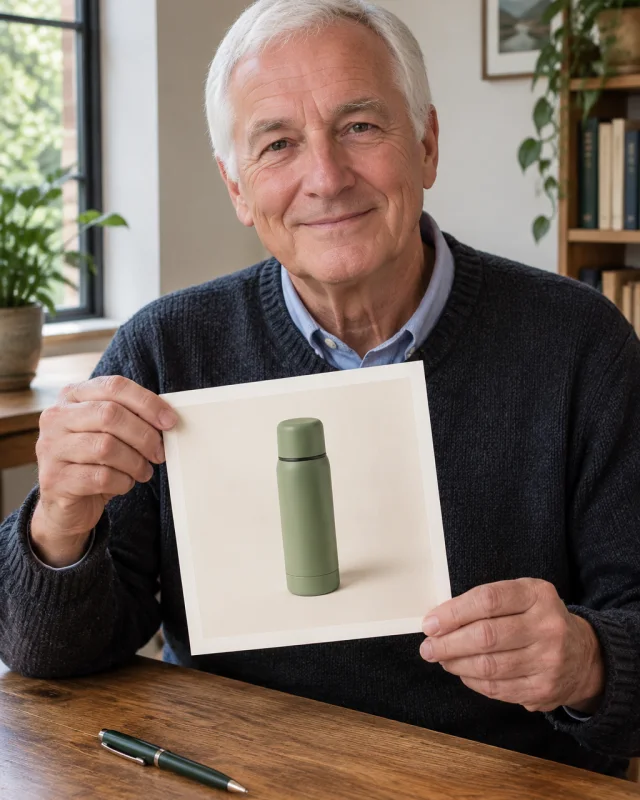
They download the matte teal bottle square and add the offer themselves. The photo does not lock in an old discount.
Outdoor sellerFollow the platform’s current labeling rules when you post an AI image. Requirements vary by platform and location.
Each image costs 24 credits. Starter costs $24.50 a month for 200 credits, Pro costs $35 for 300, and Premium costs $63 for 600.
Yes. Add a short headline that shoppers can read on a phone. You can also put the headline in the ad text instead.
Start with a clear product photo and a ready-made scene, then add a short message. Try different backgrounds or colors to see what catches attention.
Choose a schedule you can keep, then reply to comments. One product photo can become several posts with different scenes.
Yes. Make several scenes from one product photo and compare them in your posts or ads. You do not need a new shoot.
Posts with a strong product photo and a clear opening often get attention. Try posts that show, teach, or entertain, then compare the results.
Use it in square feed posts and ads on platforms that accept that size. Check your text in each placement before posting.
Upload one product photo and pick a scene. You see the credit cost before the square runs.