 AIVIDEOSUGC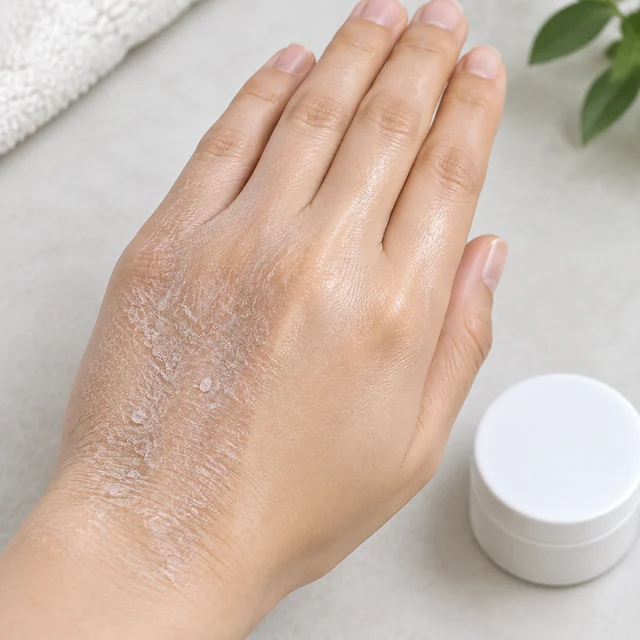
Dry Skin, Then the Cream
One hand shows dry skin and cream in the same shot, with the jar still in frame. The line names the cream you uploaded.
Create a before-and-after video in minutes with your product photo, a realistic AI presenter, a script, and a voice you choose.
Plans from $24.50 a month. You see the credit cost before every job, and if a job fails its credits go back to your balance.
Choose an AI presenter who tells your product's transformation from the starting state to the result shoppers want to see.
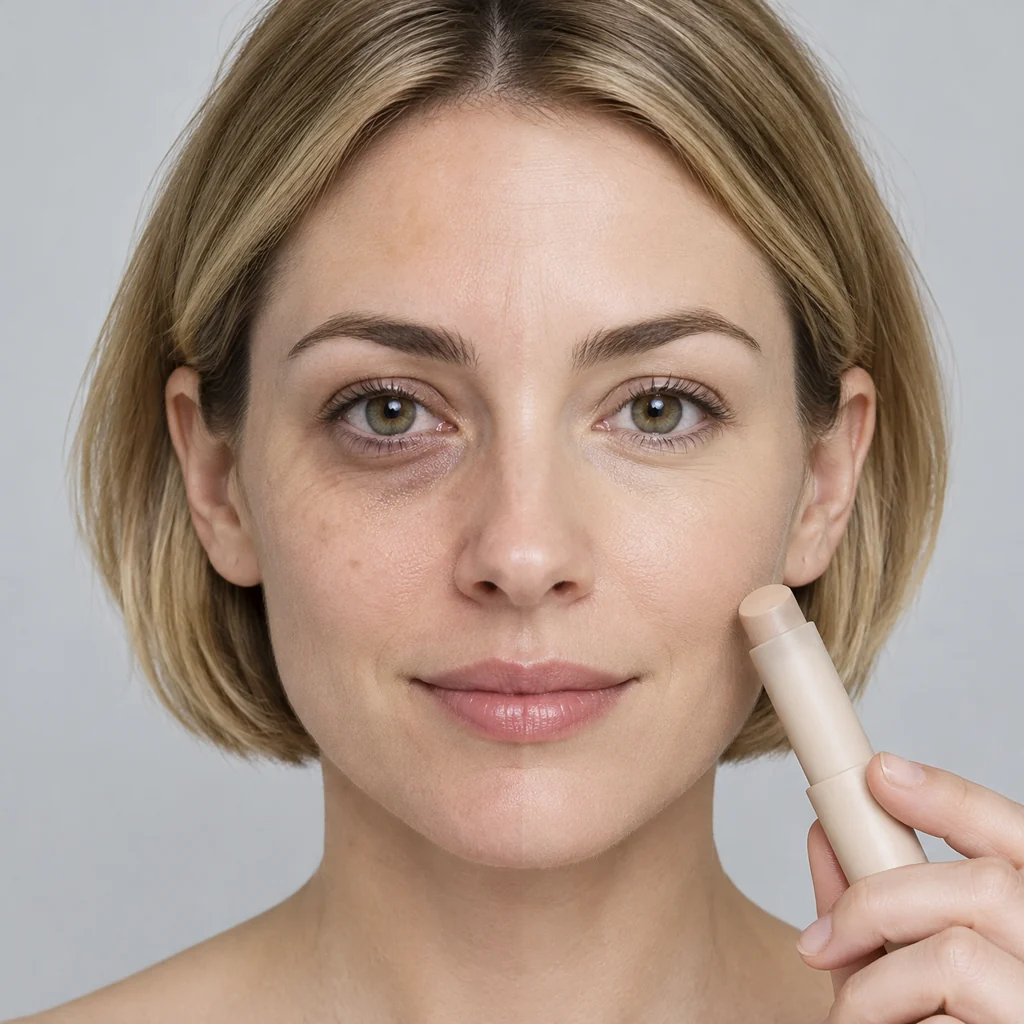
Show your product's transformation as a clear before-and-after story, with the item visible from first frame to final result.
A wide file fits a landscape placement. A tall file can go to TikTok, and a square can go to Meta. You approve the spoken line before any file leaves.
Shoppers should see the change your product makes, in one shot.
One hand shows dry skin and cream in the same shot, with the jar still in frame. The line names the cream you uploaded.
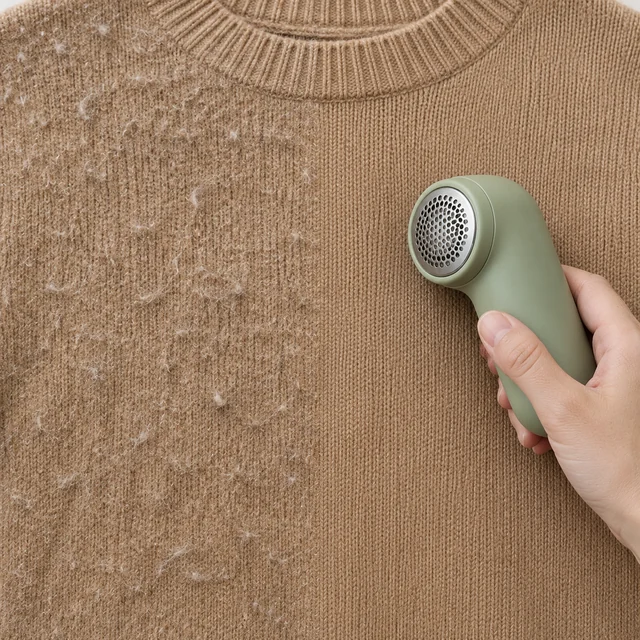
One half of the camel sweater shows pills, the other a smooth knit, with the shaver in frame. One file can cover a tall feed and a square.
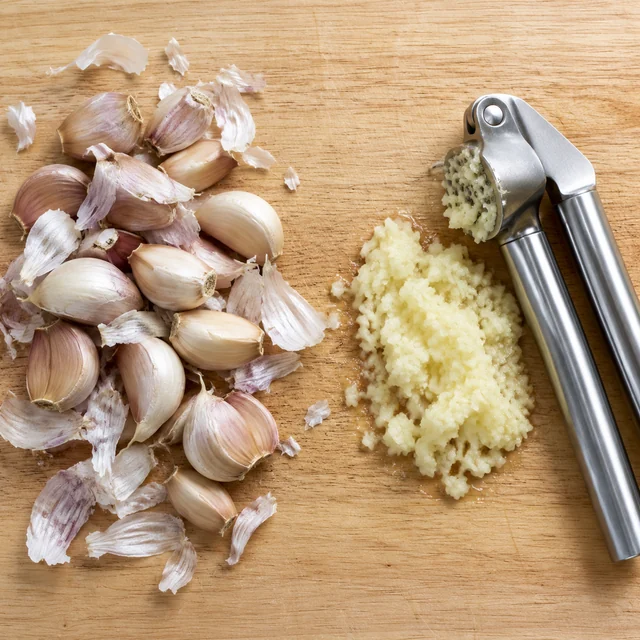
Test two voice tones on the same garlic-press shot. You do not book that board a second time.
Paste a link or a photo, then leave with a clip of that same product.
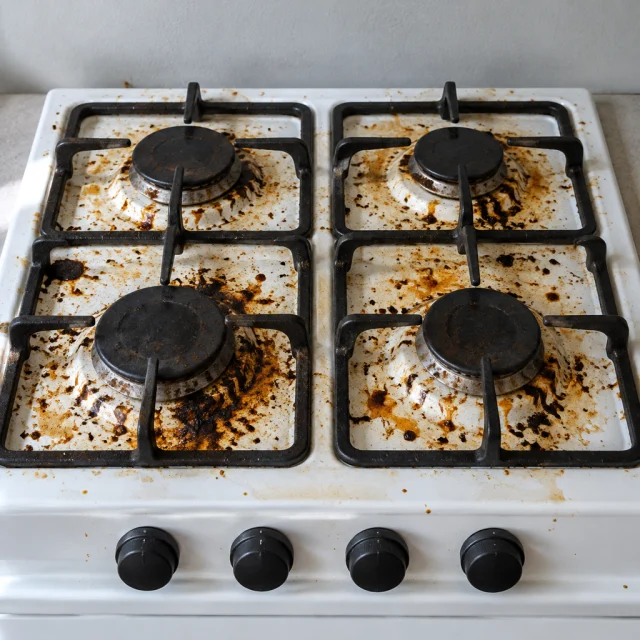
Show my cleaner turning a greasy stove spotless
Paste your product link or upload a photo, then let the script pick up the details that make the transformation clear.
Pick an AI presenter who fits your product, then preview and edit the line that narrates the change.
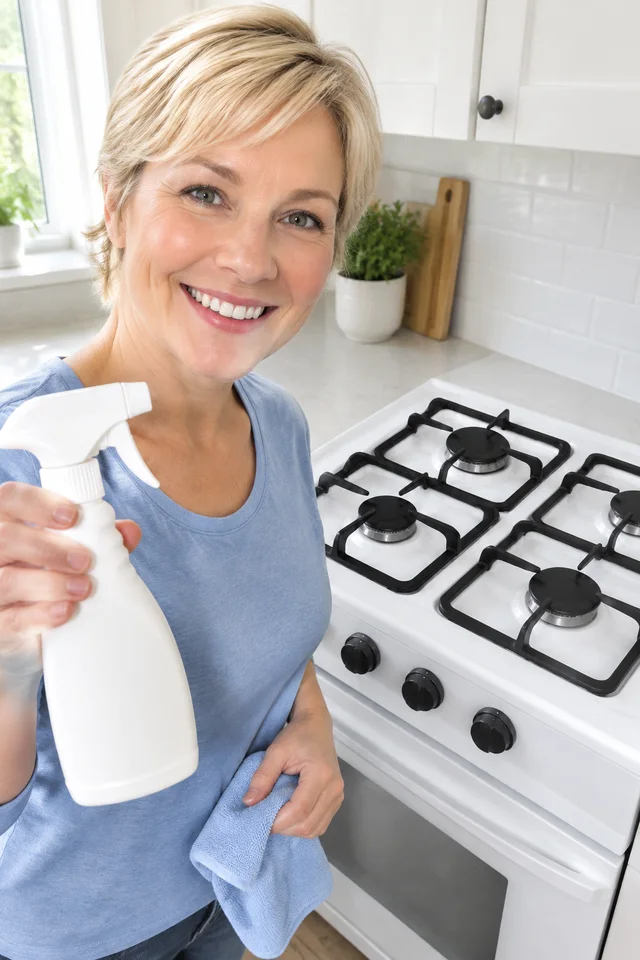 00:15
00:15Watch your before-and-after clip, change the line or look, then download a watermark-free file in the size you need.
Ship another visible change without booking the same setup twice.
The clip comes back as one file, from the start state to the result. Try a second opening on that same change.
Starter is $24.50 a month for 200 credits, Pro is $35 for 300, and Premium is $63 for 600. A 6-second clip is 24 credits, 10 seconds is 40, 15 is 60, and 30 is 120. The number shows before each clip. A failed job returns its credits.
Try different openings for the same product, compare their results in your performance dashboard, and keep the version that performs best.
If shoppers stop watching, put a different person on that same product. You do not rebuild the shot.
Write your short script to name the starting state, show the change, and make the result easy for shoppers to understand.
Paid plans cover commercial use, so the file can run in a paid placement. You still need rights to the photo you uploaded.
A still, a spoken ad, or a product page can be the next job for this item.
What changes when the before and the after both come from a photo you already have.
| Topic | AIVideosUGC | Filming It Twice |
|---|---|---|
| First File | After the render, from the photo you uploaded | You stage the change, reset the set, then wait on the edit |
| Price of One Clip | Covered by your plan credits, with no crew rate | A crew rate, plus the hours to reset the shot |
| A Second Try | Change the first sentence and render again | Book the setup again |
| The Claim | You write the sentence the clip is allowed to say | The person on set may phrase it their own way |
| Running It as an Ad | Paid plans cover commercial use, and there is no watermark | You sort the rights out with the people who filmed |
| How Many Changes | As many as the credits you have will cover | As many as you can schedule people for |
Upload the photo that shows the start state. The clip keeps the product and the visible change in the same frame.
Four sellers start from a photo they already own. Each clip keeps the same product and changes one visible thing.

A home cleaner shop uploads one greasy stovetop and shows that same stove wiped clean. They post the clip on the product page and skip booking the kitchen twice.
Home cleaner shop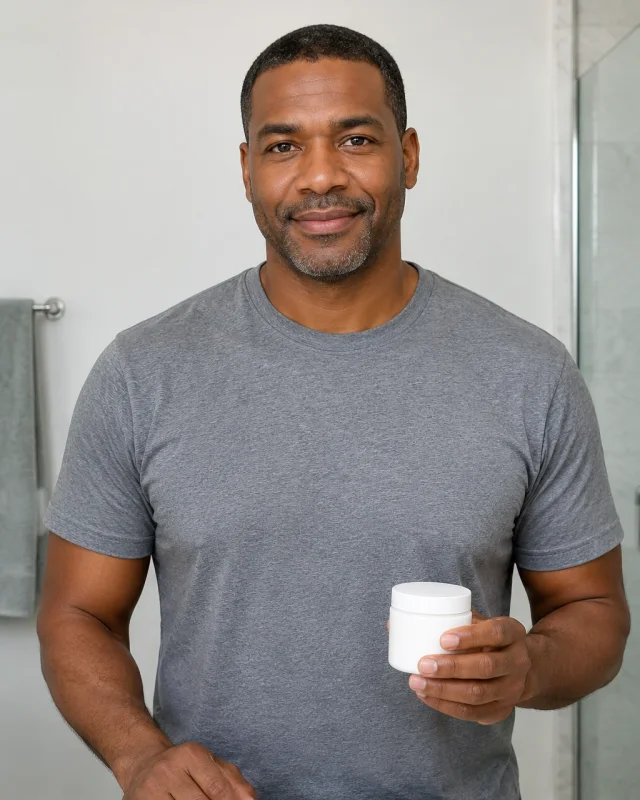
A cream seller shows one hand, dry on one side and with cream on the other, and the jar stays in frame. They use the clip in a paid social ad and skip hiring a hand model.
Cream seller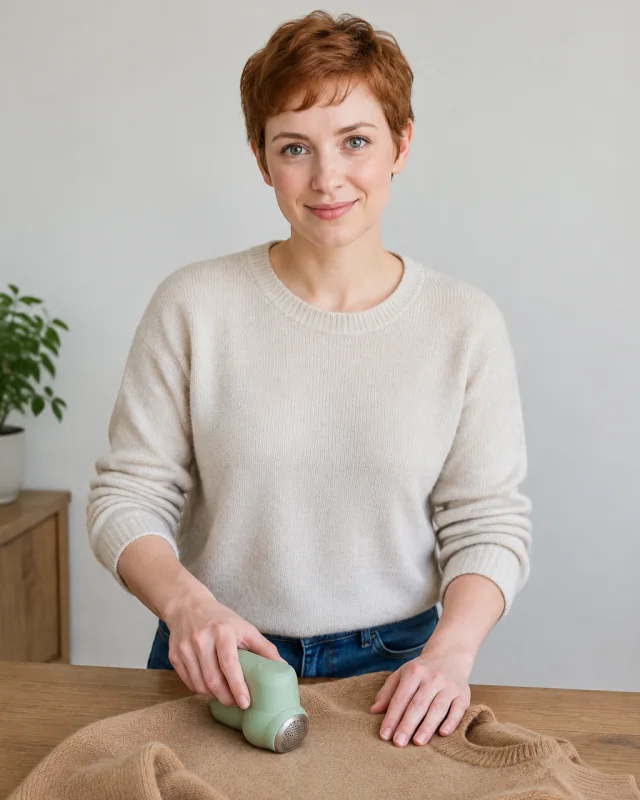
A knitwear shop shows pills on one half of a camel sweater and a smooth knit on the other, with the fabric shaver in frame. They send the tall file to a phone feed and skip a second day of laying the sweater flat.
Knitwear shop
A kitchen shop shows whole garlic on one half of a wood board and pressed garlic on the other. They download the square for a feed ad and skip resetting the board for a second take.
Kitchen shopUpload a clear starting photo and describe the result you want to show. Generate the video, then check that the change matches your product.
A before-and-after video shows the starting point and the visible result of using your product. Put both views together so shoppers see the change quickly.
A 6-second video uses 24 credits; 10, 15, and 30 seconds use 40, 60, and 120. Failed videos return their credits.
Yes, if the ad breaks their rules or makes a misleading claim. Check each platform’s current policy before running it.
Products with a visible change work best, such as cleaning supplies, skincare, and home improvements. Show a real result that matches what buyers can expect.
Yes. Use each product’s photo to make its own before-and-after video. You can create more ads without scheduling separate shoots.
Yes. Commercial use is part of a paid plan, and the download has no watermark. You still need rights to the photo you uploaded.
You can download 9:16, 1:1, 16:9, 4:3, or 3:4. Use the tall file for TikTok, the square for a feed, or the wide file for a landscape placement.
Yes. Choose an AI actor to explain the change while the video shows your product. You do not need to hire a presenter.
Upload the before photo. The credit cost is on screen before the clip starts.