 AIVIDEOSUGC
AI Actors You Can Post
AI Actor Generator for Realistic Product Ads
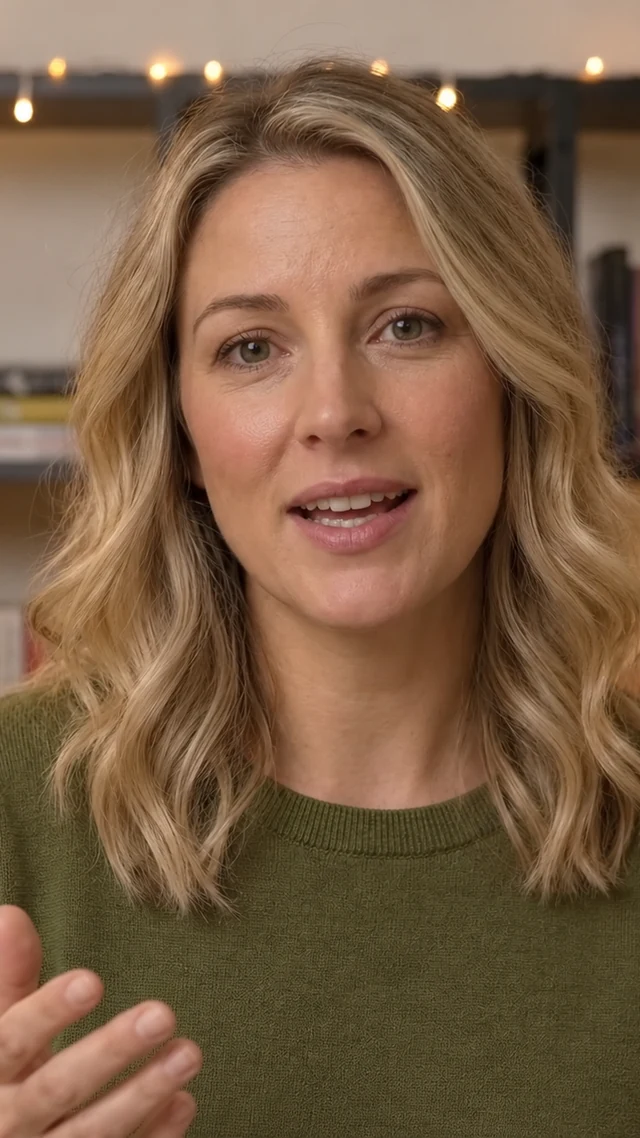
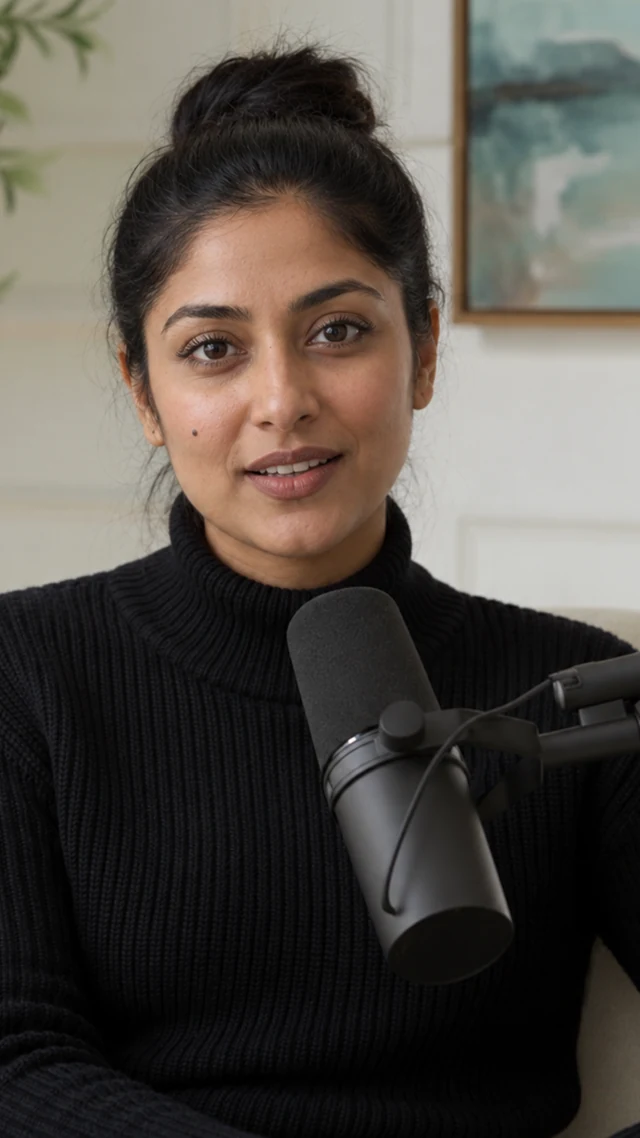
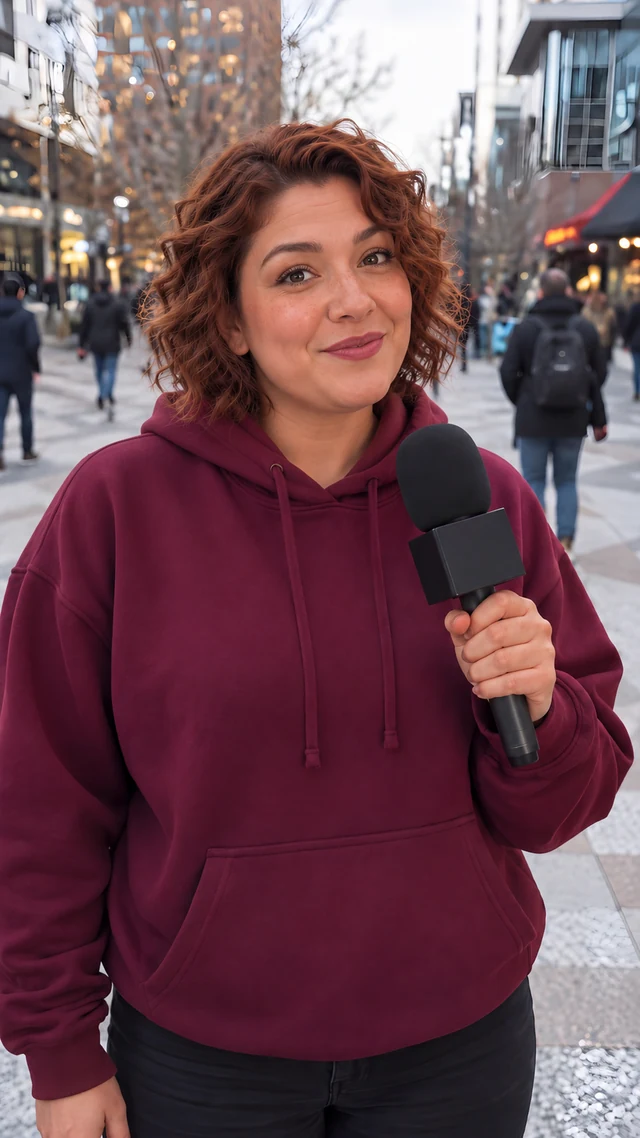
Generate realistic AI actors that carry your ads. Switch the style and the format, and give each campaign a better chance to convert.
Indoor

Home

Outdoor


Living Room


Studio


Office


Garden


Gym


Cafe


Kitchen


Podcast

Fitness


Beach


Car


Hospital


Balcony


Pet


Shopping


Sports


Study Room


Classroom

Terrace


Bathroom

Exercise


Bedroom

Garage

Interview

Pool

Reporting
Travel

Yoga

Why use it
Why Shops Cast an AI Actor
Move faster, test more than one face, and keep the line you already approved.
Make the Next Ad Faster
Put a realistic actor with the product and publish the next ad without a shoot day. Fresh ads stay easy to make.

Test Another Face and Line
Keep one product photo and try another actor or another opening. Compare the cuts before you post.

Keep One Approved Line
The actor says the line you wrote. You do not trade notes with a creator. Start from the product page.

How it works
How to Make an AI Actor Ad in 3 Simple Steps
Upload a product photo, pick a voice, and post a tall phone video.
Step 01
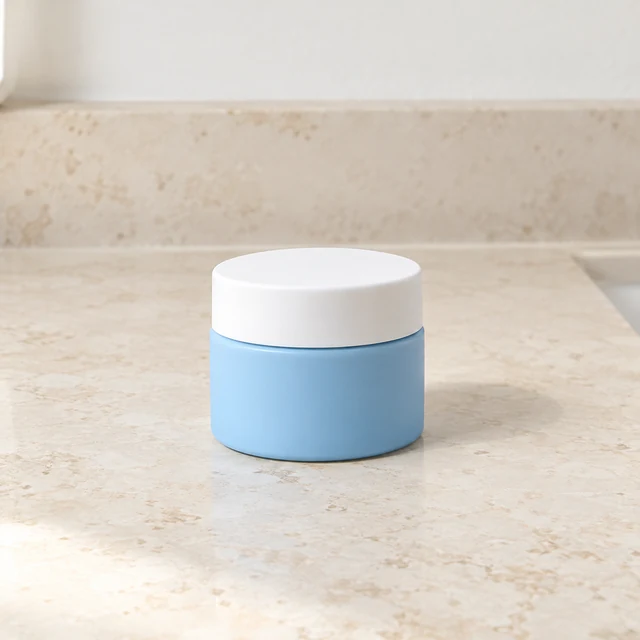
Upload Your Product Photo
Upload one clear product photo, or paste the product page. Keep the whole product in the frame.
AriMilaDevElenaPriyankaJonSize Tall phone (9:16)Length 10 secondsTemplate Actor talks about the product
Cost40 credits
Step 02
Pick Actor and Voice
Pick a face and a voice. Type the line, or let a draft write it, then approve the words.

Step 03
Edit and Publish
Add on-screen words and a track from the music list, then post to TikTok, Facebook, or Instagram.
Where it runs
Where an AI Actor Can Carry the Ad
The same face can sell in the places you already publish.
Run Paid Ads Without a Crew
Skip creators, sets, and crews. Pick a realistic face, a voice, and a setting that fit your buyer. Run the ad in each language you sell in.
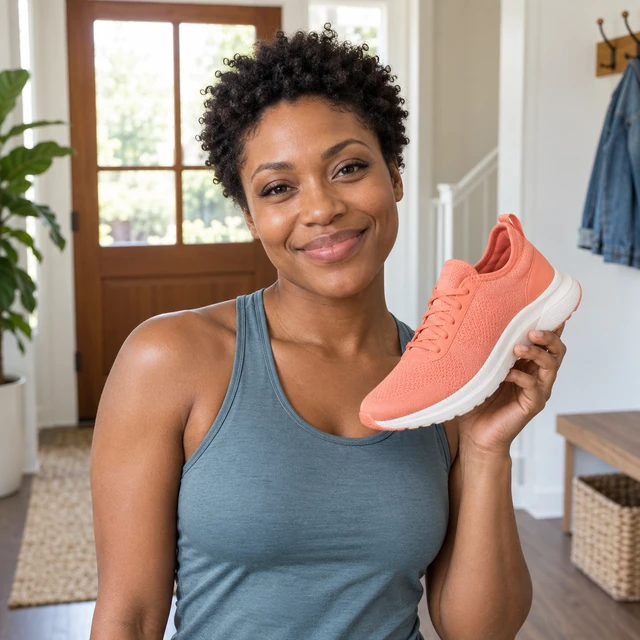
Put an Actor on the Product Page
Let an AI actor speak for the product on the page. They can walk through a feature and answer a common question.

Keep Social Posts Coming
Stay ahead of the calendar with the same actor and a new line. The face stays familiar on the channels you already use.

Walk Through One Feature
Guide shoppers through your product with an AI actor who can show steps, explain features, and answer common questions.

Related Pages
More Ways to Start an Ad
The same AI actor can also start from another tool in the library.
Seller examples
How Shops Use an AI Actor
Four ways a shop uses one AI actor on a product it already sells, and the booking each one skips.

Ship the Serum Ad
They put one AI actor beside the serum jar and post the next ad from a single photo. The shoot day for that launch stays off the calendar.
Small-batch serum maker
Test a Second Face
They keep the blue bottle photo and try another AI actor for the product page. A second filming day is the part they skip.
Drinkware seller
Keep the Approved Script
They reuse the accepted script about the coral phone case on every new clip. Nobody has to chase a creator to fix one word.
Phone case seller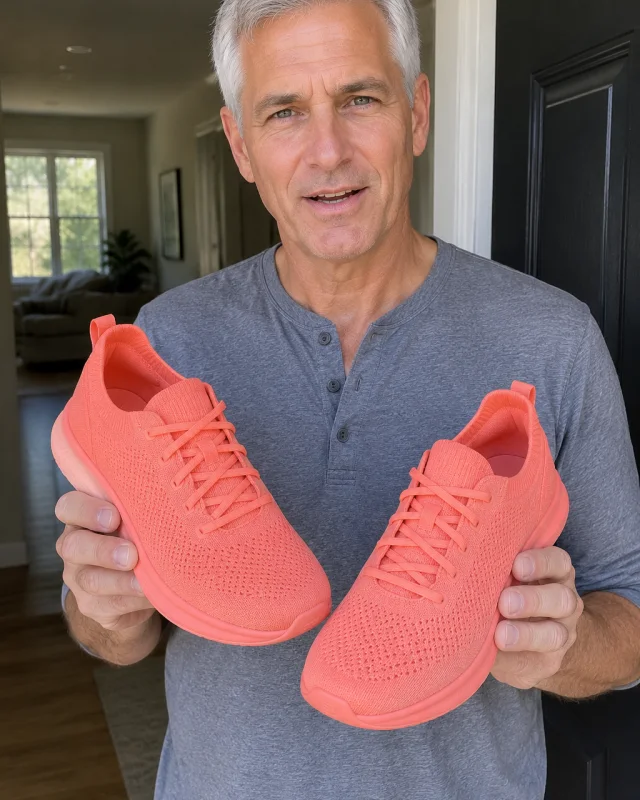
Post the Shoe Clip
They have one AI actor hold the coral running shoe for a paid ad and a shorter version on the product page. Nobody has to call a crew for that pair.
Running shoe shopFAQ
Questions
Can I choose the actor, voice, and language?
Yes. Choose from 53 AI actors, pick a voice, and write in the language your customers use. You may use your own voice sample if you have permission.
Where can I use an AI actor video?
Use it on product pages, in paid ads, on social media, or in training. You can download it without a watermark and make versions for different channels.
How can a digital actor present my product?
AI actors are lifelike digital presenters who speak about your product on video. You choose the face, voice, and language without arranging a photo shoot.
How can shops use digital presenters on social media?
Make short product videos with the same actor so your posts look consistent. Try different openings or offers for each audience without hiring a creator.
Can an AI actor explain my product?
Yes. An AI actor can explain a product feature clearly and give the same message in every video. You can change the words without another shoot.
How do AI actors make videos?
Write what you want said, choose an actor and voice, and generate the video. The actor speaks your words with matching mouth movements in a few minutes.
What should I check before posting an AI actor video?
Check that your product claims are accurate and follow the ad platform’s rules for AI content. Use only photos and voice samples you have permission to upload.
Can I update an AI actor training video?
Yes. Change the words when your instructions change and make a new video. You can also make versions in other languages without filming again.
Can I use AI actor videos in paid ads?
Yes. AI actor videos can run in paid ads and have no watermark. You need rights to the product photos and voice samples you upload.
Scale Your Next Ad Campaign With an AI Actor
Choose a face and a voice, then make a product video from one photo. You see the credit cost before you start.