 AIVIDEOSUGC
Built Like a Shopper Video
A face, a voice, and one reason to want the product. That is the shopper-style clip people already stop to watch.
Get a high-quality video from a single image. Turn any product photo into a moving ad that converts, with no camera and no crew.
Plans from $24.50 a month. You see the credit cost before every job, and if a job fails its credits go back to your balance.
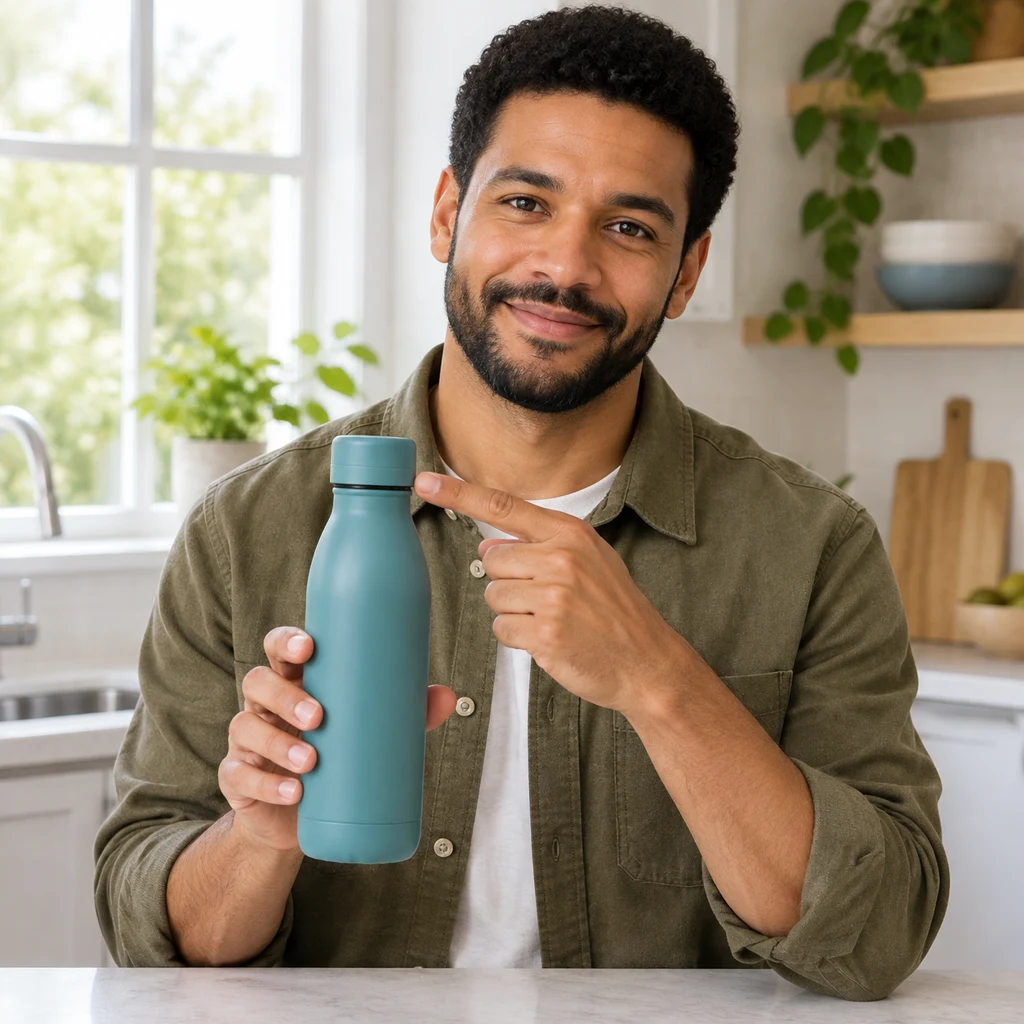
Plenty of tools can animate a photo. This one finishes an ad a seller can post, with a face and a voice.
A face, a voice, and one reason to want the product. That is the shopper-style clip people already stop to watch.
Launch a new video ad while the idea is fresh. Test several openings, keep a winner, and scale that one.
Creator days add up. On a monthly plan, each new ad spends credits you see first. Starter is $24.50 a month for 200 credits, Pro is $35 for 300, and Premium is $63 for 600.
Share your product photo and one idea. Answer two quick questions, then download a creator-style video.

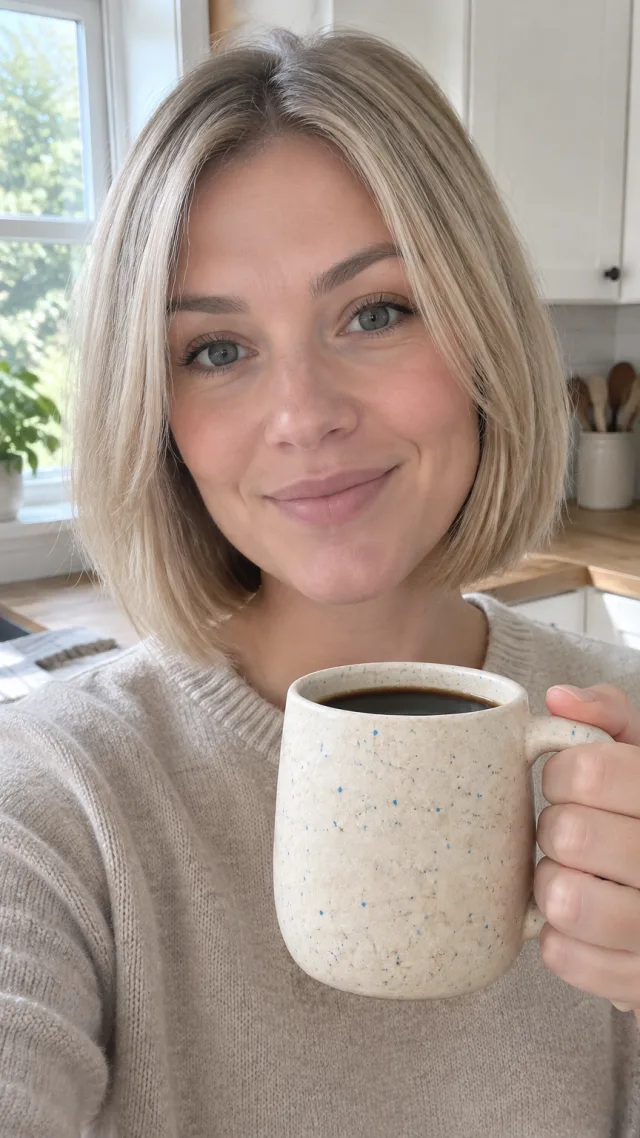
Make a UGC video for my coffee mug
Add your product photo and tell the agent what kind of video you want.
Answer a couple of short questions to shape the video for your shoppers.
 00:06
00:06Get a creator-style video with your product in view, ready to download and post.
Make several versions from one photo and run them on TikTok, Instagram, Facebook or YouTube Shorts. Post the one you keep to TikTok or Meta in one click, or download it with no watermark.

Add a video on Amazon, Etsy and other listings that allow video, so shoppers see more than a photo. Check that marketplace's video rules first.
Turn one product photo into short clips for the apps you sell on. Pick a shape for each spot: tall 9:16, square 1:1, wide 16:9, 4:3 or 3:4.
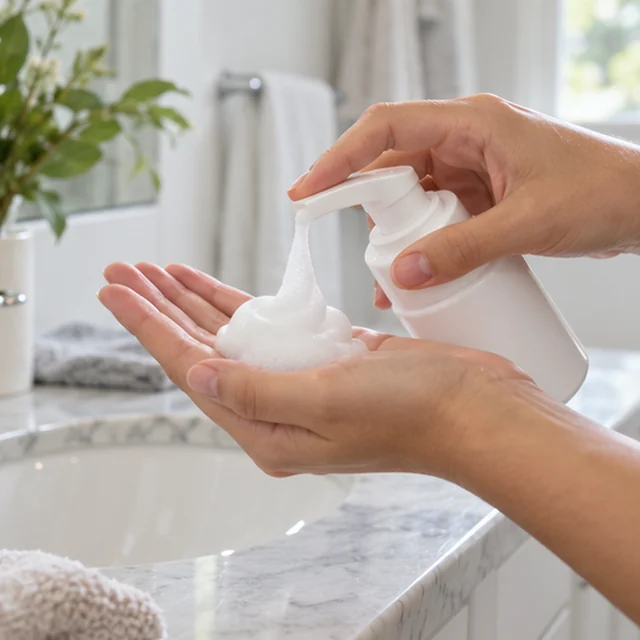
Show a feature or a short how-to with the same AI actor and script each time, so the lesson stays clear.
An AI actor, a product link, phone-style ads, and the apps you post on.
Each seller starts from the matte teal bottle and gets a clip without a shoot.
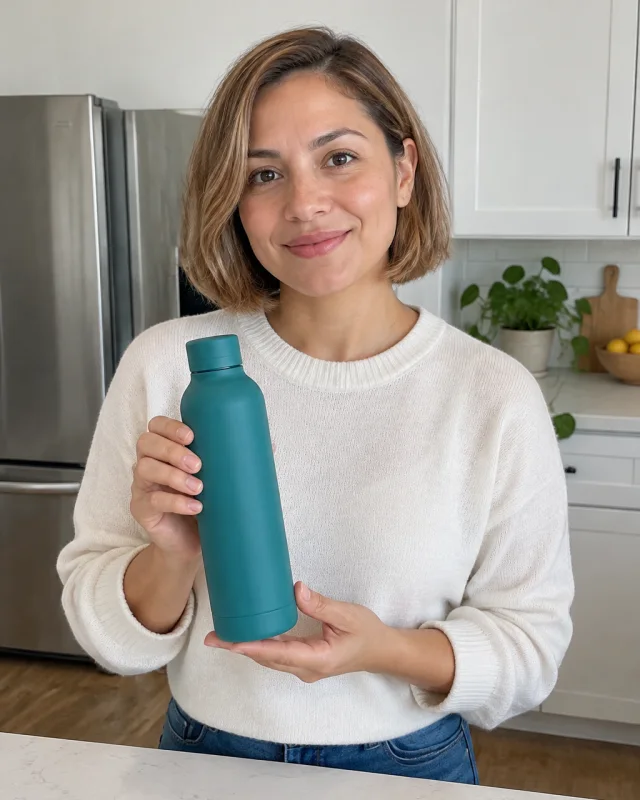
They upload the matte teal bottle photo and get a clip of it turning toward the camera. They post that clip and skip a shoot for this bottle.
Beauty seller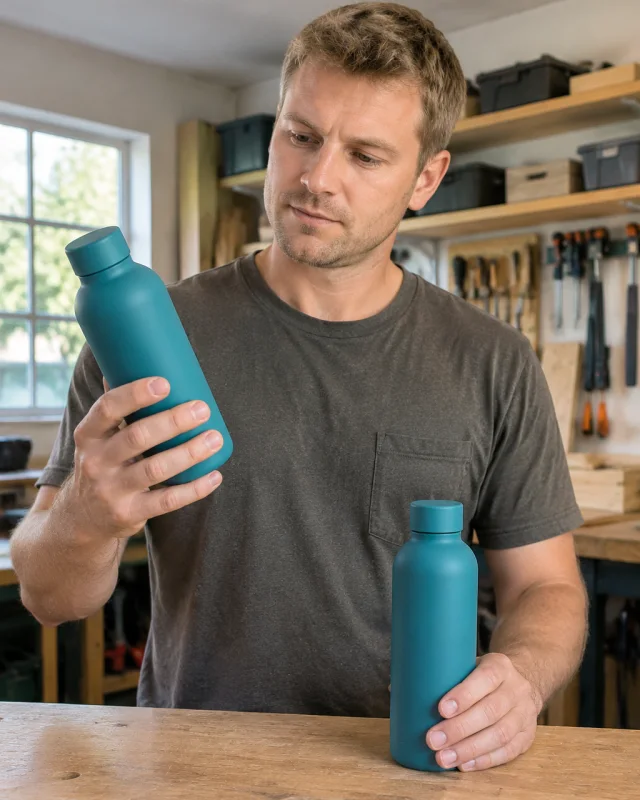
They make two spoken first lines from the same teal bottle photo and keep the one they want to run. The second line does not need another photo day.
Ad tester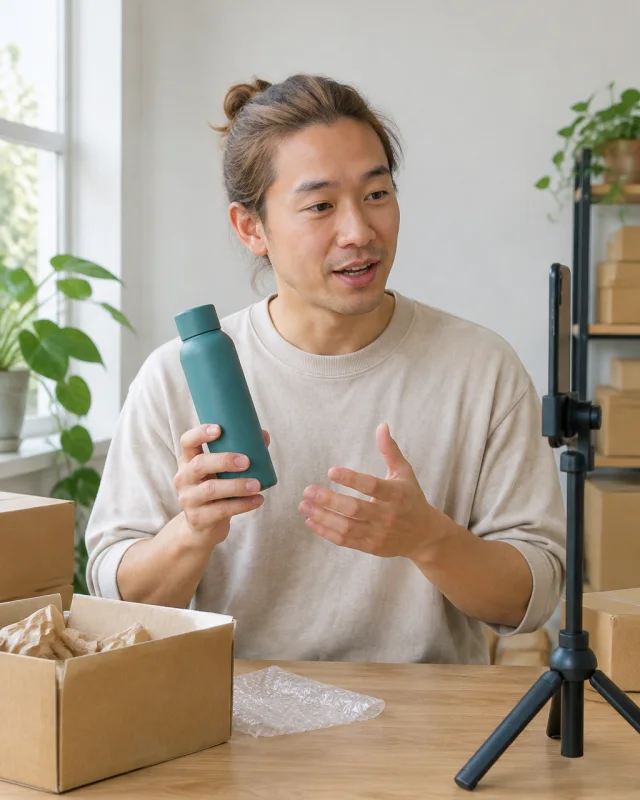
They add a voice and captions to the teal bottle clip, then download it with no watermark. They post that file to TikTok after they check the line.
One-person shop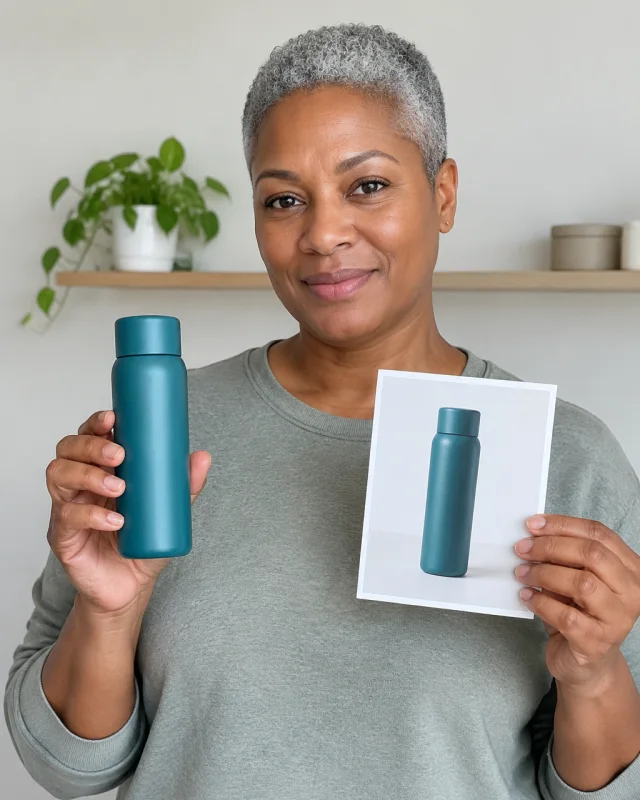
They paste the teal bottle listing and get a short ad with a face and a line. They skip writing a scene-by-scene plan for this product.
Catalog ownerYes. Add a voice and AI actor to explain a product or teach a short lesson. You can update the words later without filming again.
Upload the photo and describe how you want it to move. Add a voice or captions, then generate a video in a few minutes.
Choose 9:16 for TikTok and Reels, square 1:1 in feeds, or widescreen 16:9 for YouTube. You can also use 4:3 or 3:4.
Yes. Write what you want said, choose a voice, and add an AI actor if you want someone on screen.
You can turn photos you already own into videos without booking a shoot. Make more versions for ads, product pages, or social posts in minutes.
Yes. Download clips for TikTok, Instagram Reels, YouTube Shorts, or other social channels. Choose the size that fits each placement.
Turn product photos into short demos, social ads, or listing videos. You can try different scenes from the same photo without another shoot.
It turns a still photo into a short video with movement. Add a voice, captions, or an AI actor to make a product clip without filming.
Upload a product photo and download a clip you can post. The credit cost is on screen before you start.