 AIVIDEOSUGC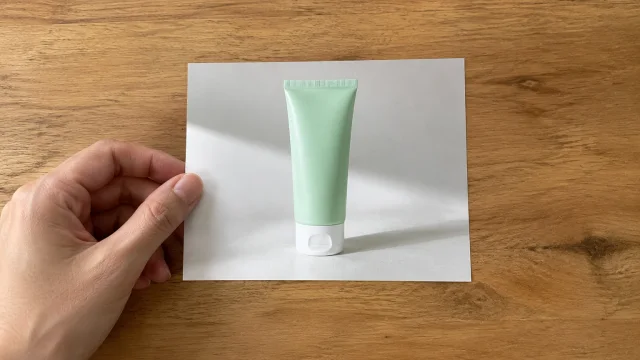
Drop your product photo hereJPG, PNG or WebP · any clear photo works
Step 01
Upload Your Image
Add the photo you want a new setting behind. One clear product image is enough.
Swap the backdrop behind your product in seconds. This AI image background changer keeps the item and puts a clean setting behind it.
Plans from $24.50 a month. You see the credit cost before every job, and if a job fails its credits go back to your balance.
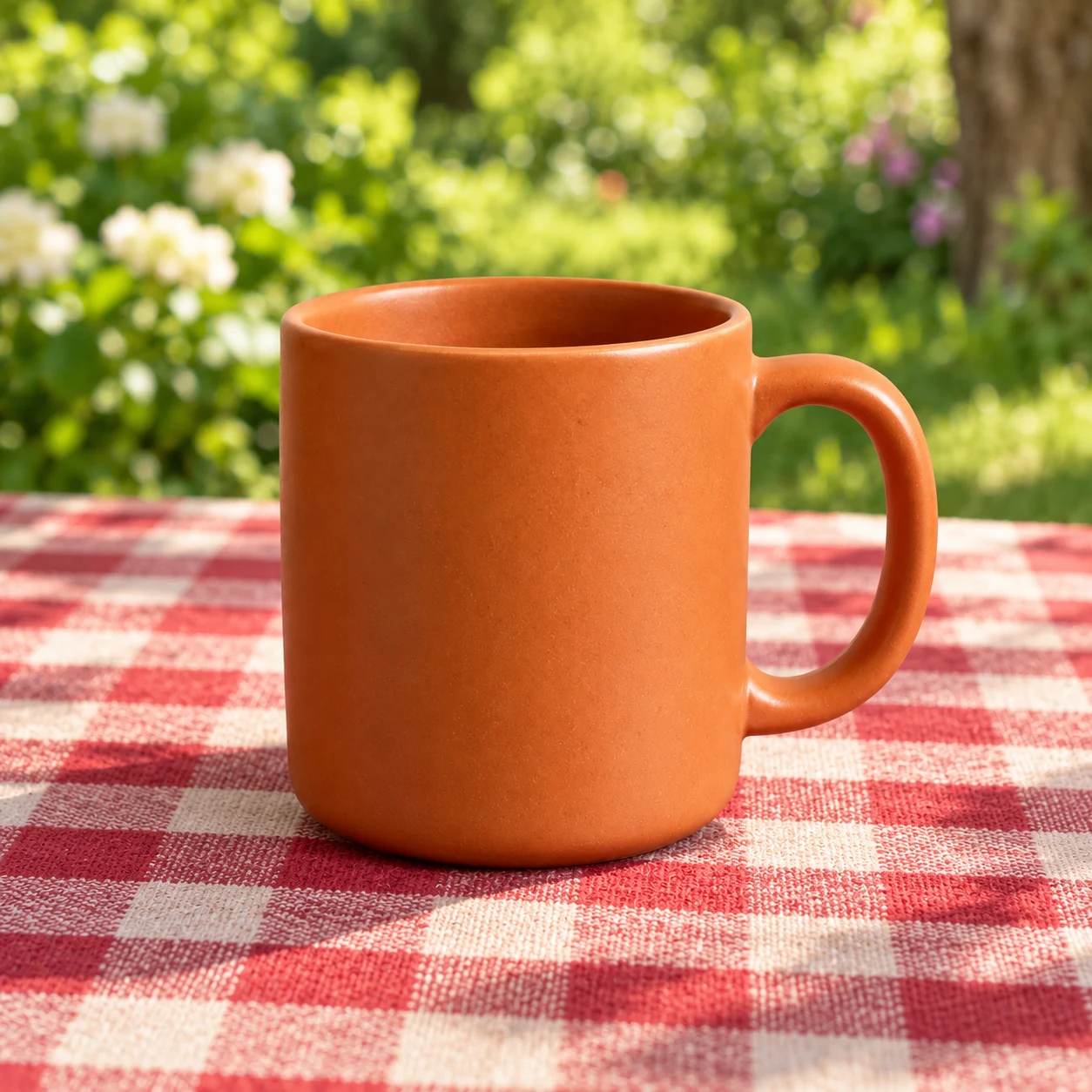 Result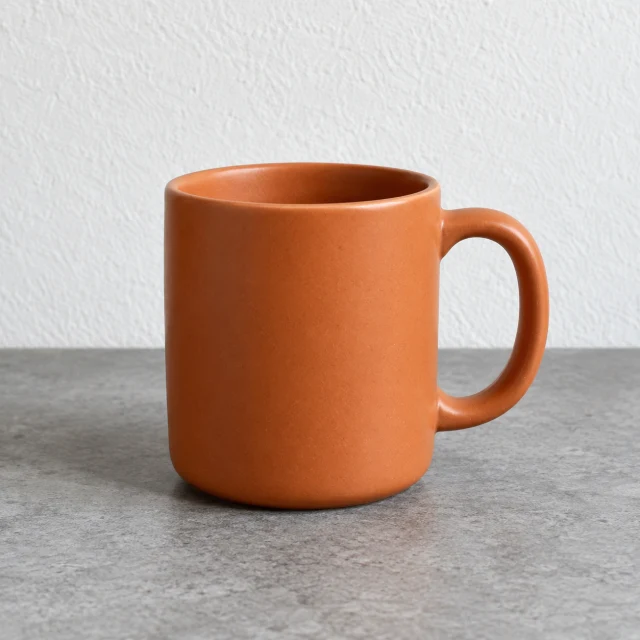
Want a fresh setting for the products you sell? This makes it simple. You refresh any product image in three quick moves.
Add the photo you want a new setting behind. One clear product image is enough.
Name the surface, the color, or the room you want behind the product.
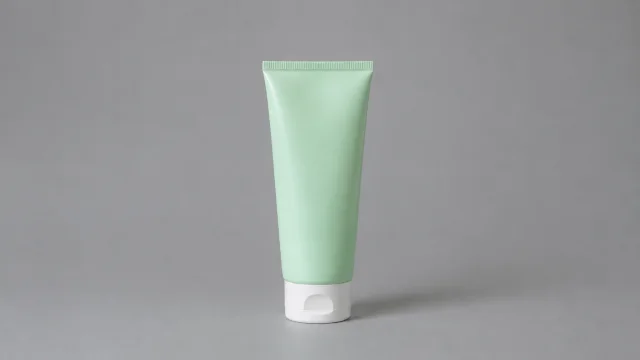
The finished photo is ready to save. Download it and place it on the listing or in an ad.
Use it when the product is fine and only the area behind it is wrong.
The old backdrop comes off and a new one goes on in seconds. You spend less time and less money.
It finds your product and lifts it off the old room. Edges stay tidy, even around hair or a fiddly shape.
The file stays sharp. A product shot is crisp enough for a listing or a paid ad.
You get a sharp photo of the same product, with the setting swapped and the shape still easy to recognize.
Drop a cluttered backdrop. You get a clean, studio-style shot for ads, social posts, or your site.
Swap the setting so the photo fits the campaign, or place the product somewhere new. One photo can feed many ads.
Skip a costly design tool and a hired designer. The result looks professional, and the job takes minutes.
The saved photo can start a video, a script, or an avatar ad without shooting the product again.
Four sellers change only the setting behind a product they already photographed.
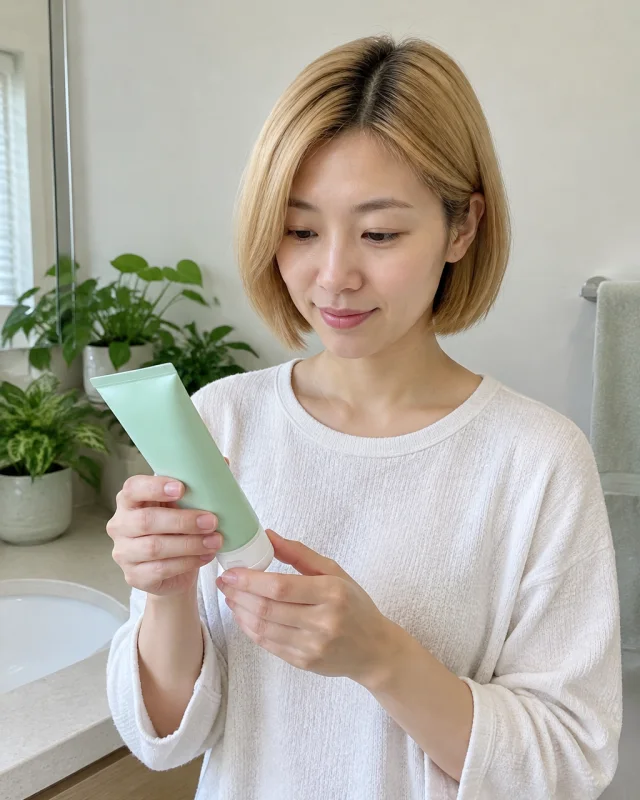
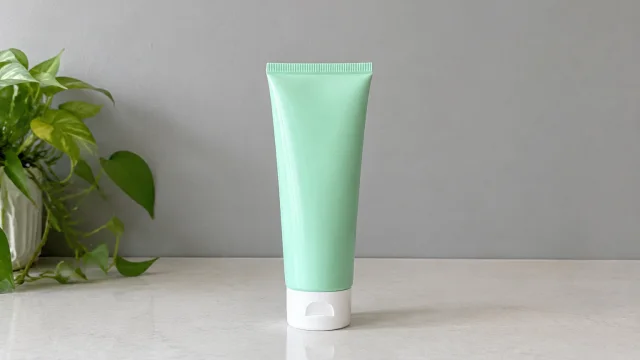
They set a mint cleanser tube on a plant-filled counter and ask for a quiet gray backdrop. They publish the listing without styling that counter again.
Skincare seller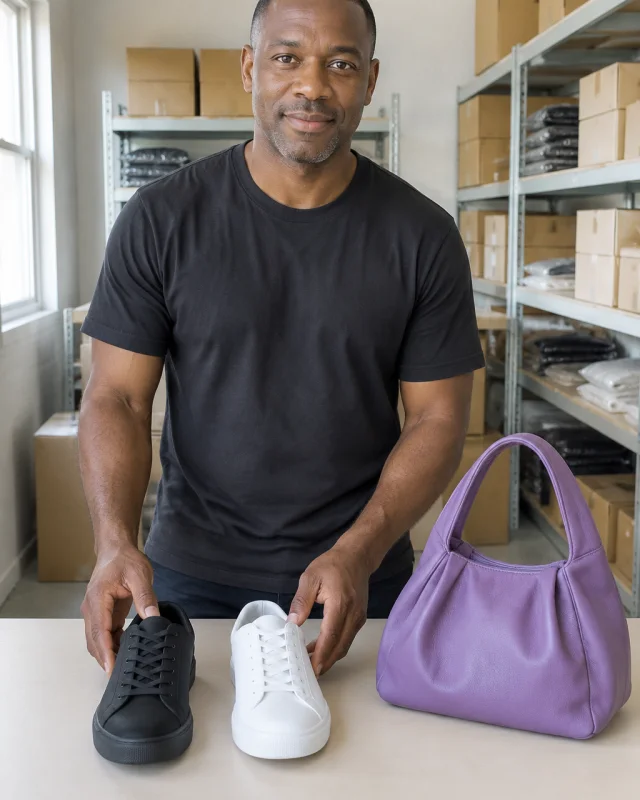
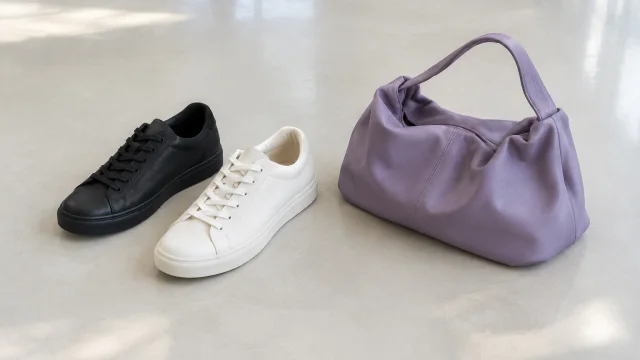
They place black and white sneakers beside a purple handbag and ask for one pale floor. They use that photo in the next ad without booking a studio.
Shoe seller
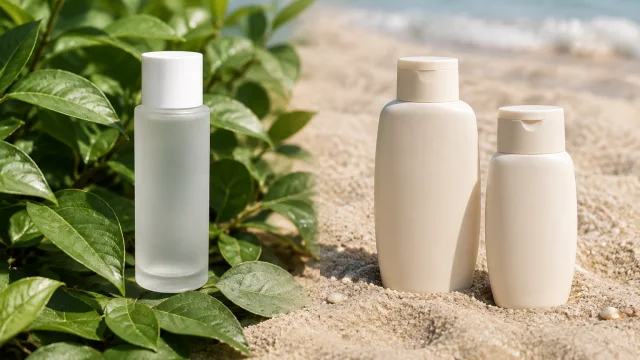
They take the serum and two sunscreen bottles and ask for sand behind the sunscreen. They keep the caps the same and skip a beach shoot.
Sunscreen seller
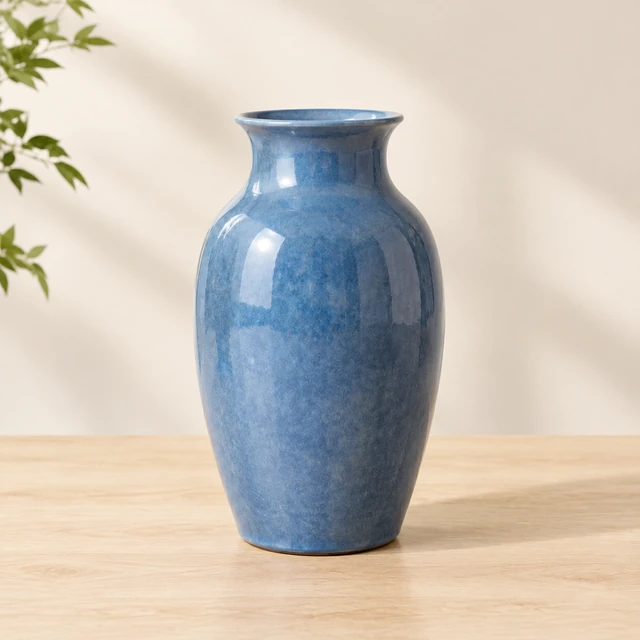
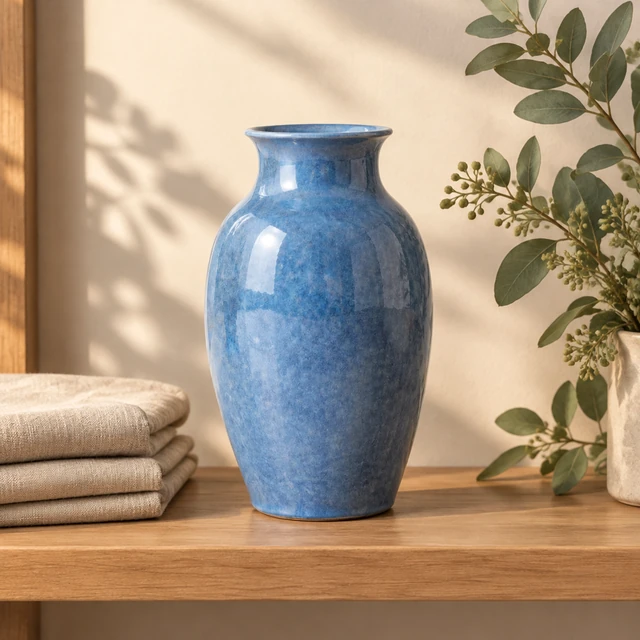
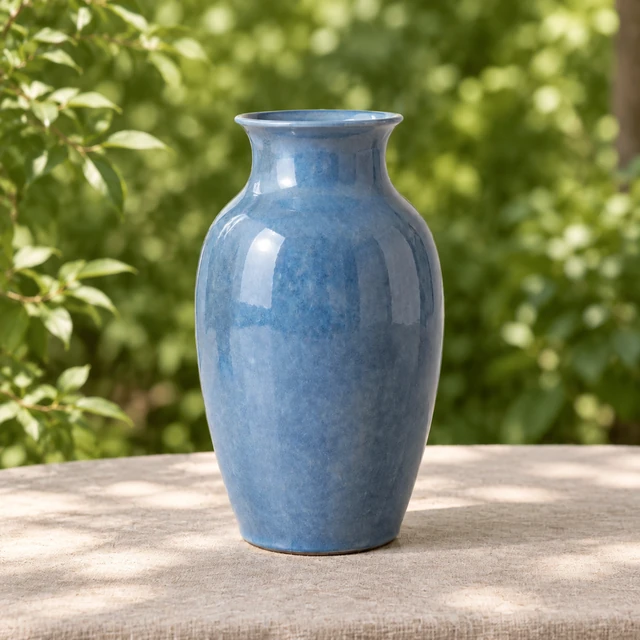
They keep the blue vase photo and ask for pale wood behind it. They check the rim, then put the square on the listing.
Home sellerYes. Make several backgrounds from one product photo to test different looks. Each finished image costs 24 credits; failed jobs return their credits.
One photo costs 24 credits. Starter costs $24.50 monthly for 200 credits, Pro costs $35 for 300, and Premium costs $63 for 600. Failed jobs return their credits.
The product should keep its shape and color from your photo. Check the result against the item you sell and make another version if something looks wrong.
Look for clean product edges, easy background choices, and a result you can use in a listing. Compare each image with your real product before posting.
Yes. Download the image without a watermark and use it in your shop or paid ads. Make sure the product and any offer shown are accurate.
Choose a ready background, a solid color, or an image you upload. You can try different scenes from one product photo without another shoot.
Yes. Use the product image to start a short video with an AI actor, voice, and captions. You can create both listing images and ads from one photo.
Upload your product photo, describe the scene, and generate a new background. You can make a studio-style image in minutes without design skills.
Upload the product photo and choose a new setting. AI finds the product and replaces the old background with white, a studio scene, or your own image.
Upload your photo, and AI separates the product from its current background. Choose white, a studio scene, or another setting and download the new image.
Upload your photo, name the setting, and download the square. The credit cost shows before it runs.