 AIVIDEOSUGC
AI Video Ads Generator: A Pre-Publish Checklist
An AI Video Ads Generator can make a product clip quickly. Before you publish a photo or video ad, compare the product, claims, rights, and labels with the real item.
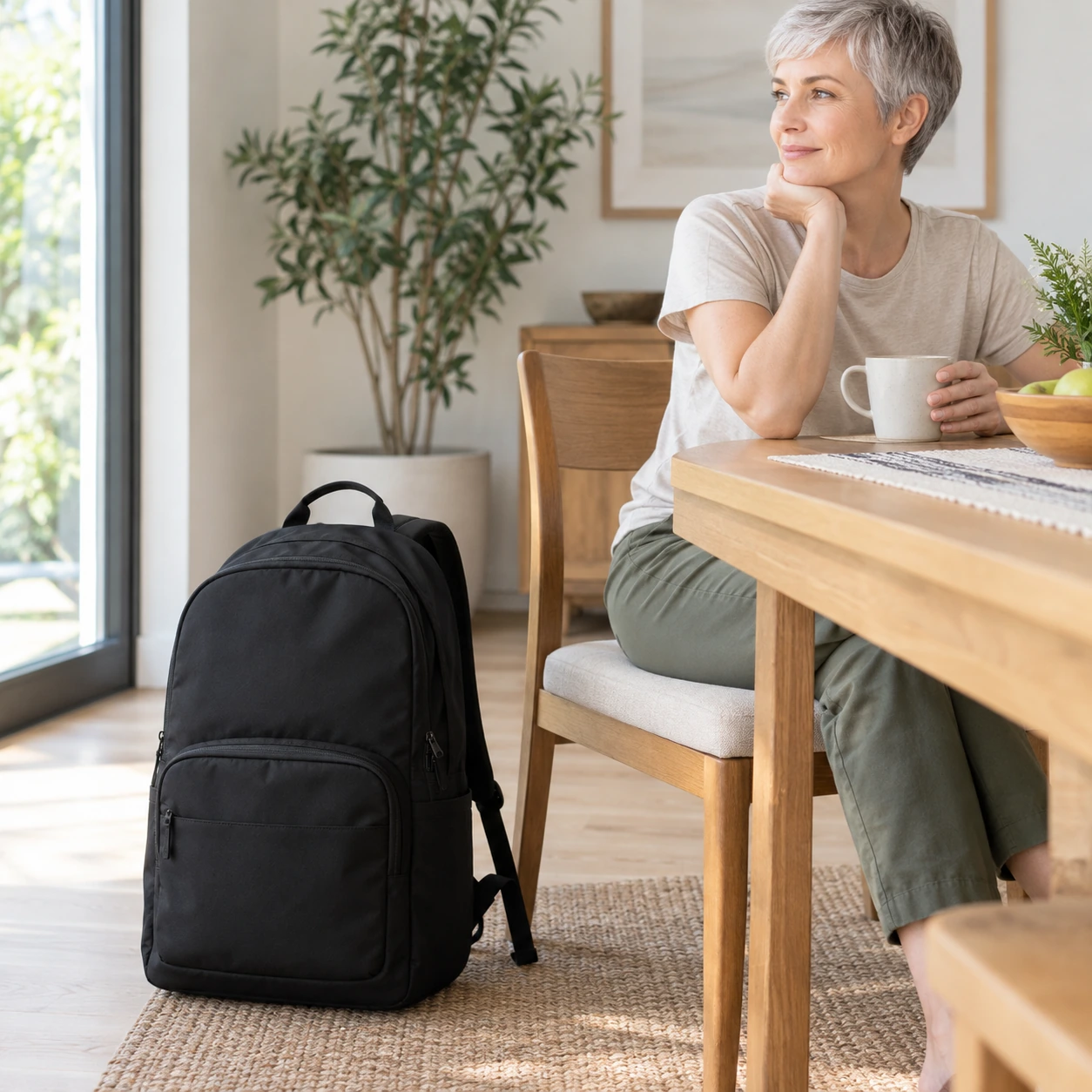
Your Pre-Publish Checklist
Check the product, video, price, image rights, and platform labels before posting. Keep the real item or source photo beside your screen.
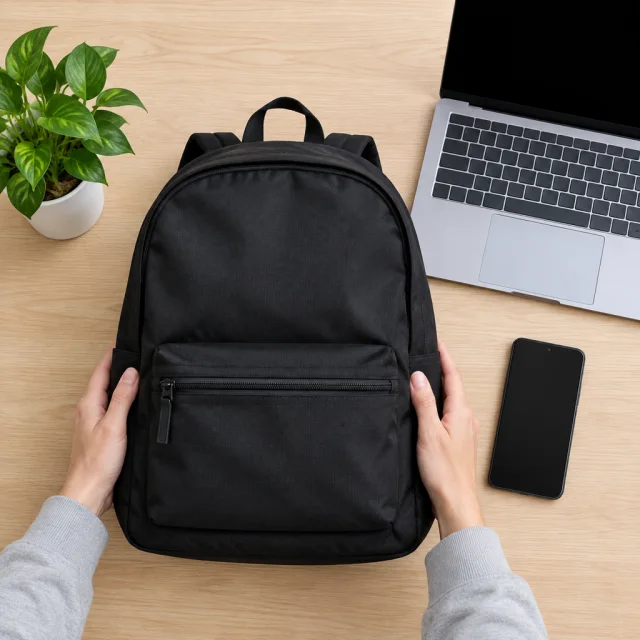
What the Ad Tool Makes
An AI Video Ads Generator makes a short ad from a product photo or listing. You still review every frame and claim before publishing.
A generated photo or video is a new picture made from your upload, not a copy of the source. A letter can change, a part can move, or a color can shift. Use the same check on a listing photo, a social post, and a paid ad.
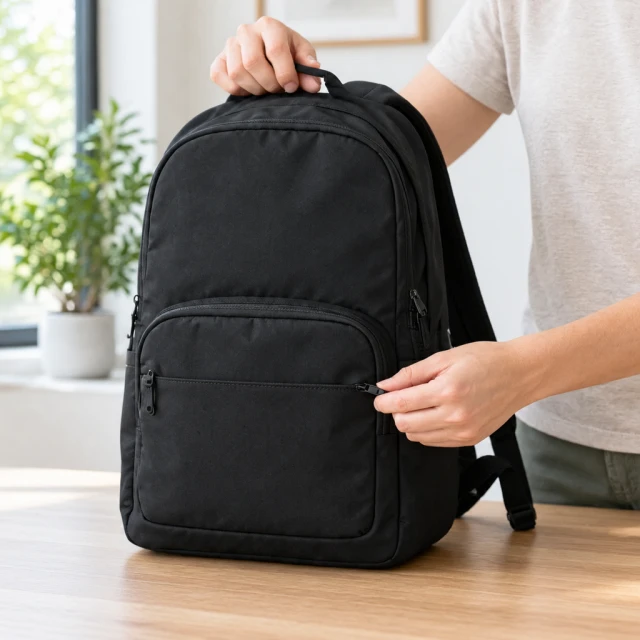
How Do I Review a Finished Video Ad?
Watch the file the way a shopper will, on a phone, with the sound and the captions on. Start from the first frame.
A TikTok ad and a Meta ad both need the product to match. Meta here means Facebook and Instagram. A tall file and a square file can still show the same product.
How Do I Check the Product in the Picture?
Hold the real product, or your original photo, next to the screen and go through color, shape, logos, parts, and size.
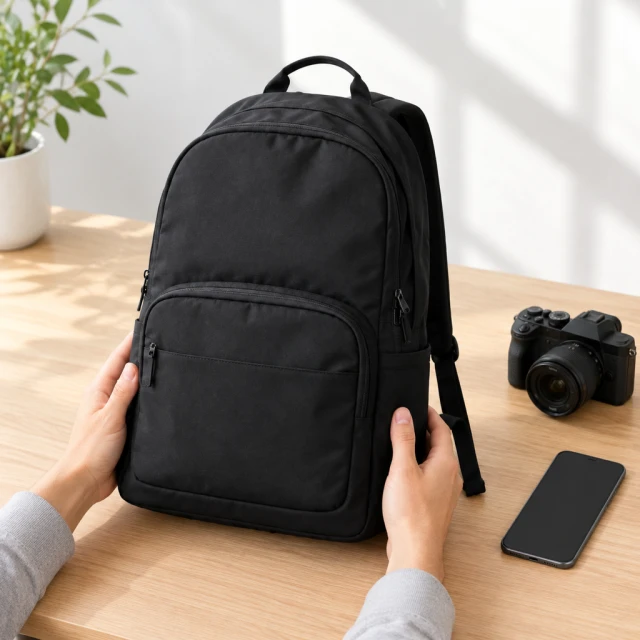
Compare the color in daylight. Count the parts. Read every letter on a label. If a hand is in the picture, the product should look the right size next to it. Extra scenery is fine only when a shopper can tell it is not part of the order. Those scenes are made as lifestyle product photos.
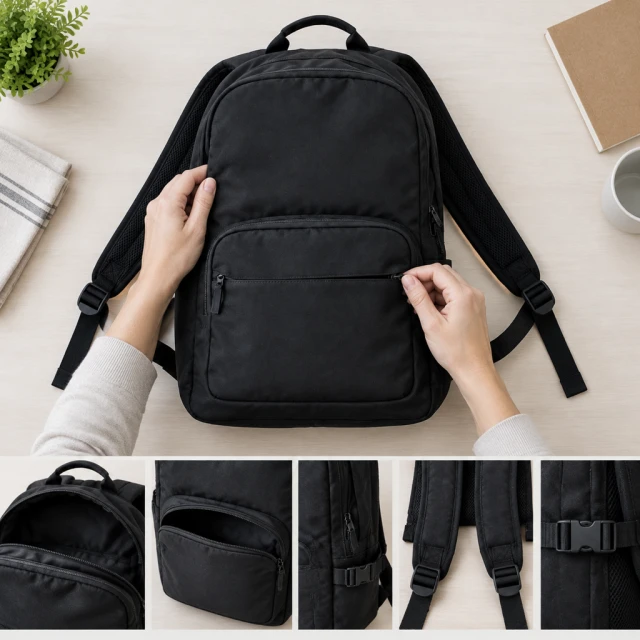
What Is on a Video Ad Checklist?
Play the clip on your phone. Listen to the voice, and read the captions. Then watch the hands and the first frame.
The script should name the product you ship. Do not mention a feature that is not for sale. Clips often go wrong while the product moves. Count the fingers, and watch how they hold the item. If one short moment looks wrong, trim it. If the problem runs through the whole clip, make a new version. Run this check on a product video before you post it.
How Do I Add the Price Before I Publish?
Make the picture or the clip first. Then add the price, the date, the code, and the headline yourself.
Do not ask the tool to paint those words into the image or the clip. Letters it draws are often wrong. Captions can match the spoken line. You still type the price, the date, and the code yourself.
What Do I Need to Own Before an Ad Goes Live?
Upload only photos you took, or photos you have permission to use. Use only logos that belong to you.
If the photo comes from a supplier, your agreement must cover ads. A request built around another company's logo, or a celebrity, may be refused. The Content Policy says what you can upload. For music, pick a track from the music library, or one you already licensed.
When Do Generated-Content Labels Apply?
Read the current rule on each site you post to. Several sites ask you to mark a realistic generated face or scene. Check again before a big spend.
Do not show a generated face as a buyer or a reviewer. That includes model photos for clothing. Do not let a caption promise a health, skin, or weight result.
Why Review Every Generated Ad
A script can start from your product page, but only you can confirm that its claims match the item you ship.
The file comes out in a shape you pick before the job. Those shapes are listed on pricing. 9:16 is a tall phone video. 1:1 is a square. 16:9 is a wide video. 4:3 and 3:4 are there too.
From one photo you can ask for a calm try-on and a louder unboxing. Keep the version that fits the shop after you run the check.
How to Create a Video Ad in 3 Steps
Add the product page. Or write a short note about what you are advertising. URL to video is there if you do not want to retype the name.
An adult face comes from the actor library. The tool matches a presenter and a voice, then you review the clip before you trust it.
Download in the shape you need, or hand the file to the ad account. The download has no watermark.
What You Gain From an AI Video Ad
You can trim the clip yourself, and you do not book a camera day just to test the ad.
You pay with credits on a monthly plan. Starter is $24.50 a month for 200 credits, Pro is $35 for 300, and Premium is $63 for 600. A photo costs 24 credits, and each video charge appears before it starts.
When the first ad only shows the product closed, make another file that shows the detail that sells. Check that new file before you post it.
When a live ad starts to feel familiar, change the room and keep the product. Review the new file before it replaces the old one.
You pick the tone, the avatar, and the colors. You can edit the script before the voice is set.
Use the avatar, the voice, and a song from the music library on ads you download here. Or bring a song you already licensed for ads.
More Video Tools for the Same Photo
Turn the product photo into a product video. Or start from the video tools if you are still choosing a format.
A clip of an avatar talking about the product is on UGC video ads. A post for the feed can follow Instagram ads.
Paste the listing if you do not want to type the details again. That tool is URL to video.
Pick a face in the actor library, or save one look and use it on the next product.
If the photo should simply start to move, use image to video. Then run this check on the clip.
A large catalog can send each product through and get a file back. You see the credit cost before each one starts.
AI Video Ads vs Filming the Ad
Timing. You upload a photo or paste a listing, then review a clip. You do not book a day with a crew.
Cost. You spend credits from the monthly plan. A filmed ad also pays the people and the place.
Versions. A second opening is a new file from the same photo, not another day of filming.
Control. You can change a word before anyone hears it. On a hired shoot, that change often waits until the day.
Rights. You start from photos you are allowed to use, and a song from the library or one you already licensed. A creator's face and music often need a separate agreement.
Next product. The next item uses the same steps. You do not wait on one person's calendar.
How Shops Use a Checked Video Ad
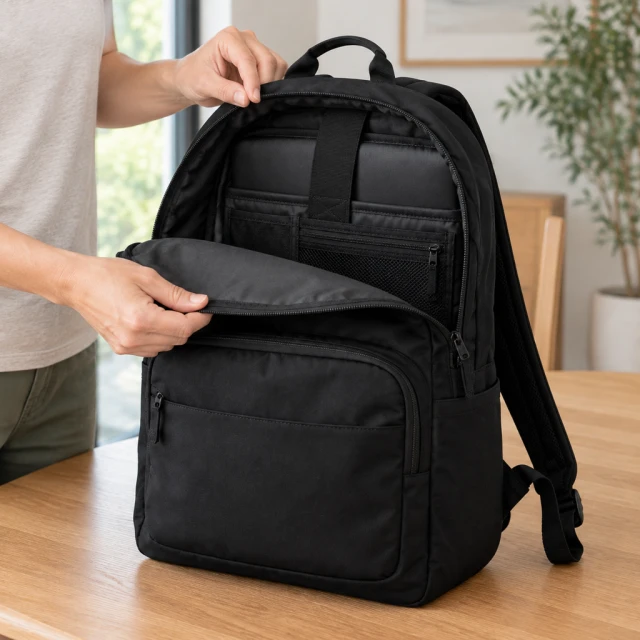
A bag seller shows an AI avatar holding the product and naming one part. A person checks that part against the real item before anyone posts it.
A gadget seller opens the box on a desk and confirms every part in the kit is the part that ships.
A clothing seller shows the piece on an adult, then matches the neckline and the print to the sample before the file is saved.
A food seller sets the jar on a counter. The voice names the flavor printed on the lid, and no extra claim is added after the check.
The Final Check Before Publishing
Match the photo or clip to the product you ship. Verify the price and claims, confirm your rights, then follow each platform’s labeling rules.
Send it to TikTok or Meta, or download it, only after those checks. If a shopper could feel misled, do not post that file.