 AIVIDEOSUGC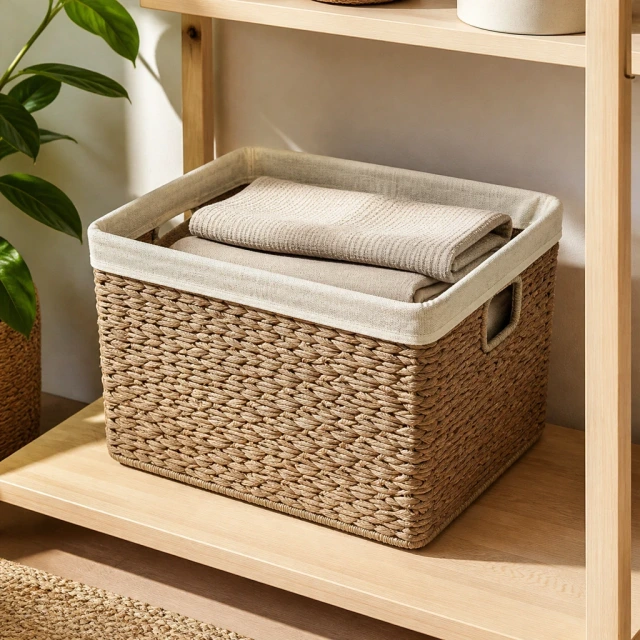
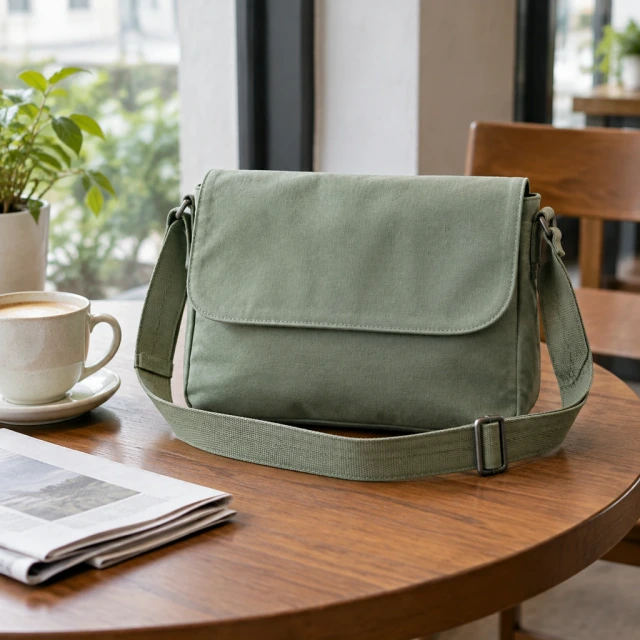

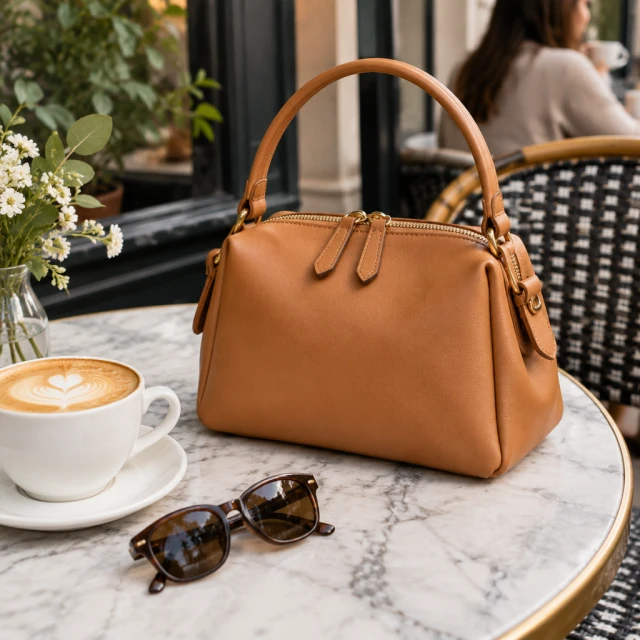



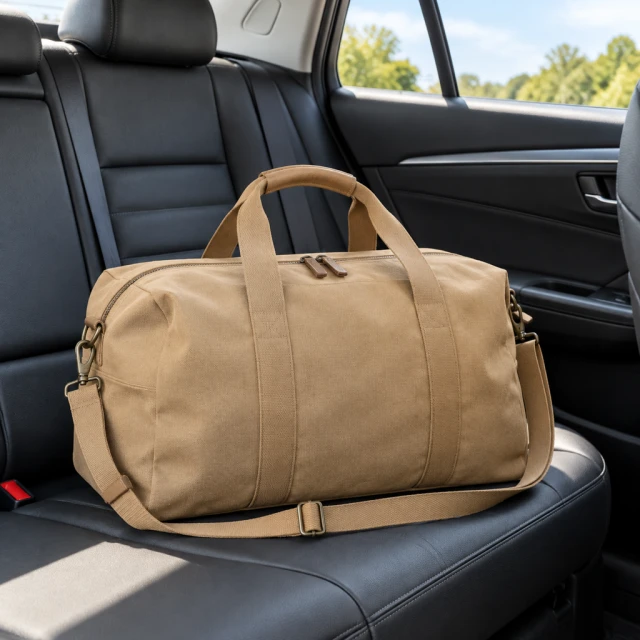
Show Where the Item Sits at Home
Show your product held, worn, or placed in a realistic setting so shoppers see how it fits their lives.

AI product staging sets your item in a lifelike scene that earns attention, builds trust, and helps the sale.
Plans from $24.50 a month. You see the credit cost before every job, and if a job fails its credits go back to your balance.
 Result
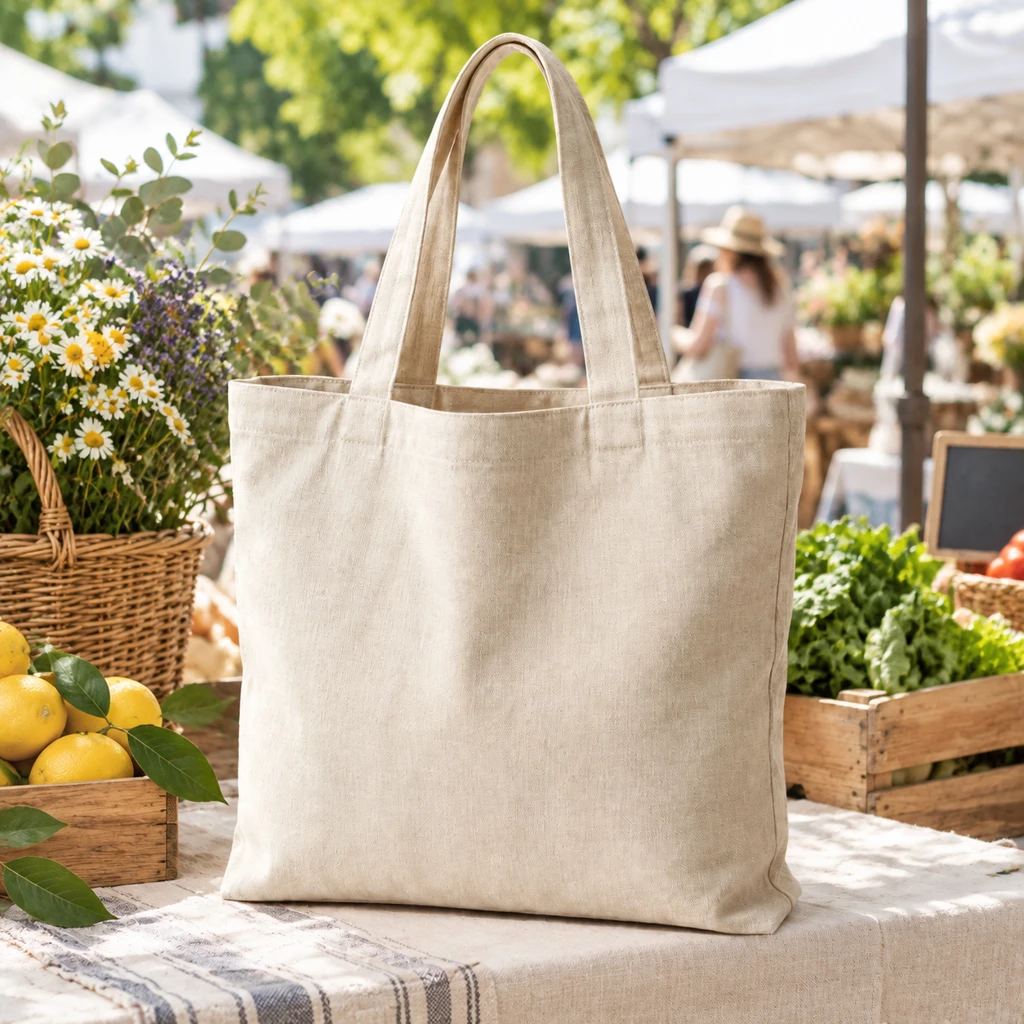
A room shelf, a cafe table, or a market stall. The product in your photo stays the same.
Show your product held, worn, or placed in a realistic setting so shoppers see how it fits their lives.
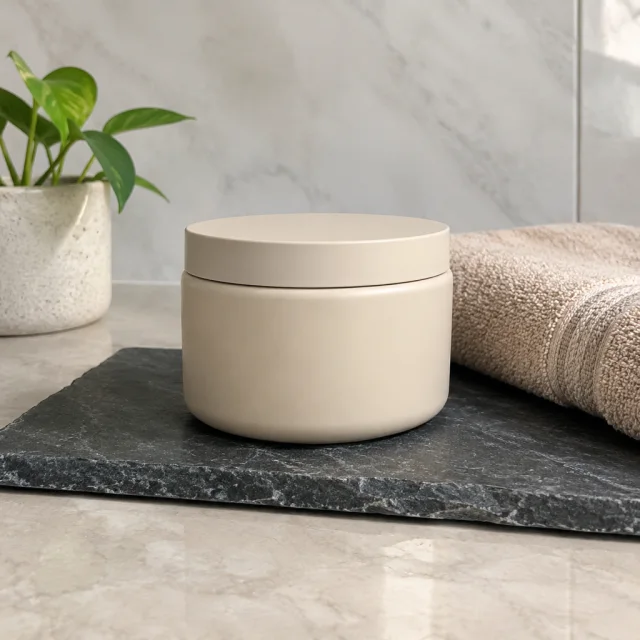
A cup, a cloth, or a tool can show what the product is for. Keep the product larger than that object.
An open drink on a balcony shows someone using it, not just the can on a plain background.
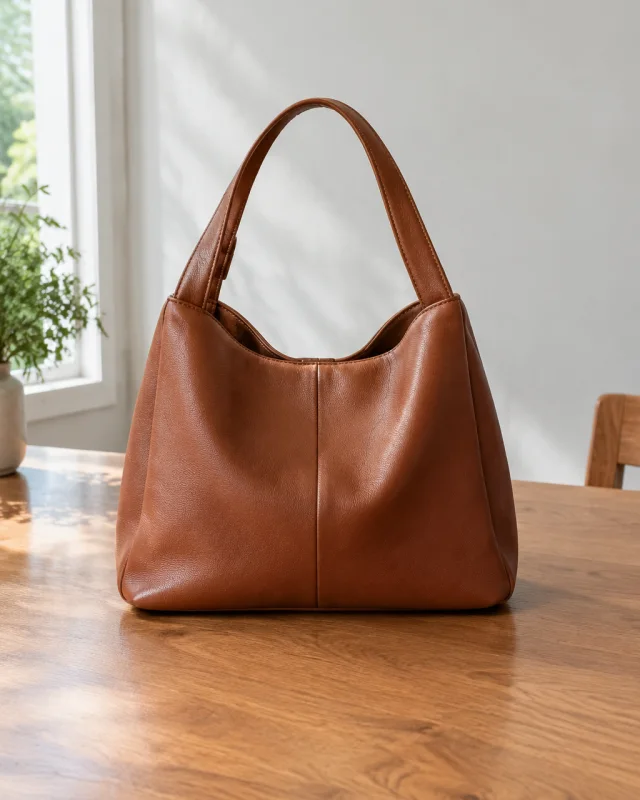
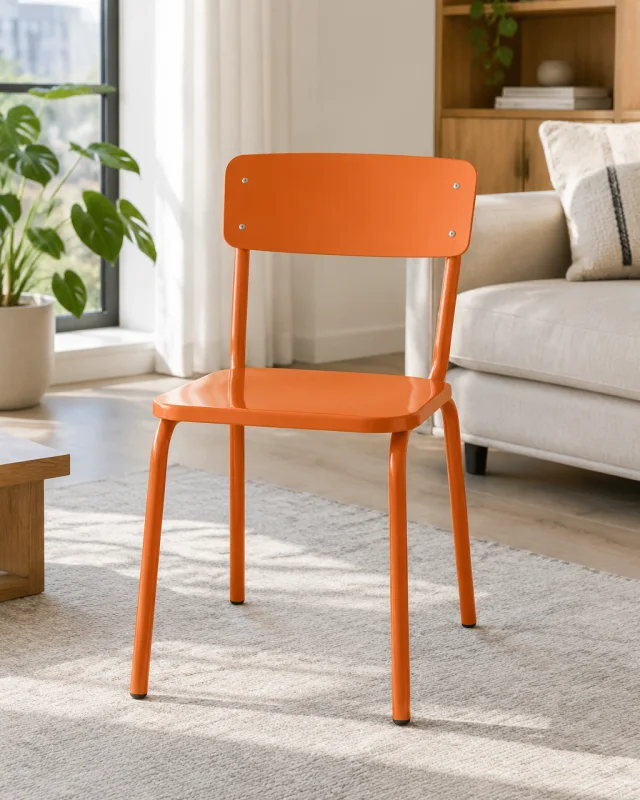
Shoppers see the chair where it would sit at home. A real room makes the use clear before they read.

Show your product in a lifelike scene so shoppers can picture using it and feel more ready to buy.
Get a professionally staged product photo without paying for a styled shoot, location, or crew.
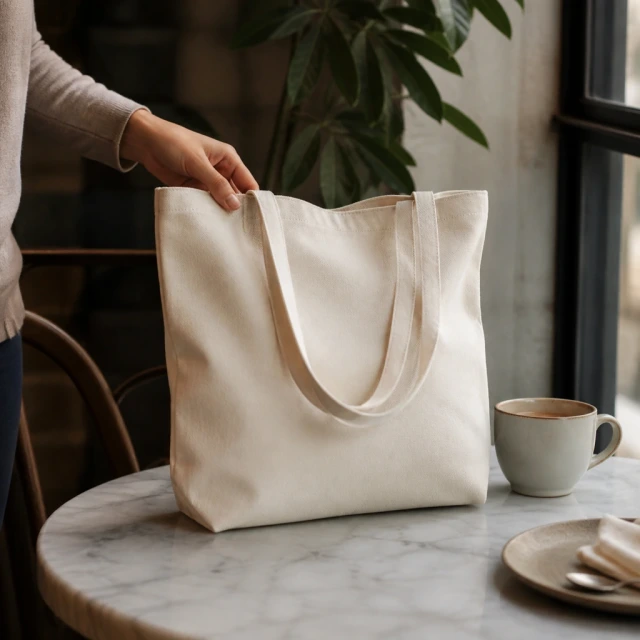
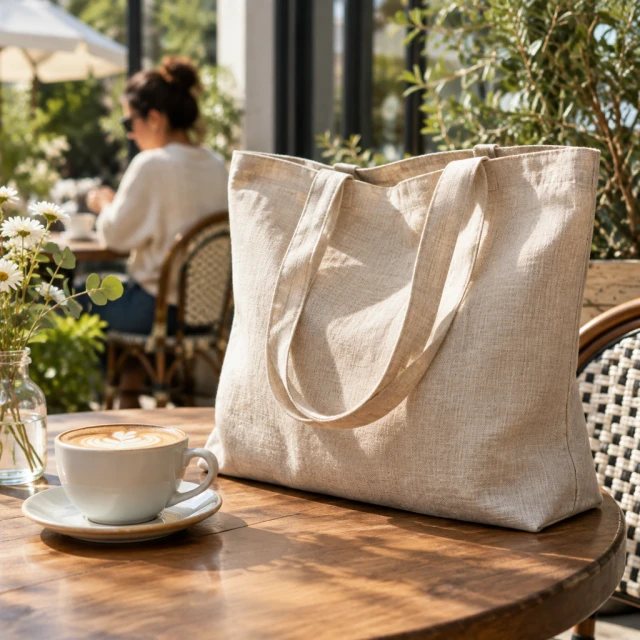
The cafe scene starts from the bag photo you already have.
The bag stays next to one drink. The square is ready for the product page or the feed.
The same bag photo can go on the store, on social, or into an ad.
A neighborhood carry is enough for the post. Add the caption and any price in your own editor.

The bag stays the bag. Only the place changes.
The bag is carried beside a bike, so a weekend use is easy to see at a glance.

The same bag sits on a picnic blanket, with the straps still easy to see.

A bright entryway gives you a home version to set beside the outdoor scenes.
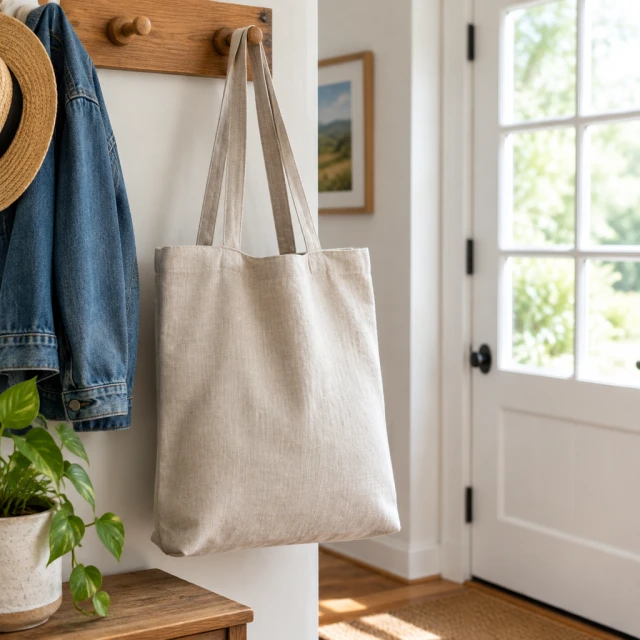
Add one product photo, try a few scenes, and download the one you want to post.
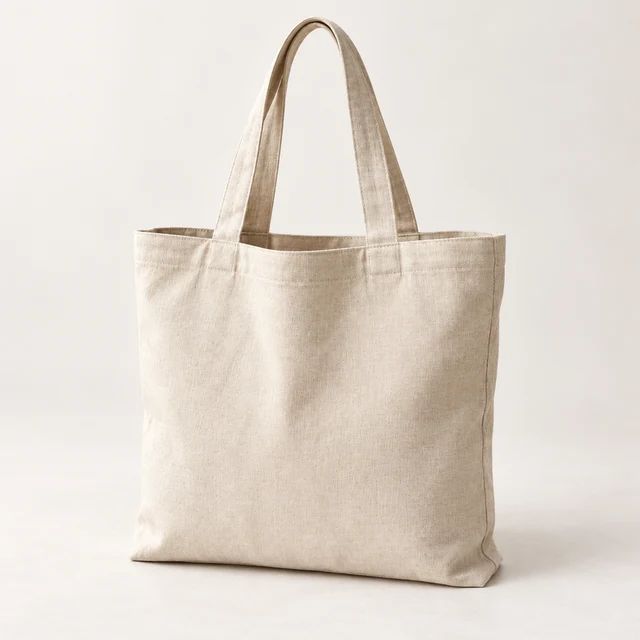
Add a clear photo of your product. You get a lifelike scene for the store, for social, or for an ad.
Try more than one setting. Keep the scene that shows the item held, worn, or set on a surface.

Pick the scene that fits. Download it for your site, a marketplace, social, or an ad.
Make, clean, and resize the photos you sell with, on every channel, from one file to a full catalog.
Lift the product off its old backdrop and drop in a clean studio setting that shows it clearly.
Remove the Photo Background →Make a custom backdrop, or change the color, and keep the look of your brand.
Generate a New Background →Help shoppers picture the product in use by setting it in an everyday scene.
Adjust the brightness, clear a stray object, and resize the file for the channel that needs it.
Fix Light, Clutter, and Size →Show how it looks worn or held by an AI actor, so shoppers can judge the scale.
Show the Product on an AI Actor →Export a photo that is ready for your site, a marketplace listing, or an ad.
Even out the light, the detail, and the color before you build a scene on top.
Go from a tall frame to a wide one, or the other way, and keep the product intact.
Connect the catalog and request a scene for each product, without opening every file by hand.
Place a short message on the photo, in a style that fits the shop. The price still goes in your ad editor.
Give a stack of photos the same backdrop or the same size in a few clicks.
Pass a scene and a note to the person who owns the product page, before it goes live.
Keep your mark, your type, and your colors together so the next scene matches.
A new shop can make a simple mark here, then place that mark on the next scene.
Start the scene on a laptop and finish the crop on a phone.
Yes. Use the staged photo in paid ads without a watermark. Add your offer in the ad editor and check the image against the product.
No. Keep your plain catalog photo for close product details. Use the staged scene to show how your item looks in daily life.
Yes. Make another lifestyle scene from the same photo for 24 credits. Try different settings without another photoshoot.
Yes. Describe the setting you want for your product. Try another scene if the first one does not fit your brand.
Upload a clear product photo and choose the type of setting you want. Download a realistic scene for your store, social posts, or ads.
Yes. Use it as the product photo in the feed. Write the caption in Instagram, and add any price in your own editor.
AI product staging puts your product into a realistic everyday setting using a photo you already have. You can show shoppers how it looks in use.
Yes. Use the staged image on product pages, marketplaces, social posts, and ads. It helps shoppers picture your item in real life.
Use a clear photo that shows the whole product and its important details. This helps the new scene look true to the item you sell.
Yes. Change the background or make a second scene from the same product photo. You can test looks without another photoshoot.
One staged image costs 24 credits. Starter is $24.50 monthly for 200 credits, Pro $35 for 300, and Premium $63 for 600.
Open the backdrop tool, the model photo, the ad size, or the store where this scene will go.