 AIVideosUGC
An AI Content Checklist for Product Photos and Video Ads
Use this AI content checklist before a photo or video goes on your store, a marketplace, or an ad account: AI can make a great-looking ad that still gets one small thing wrong.
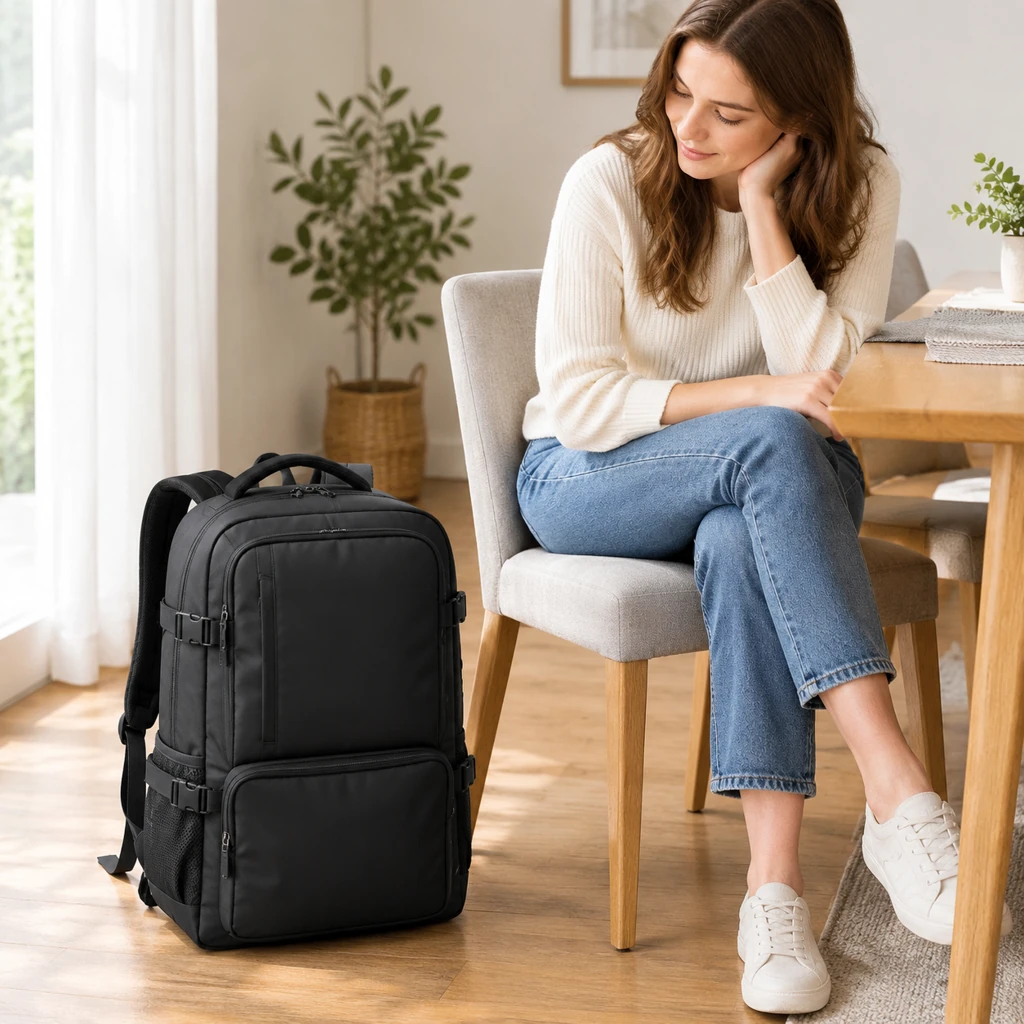
Why a quick review is worth it
An AI photo or video is a newly generated version of your product image, not a duplicate of the original photo. AI can still change a logo letter, move a button, add a piece, or shift a color.
Reviewing before you publish gives you a chance to catch product mismatches before customers see the content. The checks below work for listing photos, social posts, and paid ads alike.
Make sure the product matches what you ship
Hold the real item, or your original photo, next to the screen and go through it piece by piece.
Color: compare in daylight, not only on a bright monitor. Shape and proportions: is the bottle the right height for its width, and is the strap the right thickness? Logos and labels: zoom in and read every letter. Parts: count them, because a kit with two brushes shouldn't appear to have three. Size: when a hand or a familiar object is in the frame, does the product look the right size beside it?
Watch for extras as well. A styled scene might add a candle, a plant, or a second cup. That's fine as decoration, but if a shopper could reasonably think it comes with the order, choose another version or state clearly in the listing what's included.
Watch videos more than once
Play the clip full screen on your phone, the way most people will see it, then go through it slowly. Movement is where AI video tends to slip: a label can blur as the product turns, fingers can blend into a handle, or a lid can change shape halfway through.
Look closely at the hands. Count fingers and watch how they hold the product, especially when it's being opened, poured, or turned over.
Give extra attention to the first frame, since it often becomes the thumbnail. If one short moment is off, you can usually trim around it in CapCut. If the problem runs through the whole clip, make a new one.
Put words, prices, and offers on last
Don't ask the AI to write your price, launch date, discount code, or headline into the picture. Generated lettering is often misspelled or garbled. Make the visual first, then add text in Canva, CapCut, or Ads Manager, where you control every character.
Before posting, check that the price and code on the ad match your store exactly and that any end date hasn't already passed. Then scan the generated image for stray letters on packaging or signs in the background. If you spot any, crop them out or try again.
Own or license everything that appears
Upload only product photos you took yourself or have the rights to use. If you're working from a supplier's photo, make sure your agreement with them covers using it in ads. Feature only logos and trademarks that belong to you. Requests built around another company's marks may be refused, and so may anything involving celebrities or other public figures. Our Content Policy and Trust and Safety pages explain what can be uploaded and how reports are handled.
The same applies to what you add later. Pick music from the commercial-use library in your editing app or ad platform, or a track you've licensed for advertising, rather than a song you simply like.
Follow each platform's current rules on AI content
Several platforms ask creators and advertisers to mark realistic AI-generated people or scenes, and some offer a toggle or tag for it when you post. The rules differ between platforms and get updated, so read the current policy on each site you use instead of relying on an old screenshot or a forum thread.
Two habits help wherever you post. Don't present an AI-generated person as a real customer or reviewer. And don't let a caption promise health, skin, or weight results; show how the product is used and leave the conclusions to the shopper.
Checklist
- Color, shape, logos, and part count match the real product
- No prop could be mistaken for something included in the order
- The video holds together from first frame to last, with no warping
- Prices, codes, and dates were added by you and match your store
- Every photo, logo, and music track is yours or licensed for ads
- Each platform's current AI labeling rules have been read and followed