 AIVIDEOSUGC
For Sellers
Add a clean white field from the photo you already took. The product stays, the room goes, and the main image is ready to list.
Put any product photo on white in a few minutes. You get the plain white look a marketplace wants on the main image. One photo at a time in the app, or the whole folder through the API.
Plans from $24.50 a month. You see the credit cost before every job, and if a job fails its credits go back to your balance.
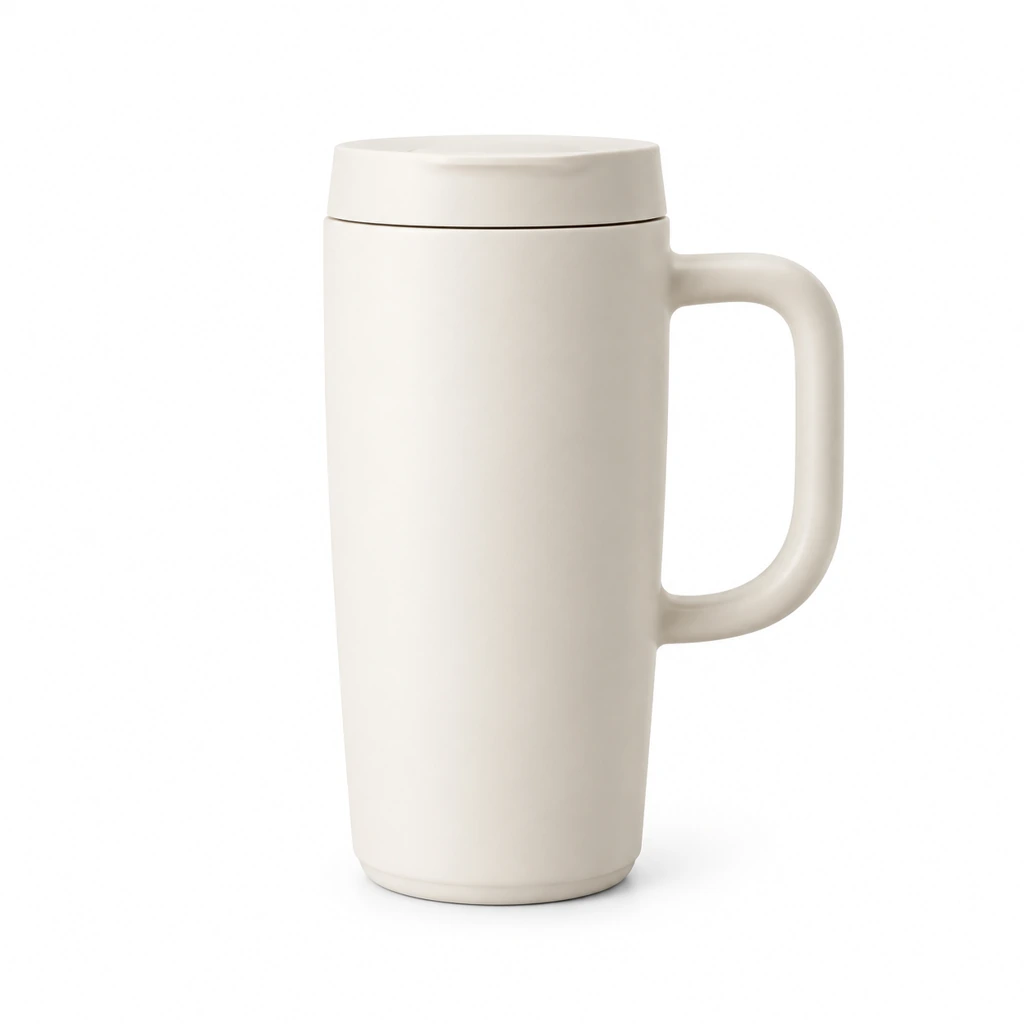
A single listing, an API folder, and a large catalog can each end with one product alone on white.
Add a clean white field from the photo you already took. The product stays, the room goes, and the main image is ready to list.
Your shop software can send this week's new photos and get the same white field back, without anyone opening each file.
New arrivals get the same white field, margin, and shadow as last season, so a growing catalog still reads as one set.
A white field makes the product easier to see, and easier to sell. It clears distractions and brings out color and texture.
In a long row of products, that plain field is a simple way to earn the click. A second photo can show the item in use. This file is the plain one shoppers compare first.
Shoppers can read the shape and the weave in the search result. The busy table is gone, so the product is what the card shows.
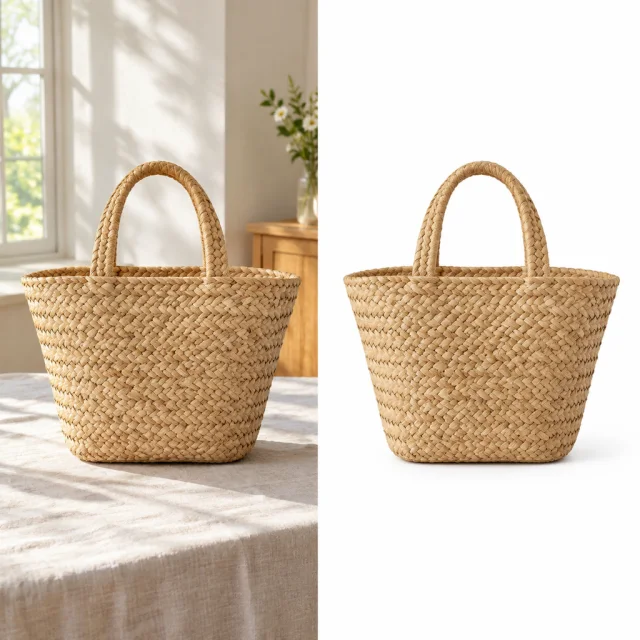
A shot taken in a real room can still look like a catalog photo. The whole item stays in frame, and a short shadow keeps it from looking pasted on.
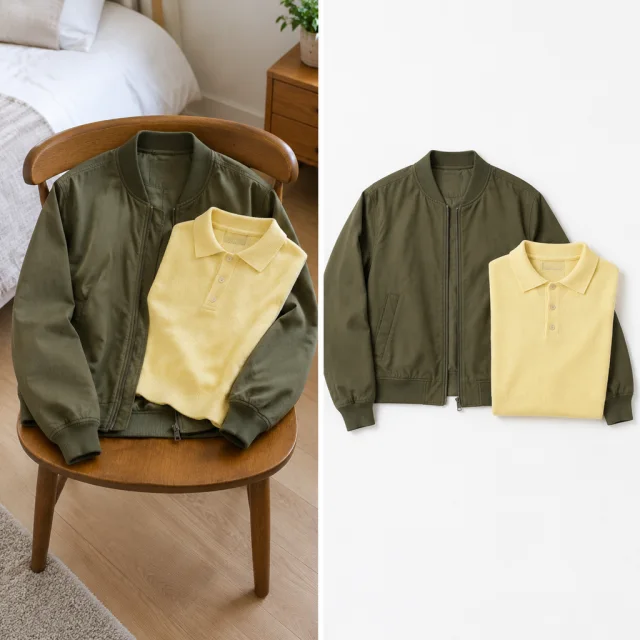
Buyers paging the shop see one white, even when the next photo was shot under a warmer bulb. The grid matches.
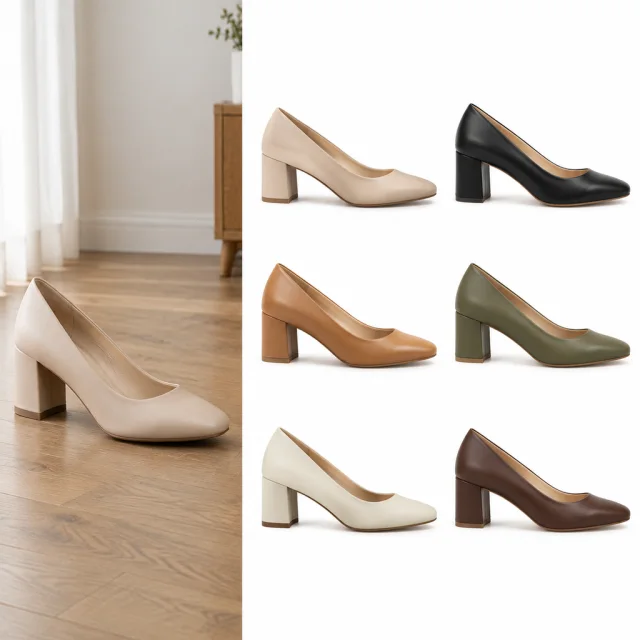
One saved white file covers more than one placement. The store grid gets a square crop, and the email gets a tighter crop of the same item.
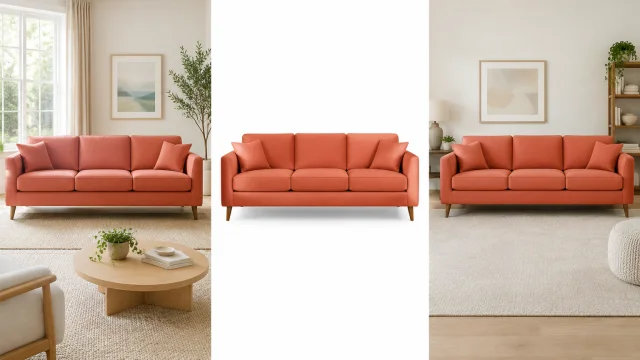
Upload the photo you already took, choose white, and download a file with every edge still in the frame.
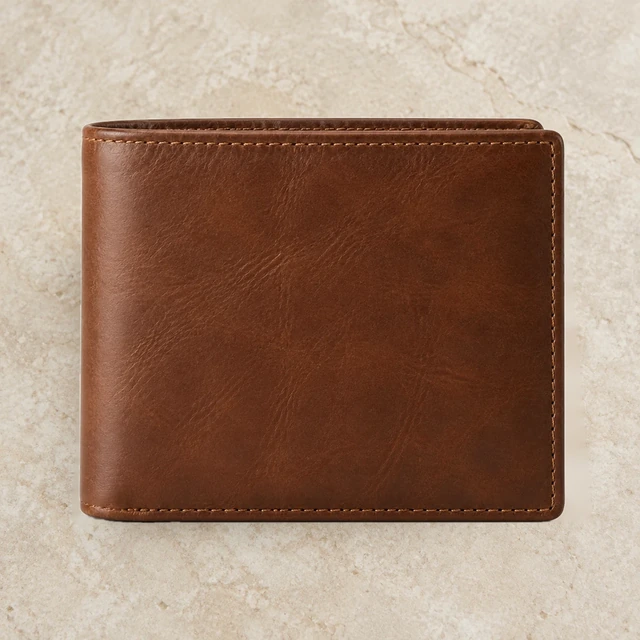
Upload a product image where the whole item sits inside the frame. Start from that photo instead of another shoot.
Choose white. The product shape stays, the clutter near the base goes, and a soft shadow can sit under it.
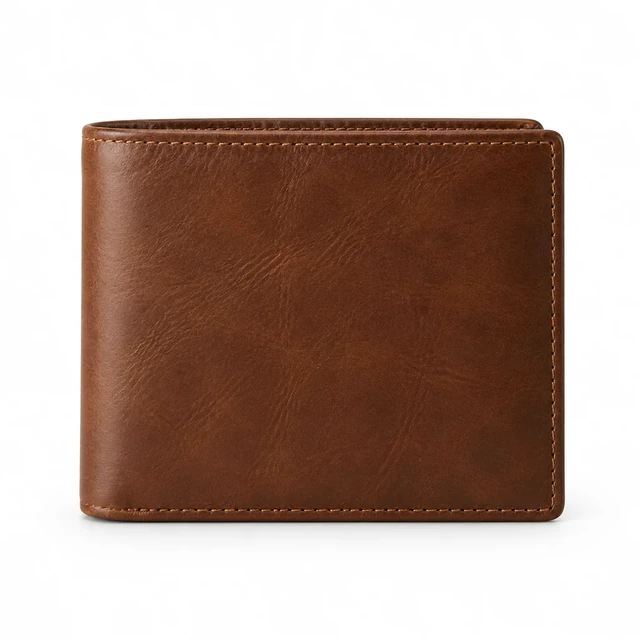
Download the file. Each extra photo shows 24 credits before the app or the API runs it.
The finished file can go on the product page, and the folder behind it can follow when you are ready.
The saved file can go live on the product page you are editing. If a marketplace feed reads images from that page, it picks up the same file.
Your catalog software can request the white field through the API, so a new photo does not wait for someone to open it by hand.
A stack of new photos can take the same white field in one run inside the app. You are not standing up a queue of your own.
When Premium is not enough, tell support how many photos you need this month. The extra photos keep the same white field.
The same account also builds, fixes, and exports the other images a listing needs.
Lift the product off a busy surface so it sits alone, ready for whatever field the listing asks for next.
Place the product in a new setting while the color stays the one in your photo. You get that scene without a new shoot.
Help shoppers picture the product in use, not only as a cutout. That second image is there when the listing needs context.
Lift a dim photo, clear a stray object, and resize the file for the channel that will carry it.
Clothing and accessories can appear worn, with the color from your photo kept. That actor stands in, so a fitting does not have to happen.
The file you save has no mark across it, so you can attach it straight to the product page you are editing.
Metal keeps its shape while a too-bright spot comes down. The item looks like the material you ship.
A tall photo can fill a wide ad frame. The product stays in the picture while the white field grows out to the sides.
The shop's product tool can call the API when a new item is saved. The white field is requested from the tool you already use.
Add the product name in your own editor, in the type the site already uses. Proof the words before the story image goes up.
A folder of photos can all become the same square in one run. The set matches in the grid without resizing each file by hand.
Each shop takes a photo they already shot and downloads a file with the room gone.

They shot the wallet beside the keys and download a file with the table gone. That file is the main image on the listing.
Leather-goods seller
They run a folder of product photos onto the same white field. The grid matches, and nobody opens each file by hand.
Catalog seller
They take the stoneware bowl off the wood table and onto white. The listing main image is that file.
Tableware seller
They shot the lamp and the mug on a cluttered desk and download each one alone on white. Both files can go on their own listings.
Home-office sellerNo, if your source photo has clear lighting and contrast. A soft natural shadow adds depth while keeping attention on the item.
Upload your photo and choose pure white, RGB 255, 255, 255. Review the product edges, then download the image for your listing.
One white-background image costs 24 credits. You see the cost before starting, and a failed job returns those credits.
Many marketplaces require a pure white main image. Check your category’s current rules, because a background that only looks white may fail an automated check.
Upload your product photo, and AI removes the room behind it. Download the item on a clean white background without manually cutting around the edges.
Use a clear photo that shows the whole product and its edges. Good lighting helps you check the result quickly.
Yes. Download the image without a watermark for Amazon, Shopify, Etsy, or paid ads. Check each marketplace’s image rules before posting.
Choose a tool that removes the original background cleanly and gives you pure white. This one makes a listing-ready image from a product photo.
One image costs 24 credits. Starter costs $24.50 monthly for 200 credits, Pro costs $35 for 300, and Premium costs $63 for 600.
Yes. Apply the same white background to many product photos in a batch or through the API. Review each item before publishing its listing.
Upload one product photo and download a white listing file. You see the 24-credit cost before it starts.