 AIVIDEOSUGC
Reporting AI Actors
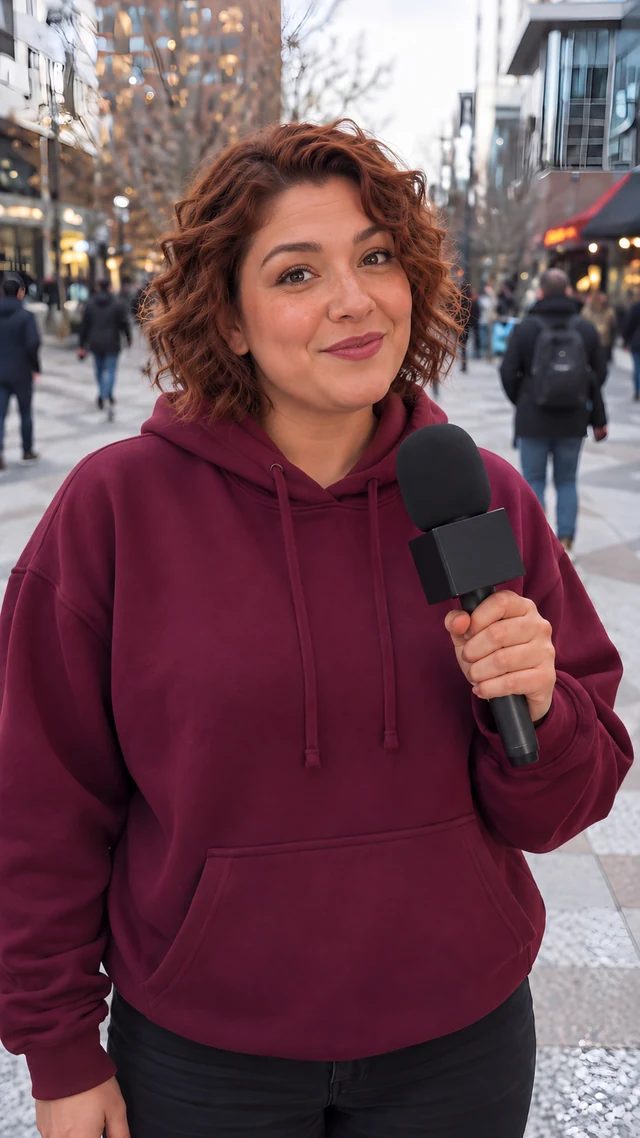
AI actors who present your product from a reporter-style city scene. Open an actor's page to see their setup, then open the workspace.
Dalia is the presenter for this scene — a reporter-style city scene is the news-report setting this column covers. Open a card below for each one's setup, then use its button to start the video with your product photo.
Related Pages
Questions
How do I make a product video in a news-report scene?
Pick an actor on this page and open the workspace. Upload one product photo, write the line, and choose a voice. You see the credit cost before the job starts.
Will the actor say my exact words?
Yes. The actor speaks the line you wrote, in the voice you choose, on camera in a reporter-style city scene.
Where can I post the finished clip?
Download it without a watermark and post it as a paid ad, a social post, or a video on your store page.
Make a Reporting Video With Your Product
Pick an actor on this page, upload one product photo, and the credit cost shows before you start.
Plans from $24.50 a month. You see the credit cost before every job, and if a job fails its credits go back to your balance.