 AIVIDEOSUGC
Product Links: Save a Product Page for Reuse
Import a public product page, check its photo and details, then confirm the product entry so you can use it again.
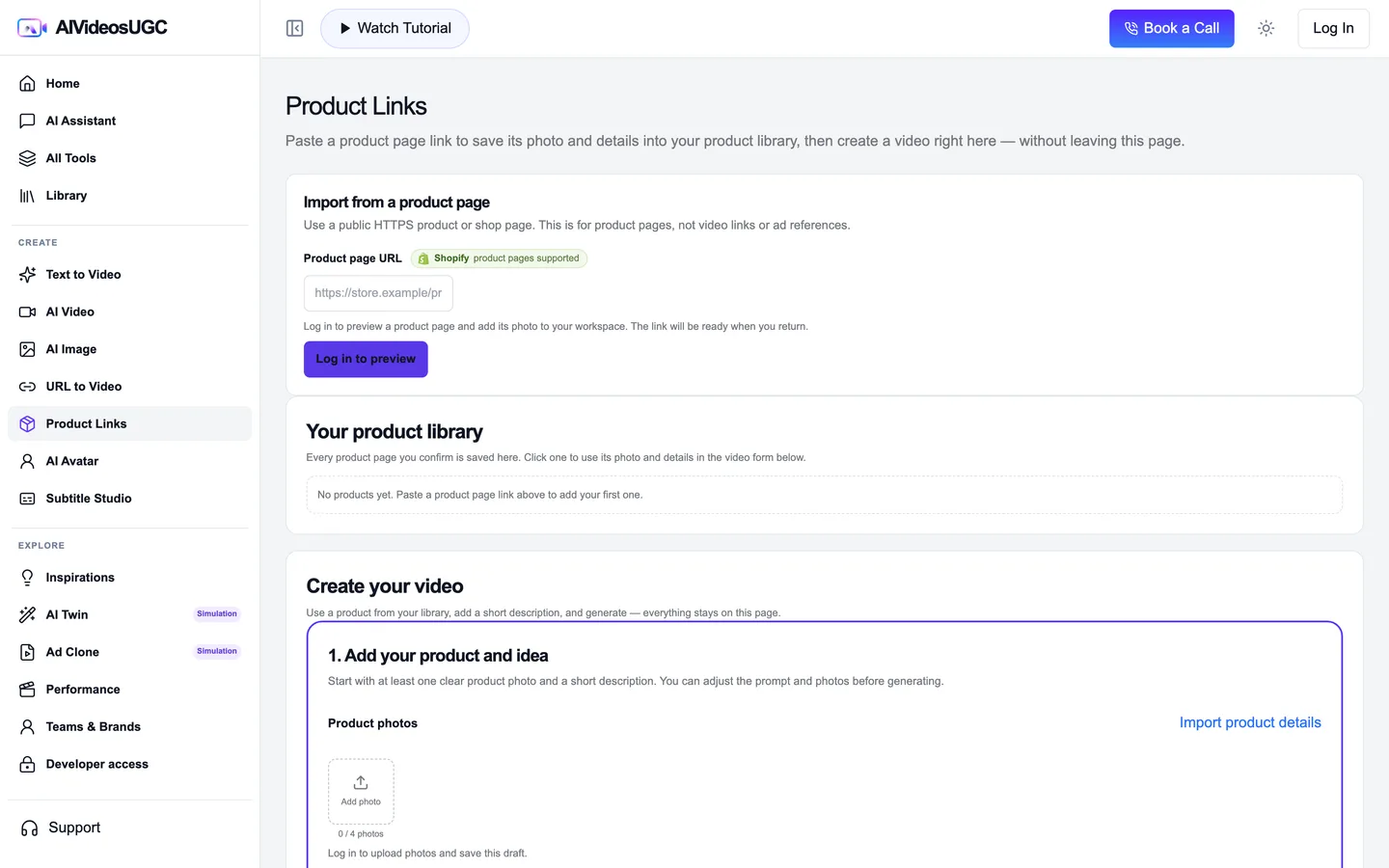
Product Links is the saved-library route: keep a confirmed product page so you can select it again when you start another video. Use URL to Video when you only want to import one page into a draft.
The screenshot above shows the Product Links workspace before any products have been saved. The sample address below is illustrative; it is not a successful import or a saved customer product.
Public page → confirmed product entry
Example address only. A saved product appears in the library after you review and confirm a real page.
Import once, confirm, then reuse
A product counts as saved only after the workspace confirms it and shows the entry in your library.
Open Product Links
Go to [Product Links](/app/create/product-links). Sign in if the workspace asks before you preview or save a page.
Enter a public product page
Paste a public HTTPS product-page URL that opens without a private account. Product Links is for a product listing, not a video URL or an image file.
Review the preview
Compare the product name, photo, and details with the live listing. Do not assume a missing price, size, or feature; use only information you can verify.
Confirm the product entry
Use the confirmation control shown by the workspace. Wait until the product appears in the library; the empty state in the screenshot above is not a saved example.
Reopen and reuse the same entry
Return to Product Links and select the saved product. Confirm that its photo and details are the same ones you checked. The entry should populate the video form; this step stops before generating a video.
Checklist
- The URL opens without a private account.
- The imported photo and details match the listing.
- The tool shows a confirmed product entry in the library.
- The same entry can be selected again and fills the video form.