Choose your channel

AI Ads and Product Photos by Platform, Sized for Where You Sell

Choose a selling platform to find product photo guidance, video formats, and practical ideas for where you publish.
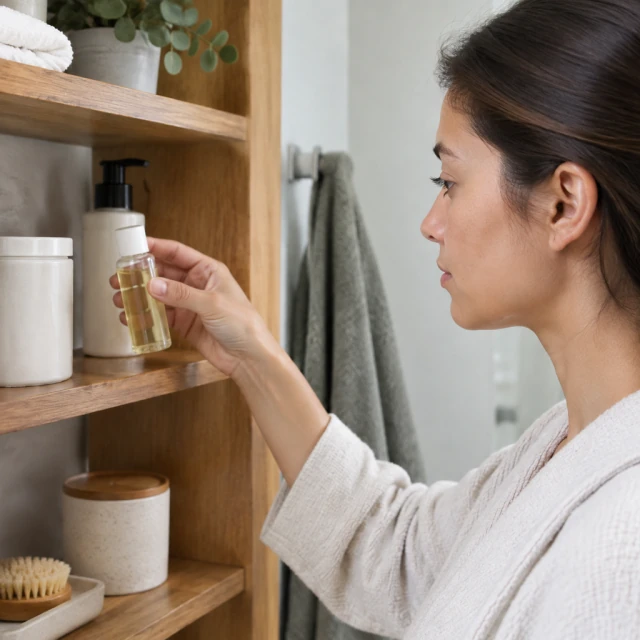
Small bottle picked off a bathroom shelf
Photo
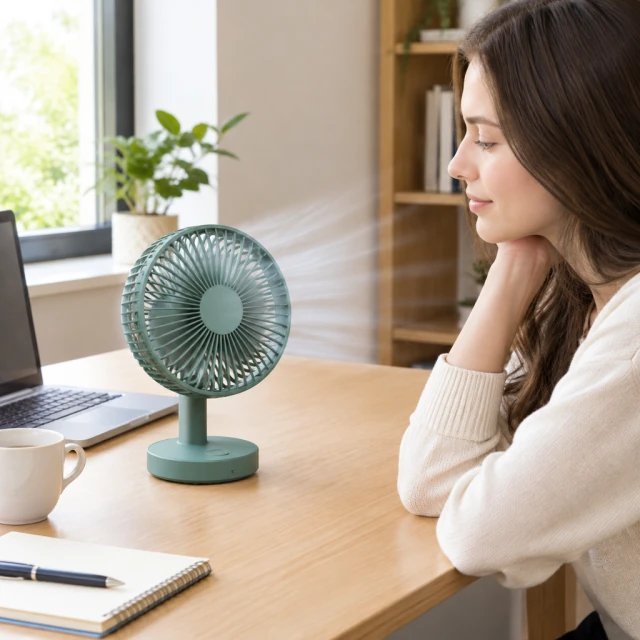
Desk fan switched on at a home office desk
Photo
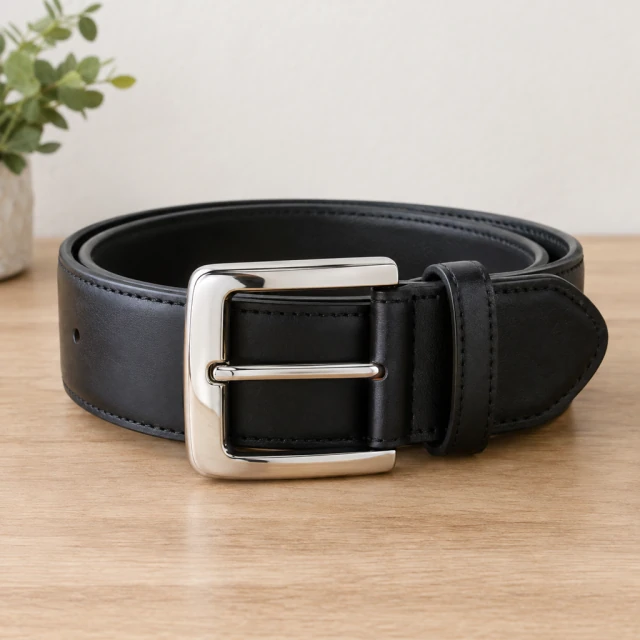
Polished belt buckle under soft light
Photo
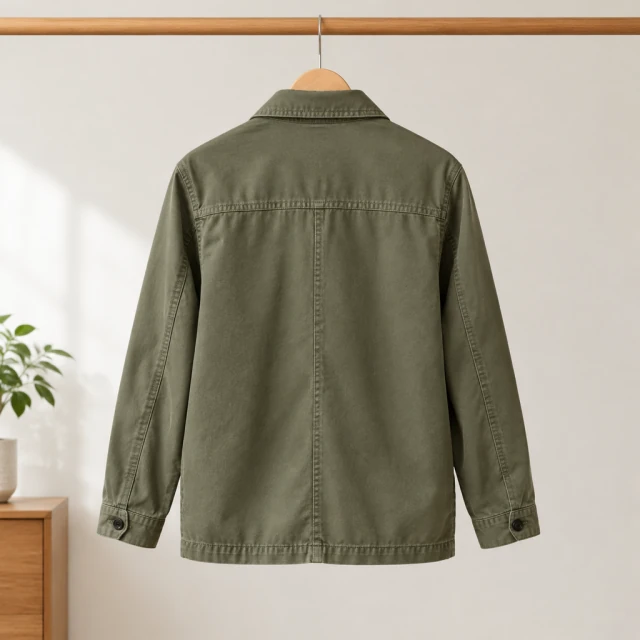
Muted olive field jacket shown from the back, with collar and seam details visible.
Photo
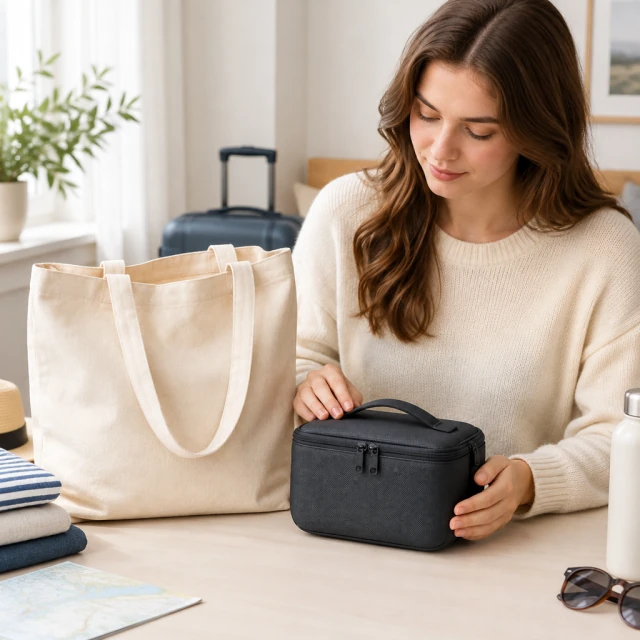
Natural canvas tote bag beside a compact dark travel case.
Photo
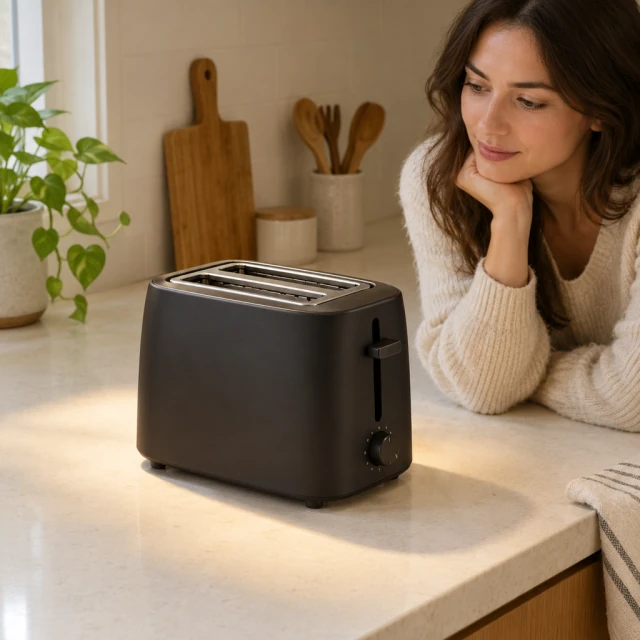
Compact matte-black two-slot toaster under a warm spotlight on a pale kitchen counter.
Photo

Each platform uses product photos and short videos in different places. Browse the full list for channel-specific sizes, examples, and tips, then download the file and upload it where you sell.

How it works

How to choose content for a selling platform in 3 steps

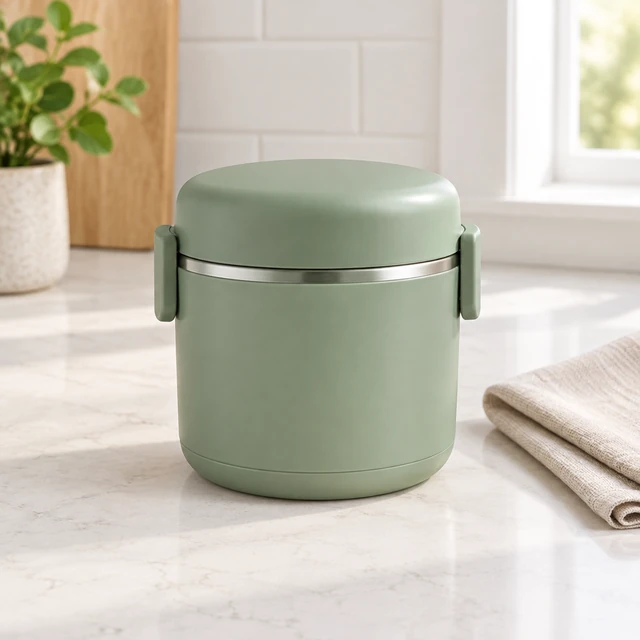
Sage-green lunch container with a smooth lid on a pale kitchen counter.
Drop your product photo hereJPG, PNG or WebP · any clear photo works
Step 01

Select where you will publish

Choose the sales channel or social feed where shoppers will see the product.

This sage-green lunch container sits open with its lid beside it on a pale kitchen counter.
Platform ShopifySize Square
Cost24 credits
Step 02

Select a format for that channel

Match the image or video shape to the placement where shoppers will see your product.
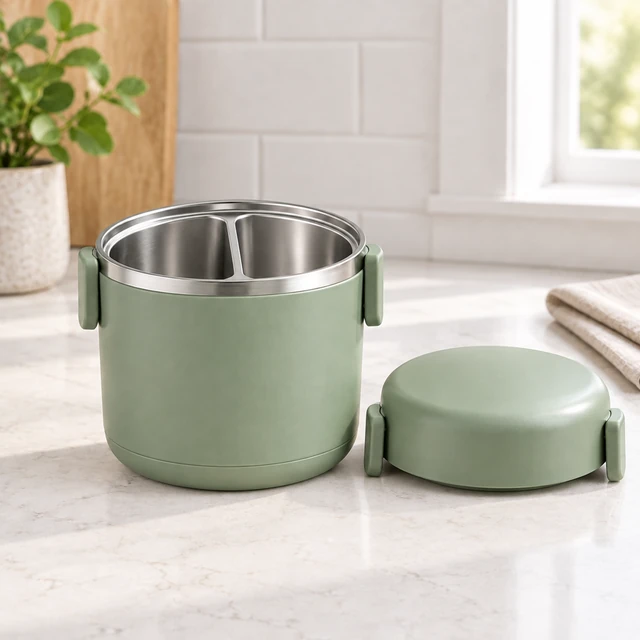
The same sage-green lunch container open with its lid beside it.
Step 03

Prepare a product image

Open a related tool and add a clear source photo before downloading your creative.

Browse platforms

Browse content by platform

Filter the full list to find the format and photo guidance for each channel.
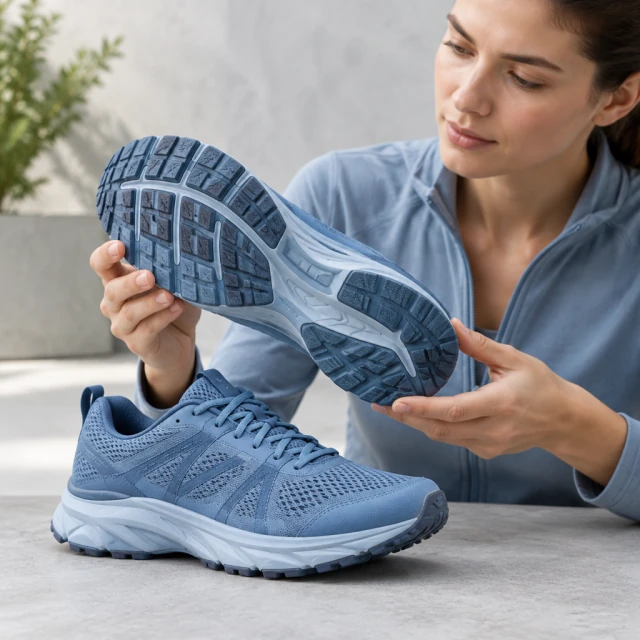
Muted blue running sneaker turned to show its textured sole on a plain floor.
TikTokVertical 9:16 clips for the For You feed, from one product photo.
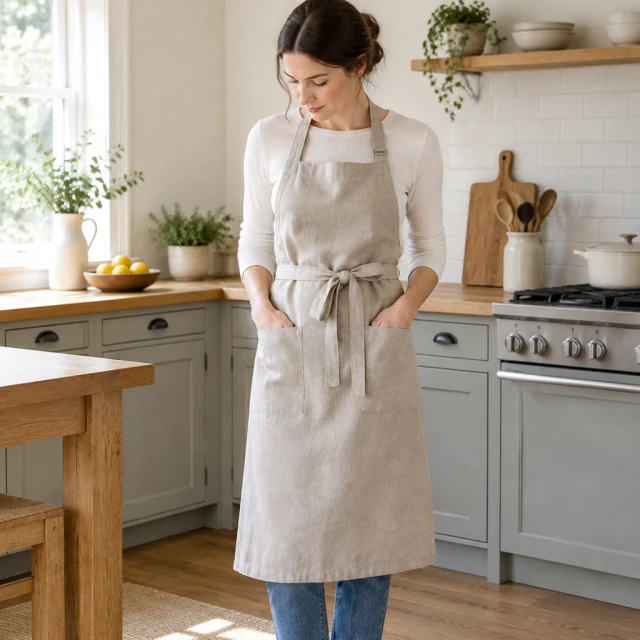
Linen apron worn in a home kitchen
InstagramVertical clips for Reels and Stories, square posts for the feed.
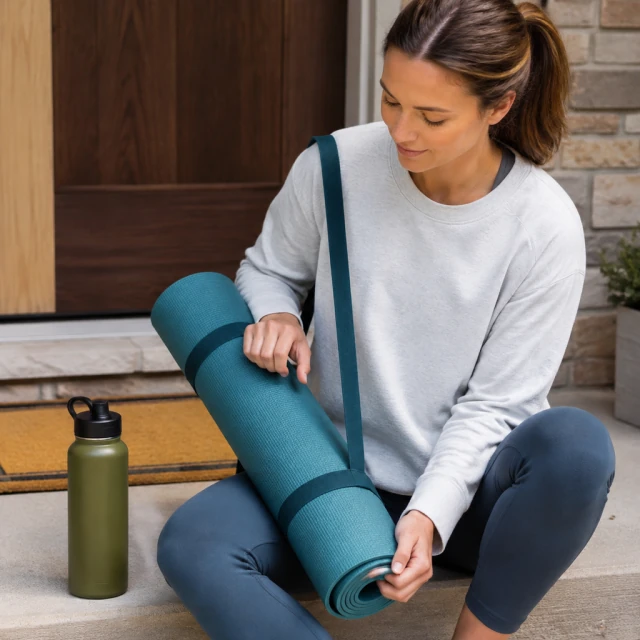
Rolled teal yoga mat with a carrying strap on a doorstep beside a green water bottle
FacebookSquare and vertical ads for the feed, Stories and Reels.
Glass bottle of golden sparkling citrus drink beside fresh oranges and a grapefruit half
YouTube ShortsFull-screen vertical clips that show what your product does.
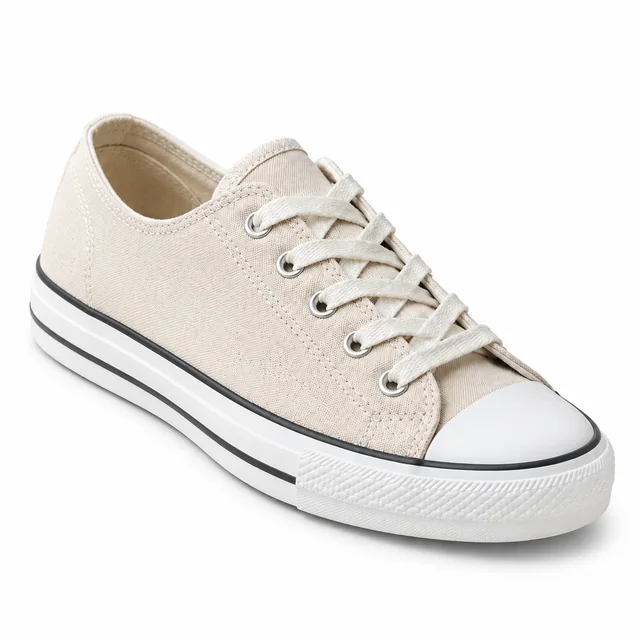
Beige canvas sneaker with a white sole on a pure white background
AmazonA clean white main image, then photos for size, detail and use.
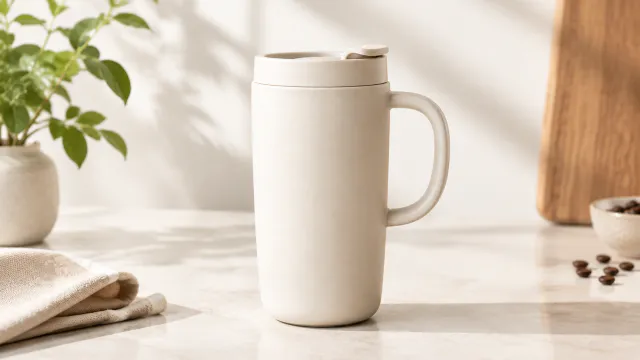
Ceramic travel mug with a soft grounded shadow on a clean studio surface
ShopifyMatching square photos, lifestyle shots and a short clip for each product page.
FAQ

Questions

Can one vertical video work on TikTok, Reels and Shorts?

Yes, a 9:16 file fits all three. Each app places its buttons and captions a little differently, so look at the clip in each one before you spend money behind it.

Do you post the finished ads to my accounts?

No. You download the video or photo and upload it yourself, whether that's in an ad account, your Shopify admin or your Amazon listing.

Which ad format should I make first for my store?

Start with the placement where you already buy traffic: 9:16 for TikTok, Reels, and Shorts; 1:1 for feeds; 16:9 for wide placements.

Can I reuse one product creative on every platform?

Choose a ratio for each separate generation; one run makes one video. Add captions, sound, and on-screen text in the platform editor.

Make ads for the platforms you sell on

Upload one product photo and pick the size for where your ad will run.

Plans from $24.50 a month. You see the credit cost before every job, and if a job fails its credits go back to your balance.