 AIVIDEOSUGC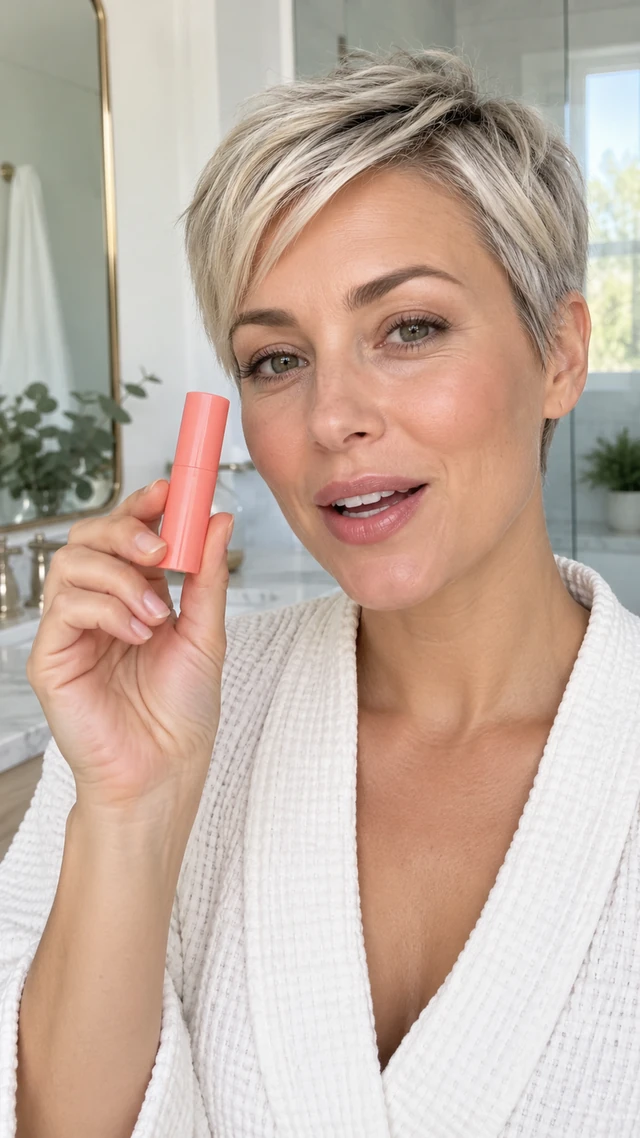
Product story
The daily routine
A natural product moment with a presenter.
TEXT TO VIDEO · PRODUCT BRIEF TO STORYBOARD
Turn product facts, photos and a written brief into an editable storyboard. Refine scenes, generate selected shots and review the assembled video before download.
Start with a product idea, then review each creative decision before assembling your video.


Creative inspiration
Start with a product, a moment or a story you want to tell.
A natural product moment with a presenter.
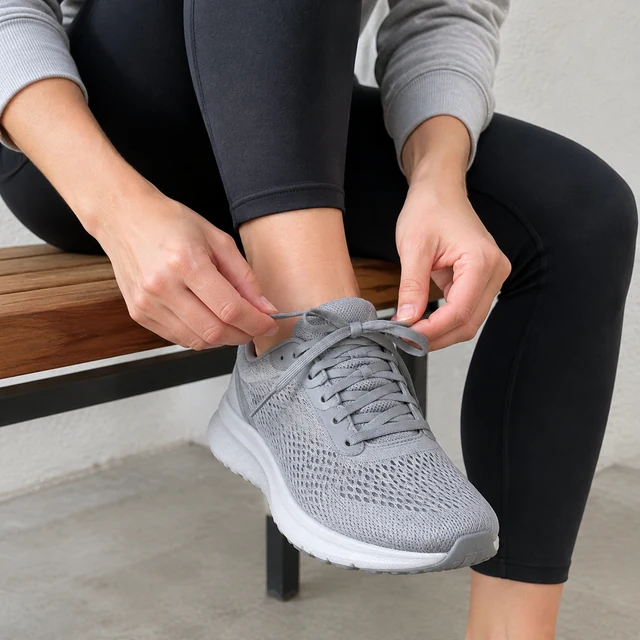
Give the product a different opening scene.
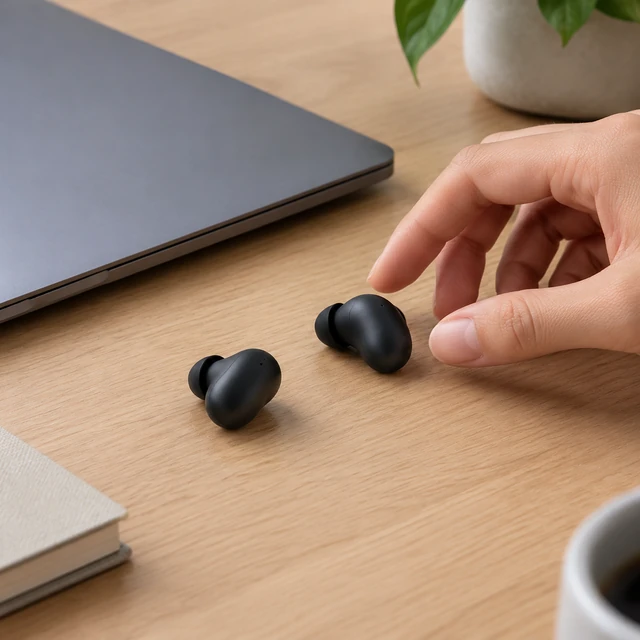
Show the product in a familiar setting.

Use a calmer scene to set the tone.
A workflow you can shape
Keep your idea visible as you move from brief to storyboard to the final sequence.
Bring product photos and facts together so your brief has a clear foundation.
Describe the audience, setting and story you want the video to tell.
Review scene descriptions and refine the sequence before generating shots.
Develop the scenes you select, one creative decision at a time.
Review different shot versions and choose a direction that fits your brief.

Assemble the sequence, check the result and download after your review.
How text to video works
Shape the idea before you assemble the final sequence.
Add product facts, photos, audience and the key message you want to communicate.
Review the scenes and refine each description, order and creative direction.
Develop selected scenes, compare versions and choose the takes for your video.
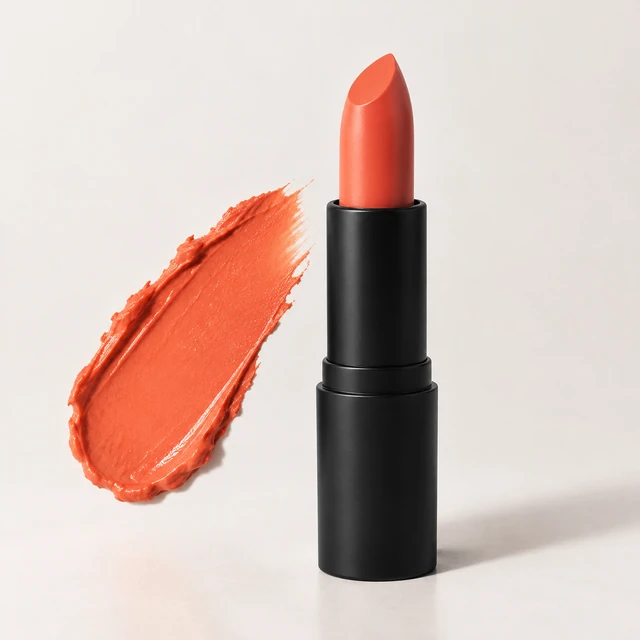
01 / Start with intention
Bring product facts, photos and creative intent into one brief. Describe what matters to your audience and the story you want to tell.
Give your product useful context
Describe the setting and visual direction
Keep the message focused
Start with a product brief02 / Make the scene yours
Edit the storyboard to shape the setting, shot description and presenter direction. Generate selected shots and compare the results before choosing a version.
Refine written scene direction
Generate the shots you select
Compare before assembling
Explore AI presenters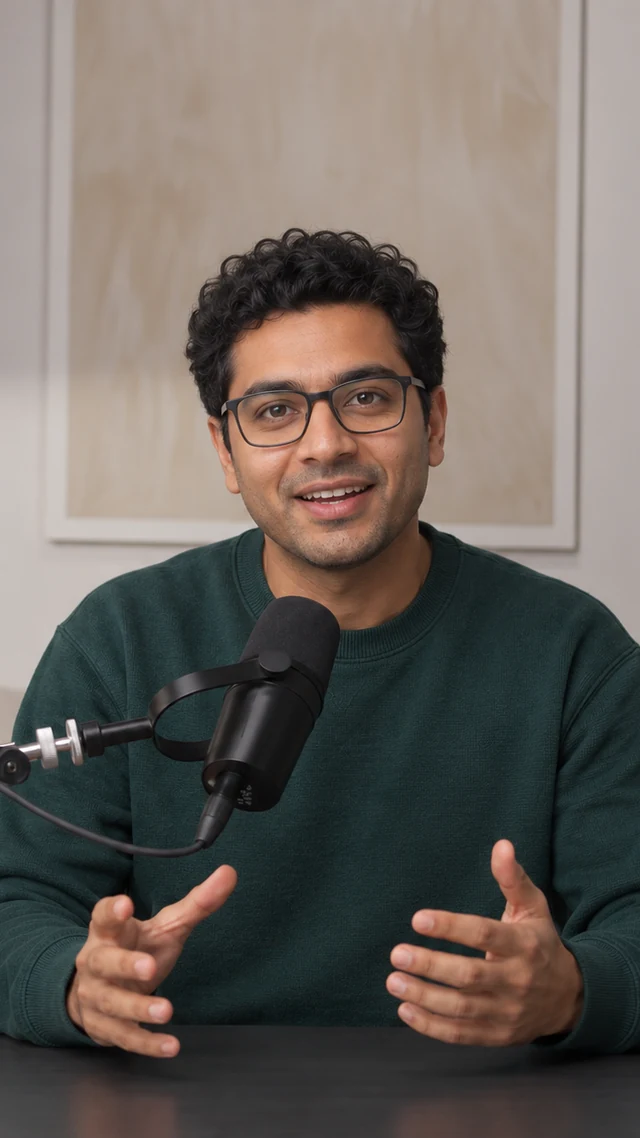
Selected shots
Compare versions, assemble your preferred scenes and review the complete video before download.
01Introduce the product and the key message.
02Place the product in a relatable moment.
03Bring a useful product detail into focus.
Built for your creative work
Whether you work on one product or client briefs, start with a story worth showing.
Build a product-led story from the details that make your brand distinctive.
Give product photos a new creative direction through a written video brief.
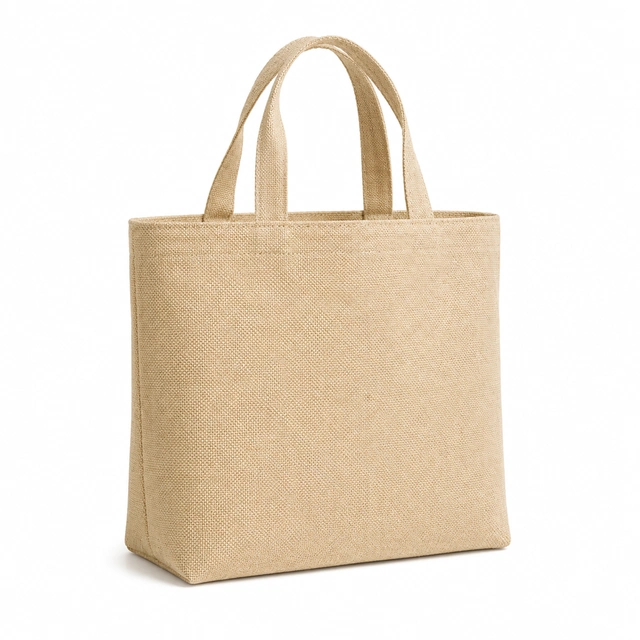
Develop different creative directions around client products and campaign briefs.
Shape an idea into scenes, compare the shots and assemble a story in your own direction.

Room to explore
Explore a different opening, setting or scene while keeping the product at the center.
Keep the reference visible as you shape the brief.
A warm, human-led direction.
A closer product perspective.
A different first scene to compare.
Consider every frame
Check how the product and scene sit within a frame before assembling your sequence.
A presenter-led moment for vertical placements.
Keep the product in focus in a balanced frame.
Give the scene and product more room.
A considered creative process
Start with product context, make editable decisions and review the result.
Begin with the details and photos you provide, then shape a brief around your product.
Refine the storyboard before generating selected shots and comparing versions.
Assemble the sequence and check the complete video before you choose to download.
Your questions, answered
A little clarity before your next creative brief.
Start with product facts, photos and a written brief. Edit the storyboard, generate selected shots, compare versions and assemble your video. Review the result before downloading.
Yes. Review scene descriptions and refine the order and creative direction before generating selected shots.
Yes. Compare generated versions for selected shots and choose the takes that fit your brief.
Include accurate product facts, the intended audience, the main message and a description of the setting or visual direction.
After choosing your shots and assembling the sequence, review the complete video before downloading it.
Begin with your next idea
Bring product facts, photos and a little creative direction into the video workspace.
Explore video creation