 AIVIDEOSUGC
Find a fitting style
Consider the tone and on-camera presence that suit your product and audience.
AI TWIN CONCEPT PREVIEW
Explore a presenter concept for your product stories. Define the look, setting and message before you plan your next video.
Concept preview. Face and voice cloning are not available here.
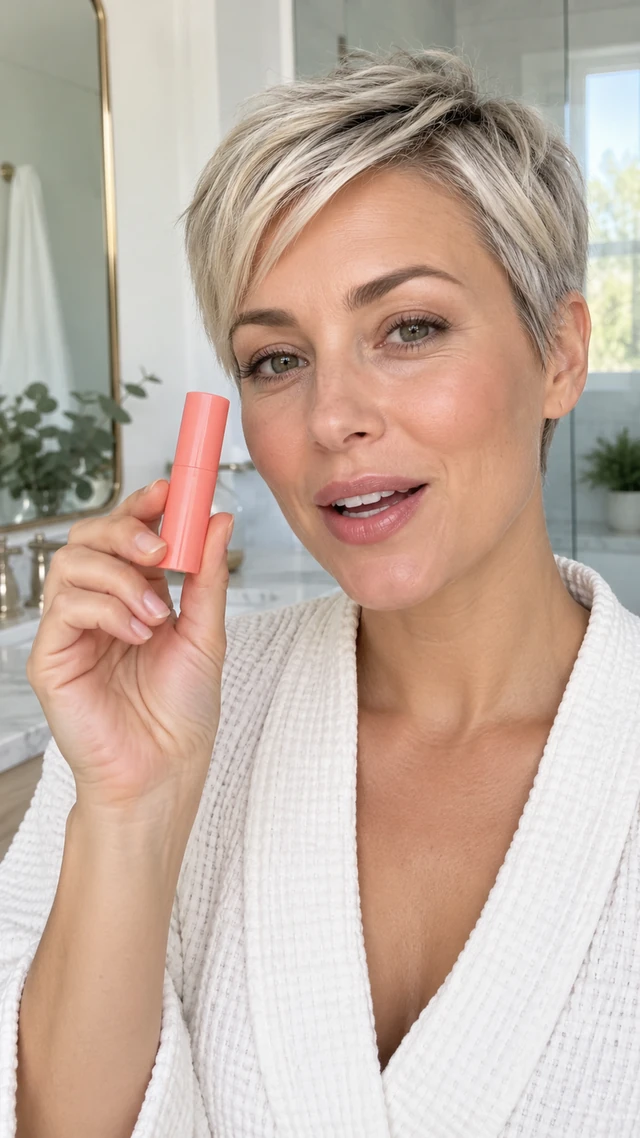
A clear creative direction
Explore how presenter style, scene and product message can work together before you continue in the video workspace.
Consider the tone and on-camera presence that suit your product and audience.
Choose a visual setting that gives your product story useful context.
Plan where the product appears and which details your video should show.

Decide the product facts and key message before drafting your scenes.
Review the framing and composition that fit the destination for your video.
Use an editable brief and storyboard to refine your direction before generating selected shots.
From idea to video plan
Start with the product, choose a scene and presenter, then refine the brief in the workspace.
Gather clear product photos and the facts you want your video to communicate.
Explore an on-camera style and setting that fit your product introduction.

Describe the audience, message and visual direction. Edit the storyboard before generating shots.
Product first
Keep product details, audience and presenter direction in the same creative conversation.
Bring your own product photos and facts
Describe the audience and the point you want to make
Refine scene notes before you continue
Plan a product videoExplore scene directions
Use these visual directions as inspiration while you plan a product introduction.
A bright everyday setting for a simple routine.
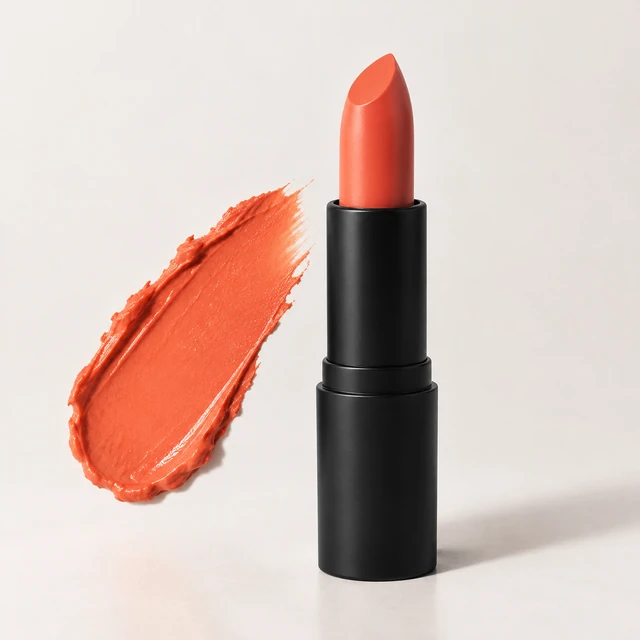
Bring a product detail into the foreground.

Introduce the product with a distinct first scene.

End with the detail you want viewers to remember.
Presenter styles
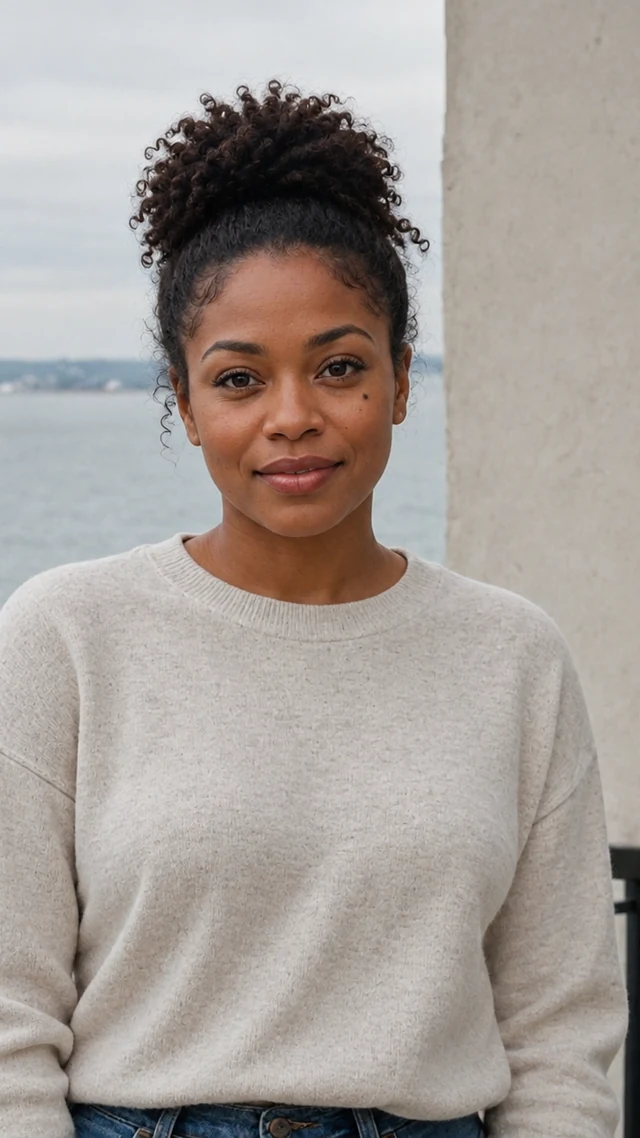
These portraits are illustrative references. Available presenters are selected in the video workspace.
A polished, direct product introduction.
A relaxed setting for an everyday product story.

A clear, conversational style for explaining a product.
A brighter backdrop for a lighter product story.
Ways to use a presenter
Choose a direction for your next product introduction, feature demonstration or launch.
Introduce what the product is and who it is for.
Focus each scene on a useful feature or product detail.

Shape an opening, product moment and closing message for a new release.

Keep a consistent brief while exploring different scenes and openings.
Editable storyboard
A storyboard keeps the brief, shot choices and final sequence easy to review.
01Establish the product and the reason to watch.
02Bring the product into a natural scene.
03Return to the feature or message that matters.
Understand the available tools
AI Twin is a concept preview. AI presenters and the product video workflow are available in the workspace.
This AI Twin page does not create a digital copy of your face or voice.
Questions, answered
Understand what this preview shows and how to continue with available tools.
It is a visual planning concept for presenter-led product stories. Use the examples to consider a look, setting and message before planning a video.
No. Face cloning, voice cloning and an identity-matched digital twin are not available on this page.
Yes. Continue with available AI presenters and the video workflow. Prepare a product brief, refine the storyboard, generate selected shots and assemble the clips you choose.
Bring clear product photos, accurate product facts, the intended audience and one key message. These help you make a focused brief.
No. They are illustrative examples of presenter styles and creative directions. Review your own generated work in the workspace.
Continue with available presenters
Bring your product photos, facts and creative intent into the video workspace.
Explore AI presenters